iGS520 User Manual
13/22
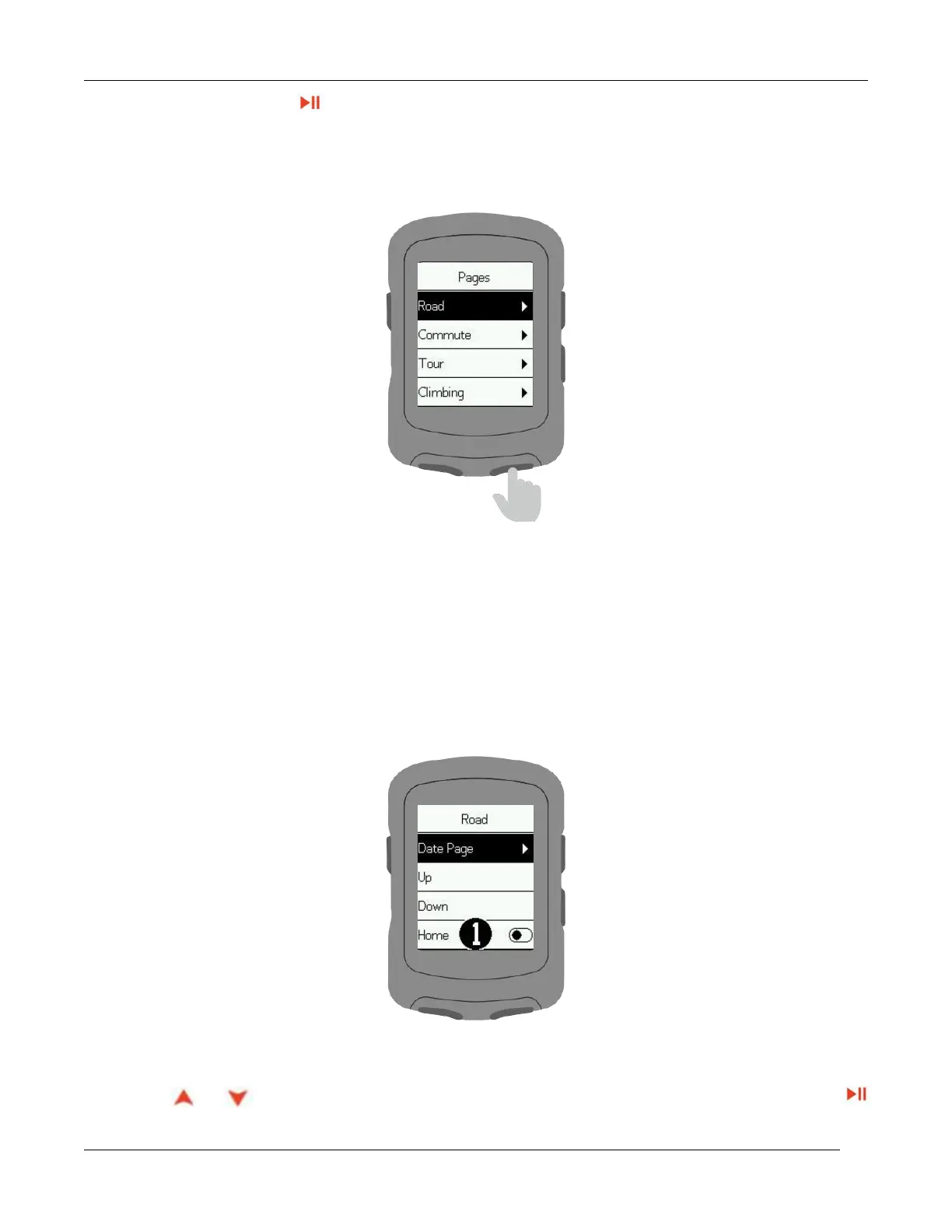
Select a page, press to enter
(Note: Road, Commute, Tour, Climbing, Navigation are the page names)
Data Page: Set the data display screen.
Up: The page moves forward one position.
Down: The page moves back one position.
Home: Set it as the main page. It will automatically go back to this page on data display screen.
Hide: Hide the page.
to select number of frames on the data display screen and press
to confirm.



 To Next Page