iGS520 User Manual
7/22
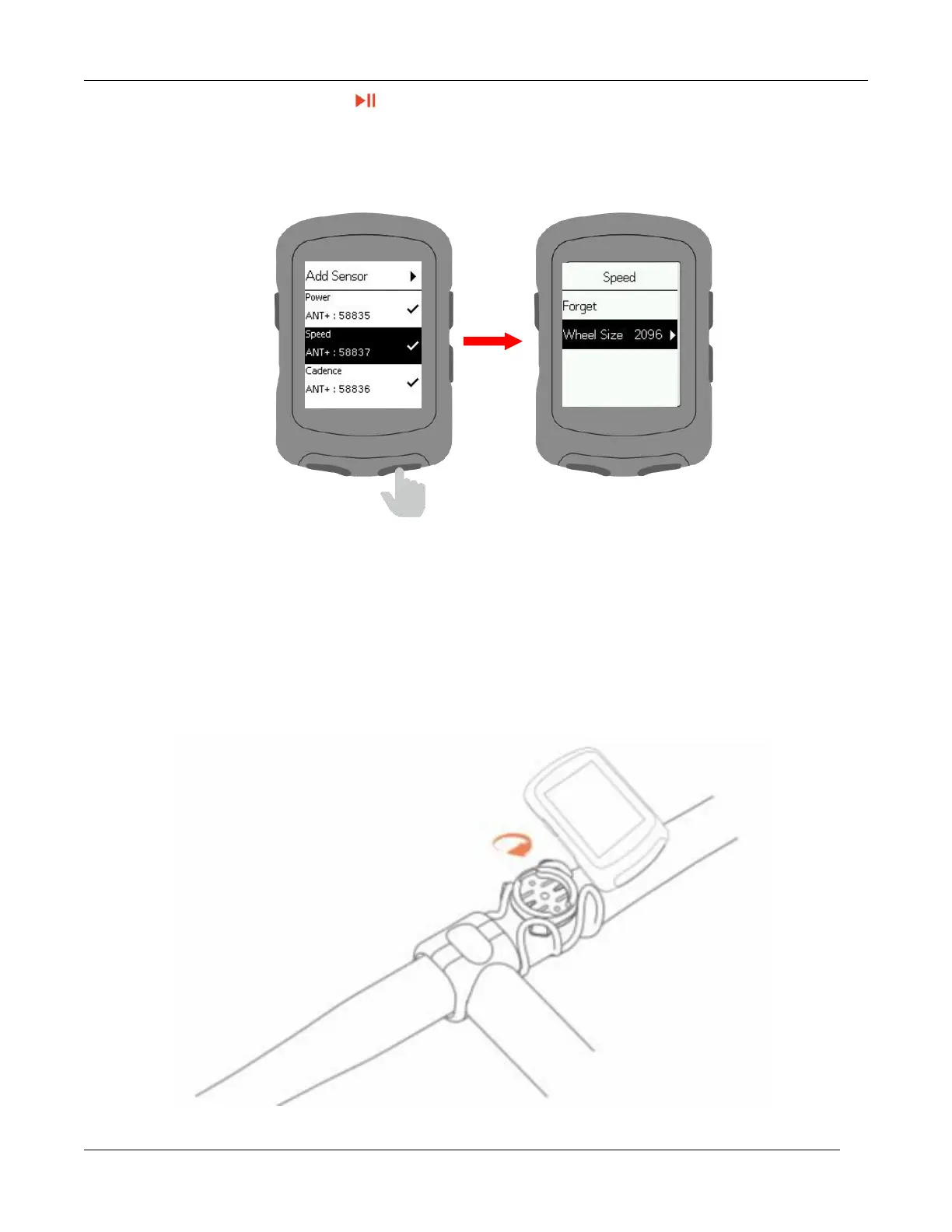
Select a sensor and press to save.
Saved sensors will connect automatically to the device.
Select a saved sensor to forget, connect, set wheel size, set crank length or calibrate.
Install the standard mount
Use the included zip ties to attach to the bike stem.
To ensure proper installation and fixation, please use the iGPSPORT base or out-front
bike mount.



 To Next Page