❷ Set up the watch
Step 1: Download iGPSPORT APP
Please go to the app store on
your mobile phone, search for
iGPSPORT, and install it.
· For Android phones, go to the
corresponding app store.
·
For iPhone, go to the App
Store.
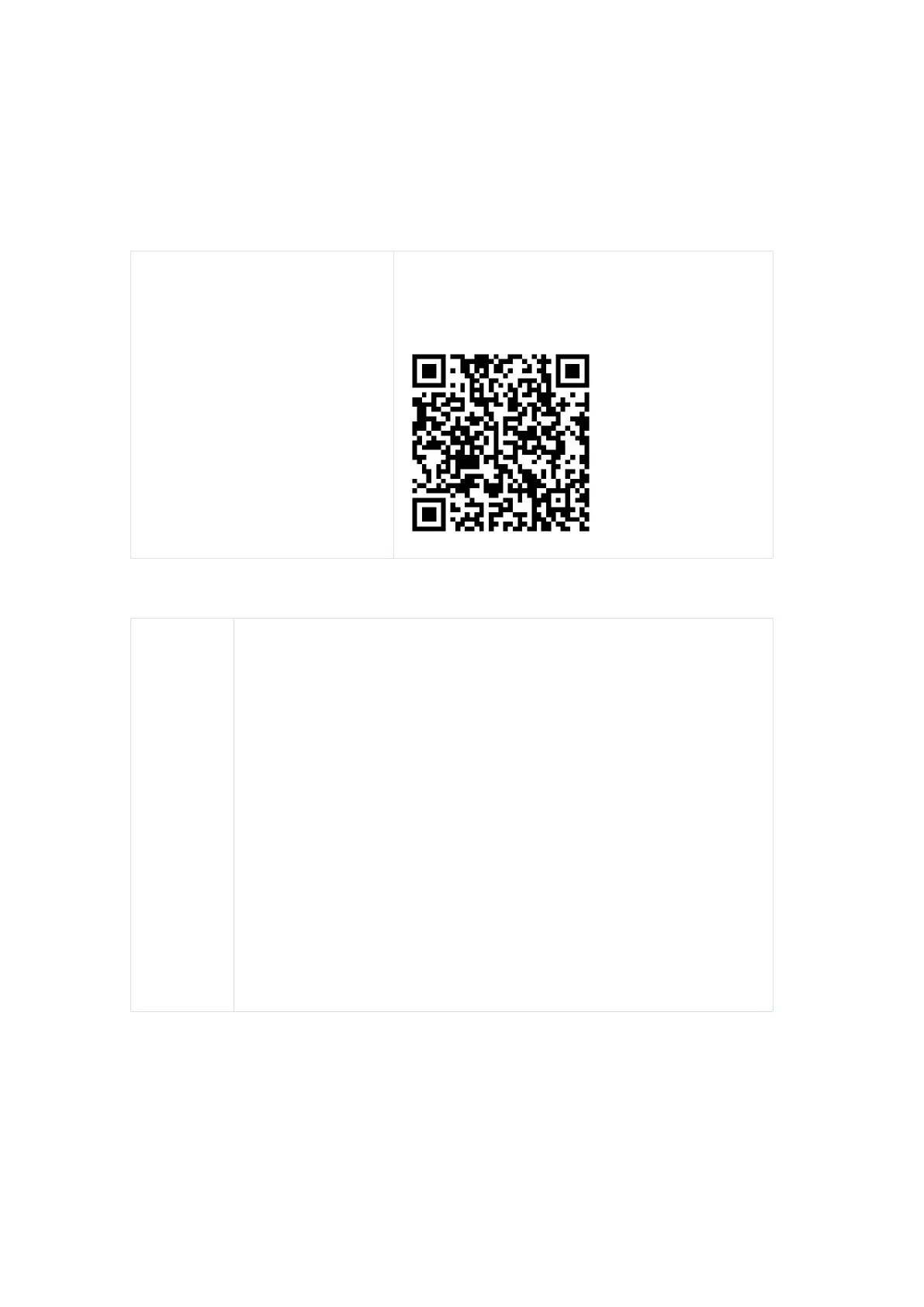
You can also use your phone to scan the QR
code below for quick access to the iGPSPORT
app in the app store. Then, select install.
Step 2: Pair with the app
Enter the iGPSPORT app, click on the upper right corner "+", go to
the device page, click on the watch product to enter the search
page. You can either click on the found device to enter the pairing
page or click on the QR code below to pair, scanning the QR code
on the watch to enter the pairing page. Follow the instructions for
pairing and setting up "LW10", and once completed, the watch will
be ready for use.
Notice:
1. Do not directly pair in the Bluetooth list of the phone system to
avoid causing the iGPSPORT app from connecting to the watch.
2. Please grant the iGPSPORT app permissions such as
"Bluetooth, Location, Camera" on your phone to ensure successful
pairing.
❸ Begin usage
1. Touchscreen operation
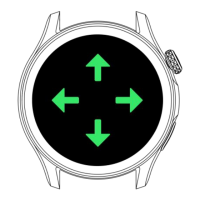
Supports full-screen touch control (swiping, tapping, long-pressing)


 To Next Page