7
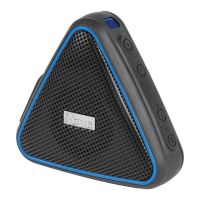
Using the iBT9
usb out
1.0 amp
usb in
reset
aux-in
Setting Up/Charging the Unit
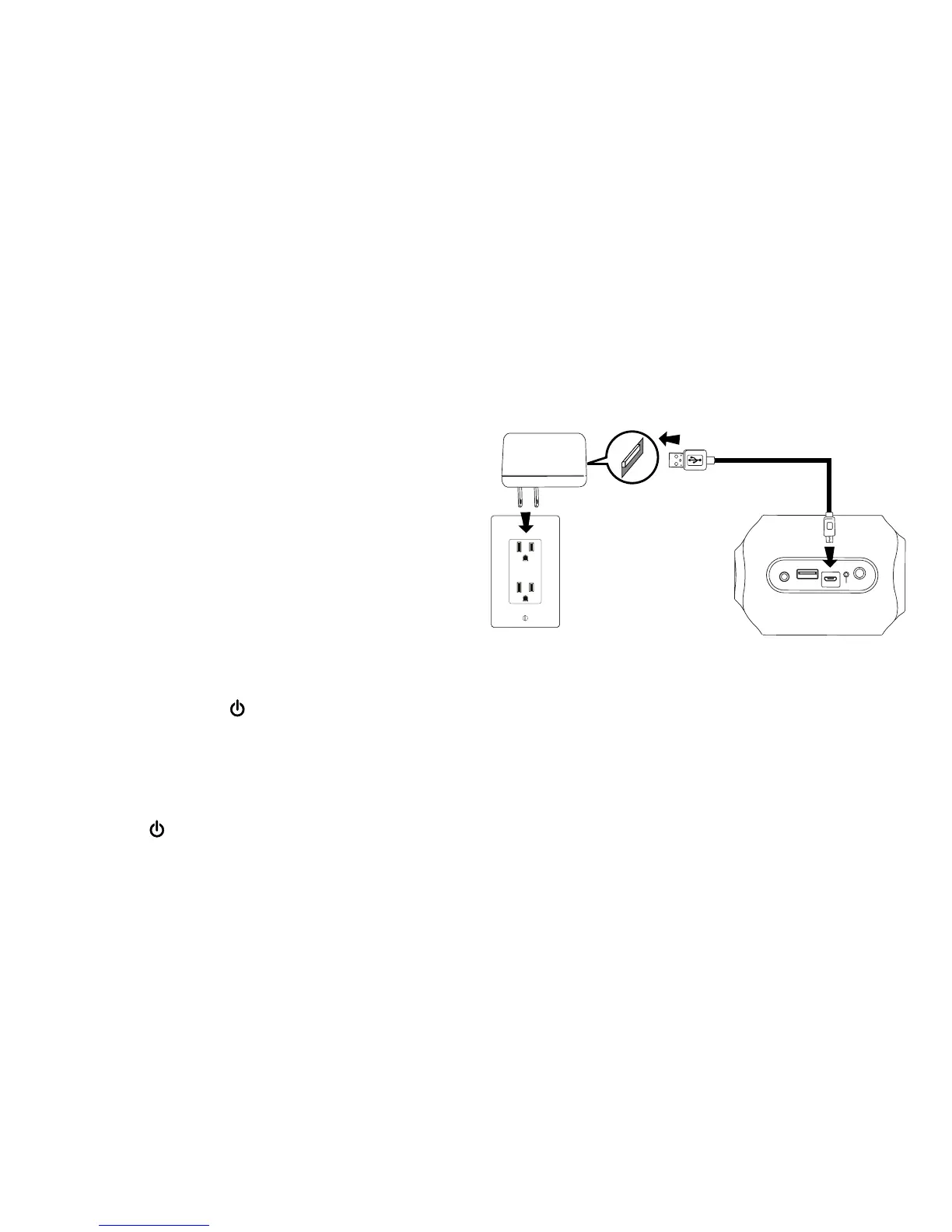
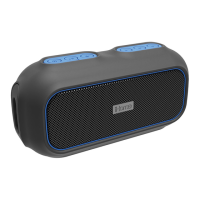
To charge the unit and operate the unit on AC
power, open the waterproof cover on the right of
the unit and connect the included USB charging
cable to the USB IN port. Connect the other end
to the included USB AC Adaptor, then connect the
adaptor to a working wall outlet. While charging,
the charging status indicators will show the charge
level (see Charging Status table on page 8).
For first time use, make sure to fully charge the
internal battery for about 8 hours.
Turning the Unit ON and OFF
1. Press and hold the Power Button located on
top of the unit for 2 seconds to turn the unit ON.
The white battery status and blue Bluetooth
status LED indicators on the front of the unit will
light and ascending tones will sound.
2.
Press the Power Button to turn the unit OFF.
Descending tones will sound. Note: if no audio
is detected for 15 minutes, the unit will power
off automatically to save battery life.
USB AC adaptor
(included)
USB AC adaptor
connected to working outlet


 To Next Page