EasyManua.ls Logo

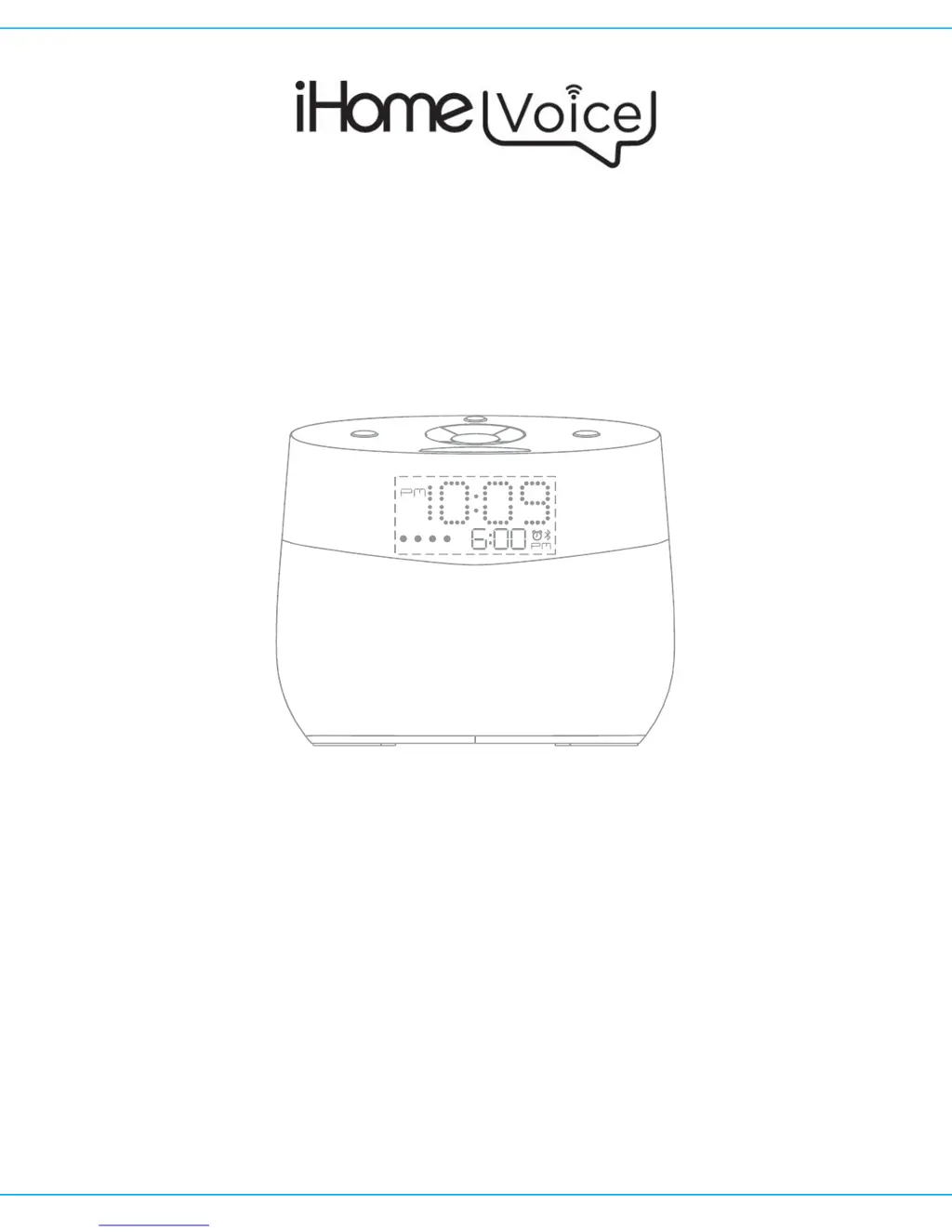
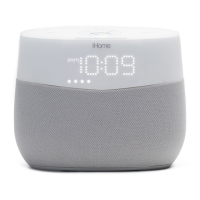
iHome Voice iGV1 - User Manual

iHome Voice iGV1
12 pages
Print Icon
To Next Page IconTo Next Page
Loading...
Model: iAVS16
Instruction manual - US English
Size: 102 x 150 mm
Date: June 29, 2017
Mat’l: 100gsm paper (WF)
Color: Black text on white background
Cover
Warranty
Model iGV1
Bluetooth Bedside Speaker System with USB
Charging
QUESTIONS? visit www.ihome.com
Contact Us: 1800 2882792

Questions and Answers

  • T
    Thomas ClarkAug 3, 2025
    How to fix iHome Voice iGV1 when it won't turn on?
    • S
      Stephanie MullinsAug 3, 2025
      If your iHome Speakers unit isn't turning on, ensure the AC adapter is plugged into a working wall socket and properly connected to the DC jack on the unit. Check that any wall switch controlling the outlet is ON. Also, verify the unit is properly paired to your device by checking that 'iHome iGV1' appears in the Bluetooth menu. Try adjusting the volume on both the unit and your audio device.
  • B
    Bradley HowardAug 13, 2025
    Why does my iHome Voice iGV1 have erratic performance and no sound?
    • K
      Kevin DeckerAug 13, 2025
      Erratic performance and no sound from your iHome Speakers can be due to several factors: * External interference: Move the unit away from potential sources like computers, modems, wireless routers, or fluorescent lights. * Volume too low: Turn the volume up on the unit. * Volume too high: Turn the volume down on the unit.
  • J
    Joseph OlsonAug 25, 2025
    What to do if iHome Voice iGV1 unit won’t access Google Assistant?
    • Z
      ztaylorAug 25, 2025
      If your iHome Speakers unit isn’t accessing Google Assistant, ensure that the iGV1 is connected to Wi-Fi. Use the Google Home app for setup instructions.

Summary

FEATURES & FUNCTIONS

Control Buttons Overview

Details the functions of Play/Pause, Mute, Bluetooth, Volume, and Track buttons.

Google Home Button Functionality

Describes using the Google Home button for voice recognition and Assistant.

CONNECTING THE IGV1

AC Power Adapter Connection

Instructions for connecting the AC adapter to the unit and wall outlet.

DISPLAY AND VOICE COMMANDS

Voice Activated Alarms Management

Setting, turning off, and snoozing alarms using voice commands.

SETTING UP THE APP

Google Home App Setup

Steps to download, install, and configure the Google Home app.

BLUETOOTH MODE

FIRMWARE AND MAINTENANCE

TROUBLESHOOTING

Power and Device Response Issues

Solutions for unit not powering on or device not responding.

IMPORTANT SAFETY TIPS

General Usage and Environmental Safety

Precautions for water, ventilation, heat, power, cables, objects, and attachments.

iHome Voice iGV1 Specifications

General IconGeneral
TypeSmart Speaker
Voice AssistantGoogle Assistant
ConnectivityBluetooth, Wi-Fi
Audio OutputMono
BrandiHome
ModeliGV1
CategorySpeakers
ColorBlack
Power SourceAC Power Adapter

Related product manuals