14
Automatic Configuration
By default, your broadband settings should
configure automatically once your internet
service is ready and your modem is powered on
for 15 minutes.
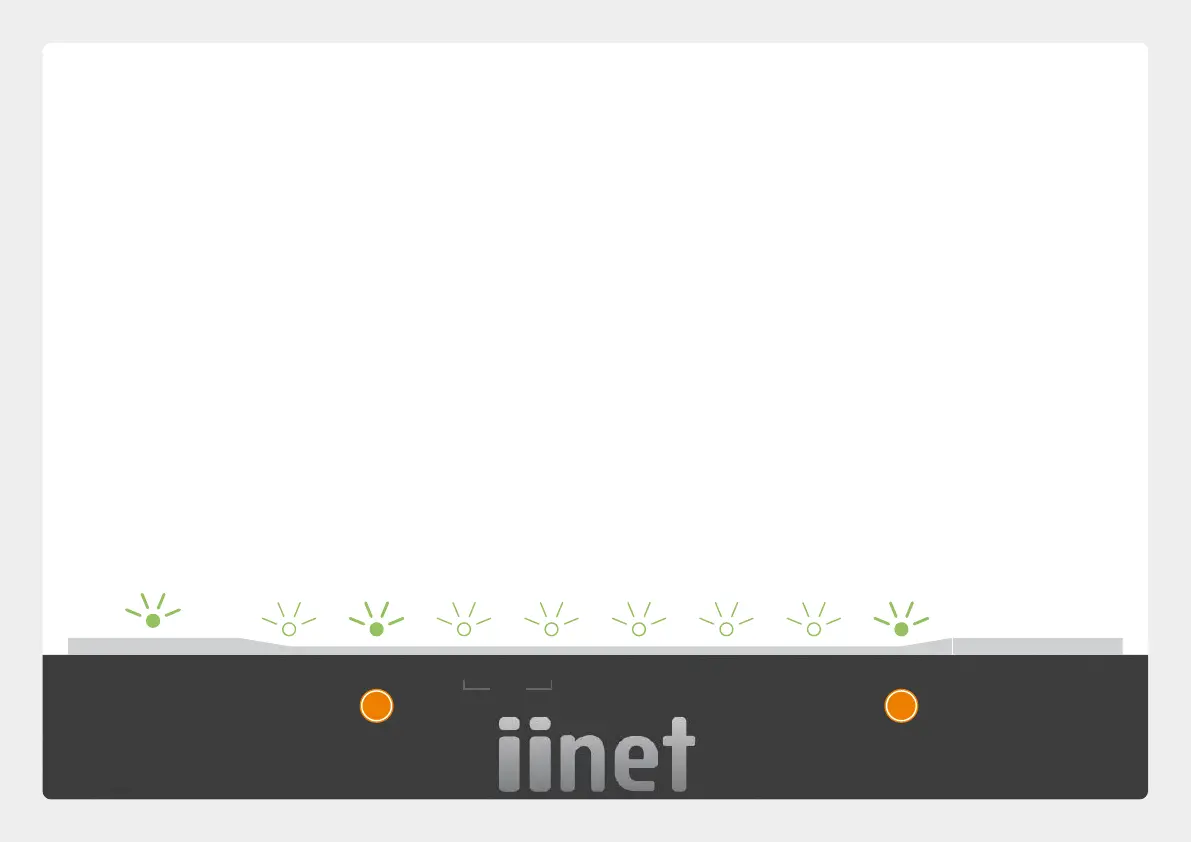
. The Internet light on the front of your modem
should be green.
. The Phone light on the front of your modem
should be solid green if you have an active VoIP
phone service and a handset connected to the
modem. See page 20 of this guide for more
details.
1
2
Is the internet light off?
Ensure that you received an email from us
advising that your internet service is ACTIVE or
ready to be activated.
If you have, please turn to the next page to
attempt a manual configuration.
If you haven’t received the email, your internet
connection isn't ready yet. Please check your
last email from us for advice on your connection
appointment. It will include a reference number in
case you need to call us with any concerns.
•
•
STATUS WAN INTERNET WPS
WiFi
ETHERNET .GHz GHz USB WIRELESS
BUTTON
PHONE
1 2


 To Next Page
 Loading...
