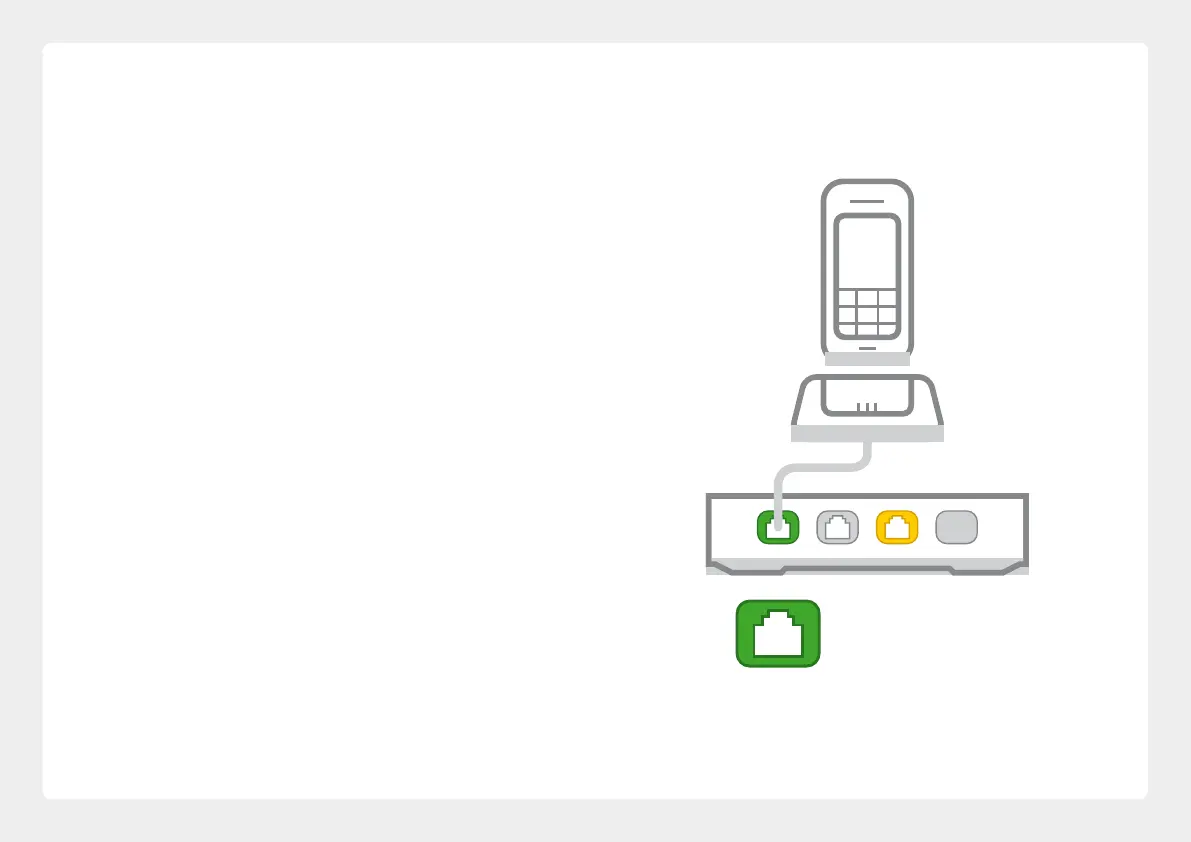
Setting up VoIP
If you didn’t set up VoIP in the Setup Wizard or you
have a third party VoIP provider, please use these
instructions.
Porting your existing phone number to VoIP?
If you’ve asked us to convert your existing
phone number to a VoIP service, please allow
up to 7 days after your internet service is
active for this porting process to complete.
We’ll send you an email to confirm when your
VoIP service is active and ready to use.
Phone 1
20



 To Next Page