ENGLISH
OPERATING THE MONITOR 15
ADJUSTMENT MENU CONTENTS
Adjustment Item Problem / Option Button to Press
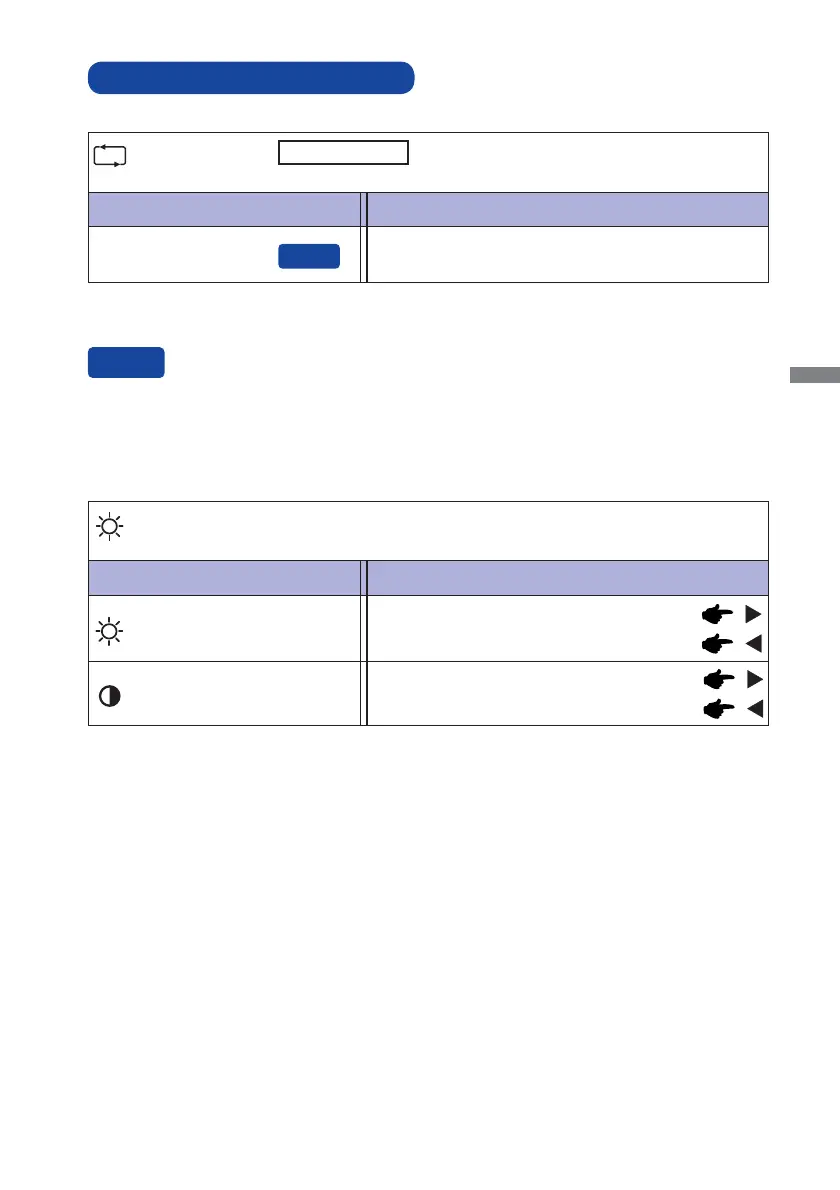
Auto Adjust
Auto Adjust *
You can skip the Menu items and display an adjustment scale directly by using the following button
operations.
Auto Adjust : Press the Auto Button when the Menu is not displayed.
Adjust H. / V. Position, Pixel Clock and Phase
automatically.
* For best results, use the Auto Adjust in conjunction with the adjustment pattern. See page 21 for
SCREEN ADJUSTMENTS.
Adjustment Item Problem / Option Button to Press
Luminance *
1,2
Too dark
Too bright
Brightness
*
3
Contrast
Too dull
Too intense
*
1
Luminance adjustment is disabled when Adv. Contrast mode is activated.
*
2
Luminance adjustment is disabled when i-Style Color is activated.
*
3
Adjust the Brightness when you are using the monitor in a dark room and feel the screen is too
bright.
Only Analog Input






 To Next Page