ENGLISH
OPERATING THE MONITOR 19
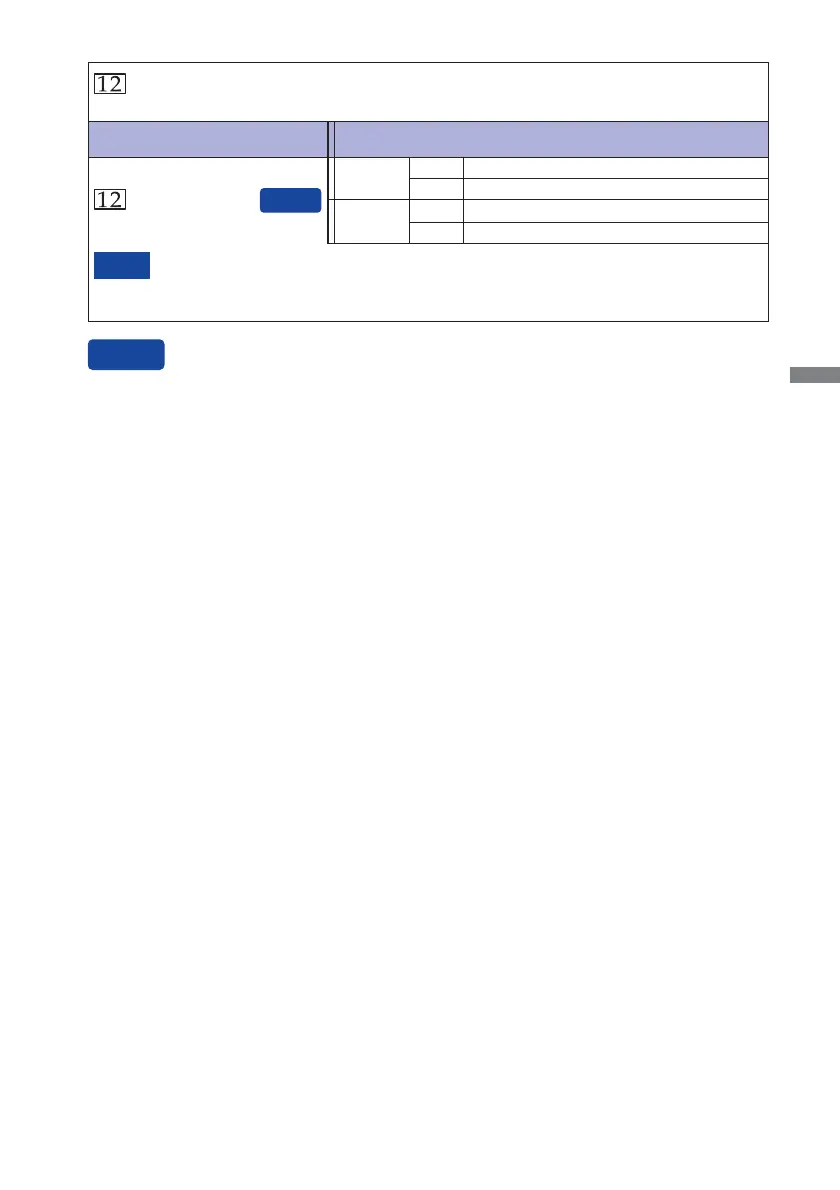
Input Select
*
1
It will be selected automatically when the selected signal is not available.
*
2
Input source is fixed, not selected automatically when D-sub and DVI which are
selected.
NOTE
Select the Analog input.
Select the Digital (DVI) input.
D-sub
DVI
Adjustment Item Problem / Option Button to Press
Input Select
You can skip the Menu items and display an adjustment scale directly by using the following button
operations.
Input Select : Pressing and holding of the AUTO Button for 2-3 seconds when the Menu is not
displayed.
AUTO*
1
Manual*
2
Select the Analog input.
Select the Digital (DVI) input.
D-sub
DVI






 To Next Page