EasyManua.ls Logo

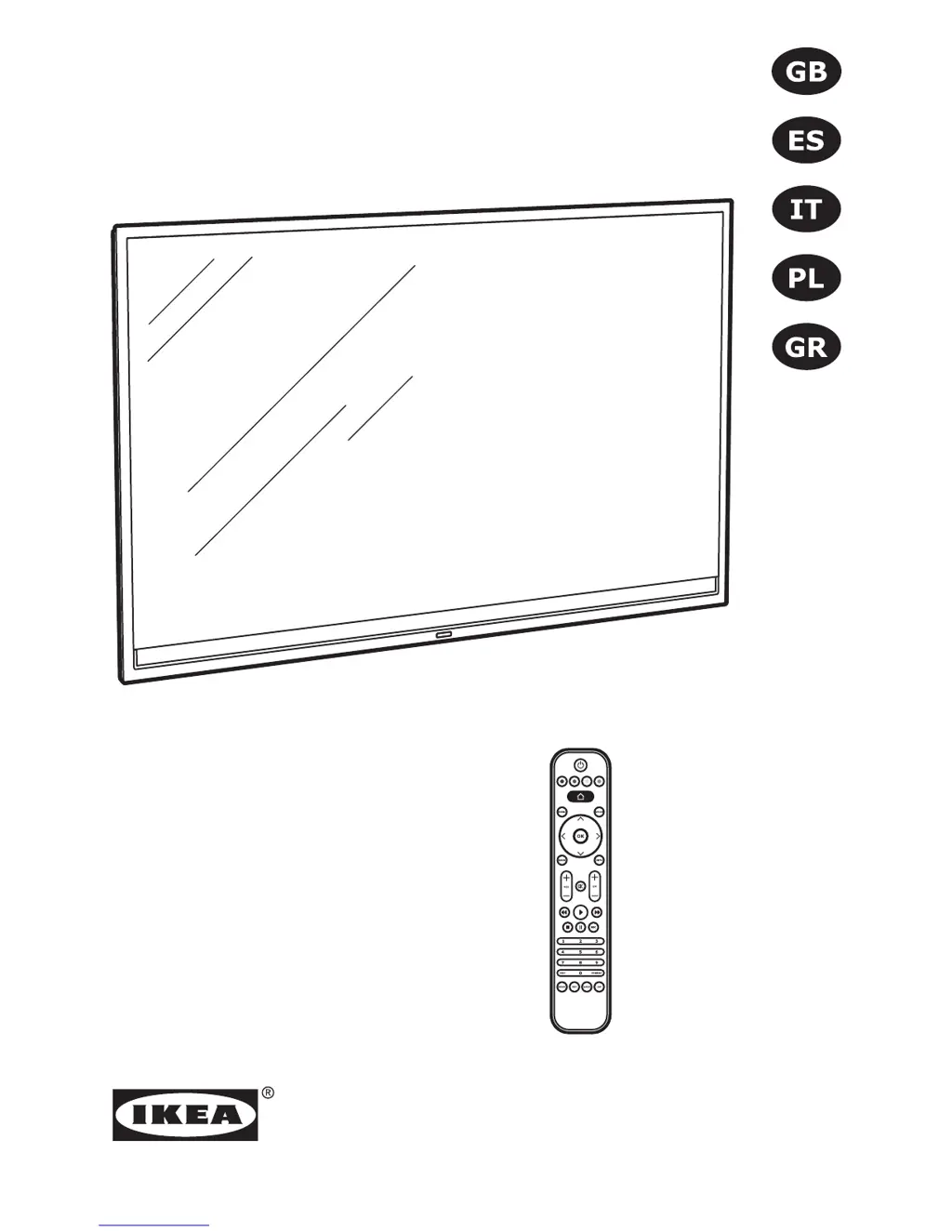
IKEA UPPLEVA - User Manual

IKEA UPPLEVA
220 pages
Print Icon
To Next Page IconTo Next Page
Loading...
UPPLEVA
Design and Quality
IKEA of Sweden

Table of Contents

Other manuals for IKEA UPPLEVA

Questions and Answers

  • C
    Cheryl KaneAug 17, 2025
    Why is there no sound from my IKEA Stereo System?
    • C
      charringtonAug 17, 2025
      If you are not getting any sound from the sound system, please check the following: * Ensure the system is connected to a power source and turned on. * Verify all cables are properly connected and undamaged. * Confirm that both left and right speakers are connected. * Check that mute is not activated and the volume is not set to 0. * Select the correct source.
  • T
    Toni WalkerAug 19, 2025
    What to do if my IKEA Stereo System remote control is not working?
    • J
      Jason OnealAug 20, 2025
      If the remote control is not working with your IKEA sound system, ensure that it is pointed towards the sound system. Also, verify that the batteries are correctly inserted and are not drained. If drained, replace them with new batteries.
  • B
    browninggaryAug 22, 2025
    What to do if my TV has no sound from IKEA sound system?
    • A
      austin02Aug 22, 2025
      If you are not getting any sound from the TV, ensure that the sound system is connected to the TV through the HDMI ARC socket of your TV and that the T-link function in the UPPLEVA TV is switched on.
  • W
    William BeanAug 25, 2025
    How to fix poor sound quality via Bluetooth on IKEA Stereo System?
    • D
      Douglas MillsAug 26, 2025
      If you experience poor sound quality when playing via Bluetooth, the Bluetooth reception might be poor. Try moving the device closer to the sound system or remove any obstacles between them.
  • J
    Jeffery RobinsonAug 28, 2025
    Why I can't use Bluetooth on IKEA Stereo System?
    • D
      Danielle HaynesAug 28, 2025
      If you cannot use Bluetooth with your IKEA device, please verify the following: * Your phone, tablet, or media device supports Bluetooth and the Bluetooth function is turned on. * You are connecting to the correct IKEA device named UPPLEVA. * No other Bluetooth devices in the room are paired. If another device is paired, turn off its Bluetooth function.
  • J
    Jennifer CamposAug 30, 2025
    How to improve FM reception on IKEA Stereo System?
    • M
      Mr. Christopher ElliottAug 31, 2025
      To improve FM reception on your IKEA sound system, make sure the FM antenna is connected and installed properly. You can also try using an outdoor FM antenna or an FM cable connection.
  • S
    Sara ScottSep 2, 2025
    What to do if IKEA UPPLEVA screen changes its input source and turns black when the sound system is turned on?
    • J
      Janet CampbellSep 2, 2025
      If the TV screen changes its input source and turns black when the sound system is turned on, ensure you have chosen if you have an UPPLEVA TV or not in the UPPLEVA TV setting.
  • C
    Clinton NguyenSep 5, 2025
    What to do if IKEA Stereo System remote control not working?
    • J
      Jeffrey SmithSep 5, 2025
      If the remote control isn't working with your sound system, try the following: * Make sure the remote control is pointed towards the sound system. * Ensure the batteries are inserted correctly. * Check if the batteries are drained and replace them with new ones if needed.
  • J
    Jesse BallSep 7, 2025
    How to fix poor Bluetooth sound quality on IKEA Stereo System?
    • J
      jackiehernandezSep 8, 2025
      If you are experiencing poor sound quality when playing audio via Bluetooth, it might be due to poor Bluetooth reception. Try moving your device closer to the sound system or removing any obstacles that might be interfering with the Bluetooth signal.
  • J
    Jesse McdonaldSep 12, 2025
    What to do if I can't use Bluetooth on my IKEA Stereo System?
    • A
      Antonio WashingtonSep 12, 2025
      If you're having trouble using Bluetooth, here are some things to check: * Make sure your phone, tablet, or other media device supports Bluetooth. * Ensure you are connecting to the correct IKEA device named UPPLEVA. * Verify that your device is paired with the sound system. * Check if other Bluetooth devices are paired; if so, turn off Bluetooth on those devices.

Summary

Safety and Important Information

Use and Handling Precautions

Intended use of the TV, handling precautions, and screen properties.

Power and Electrical Safety

Mains supply voltage, disconnecting the TV, and safety during thunderstorms.

Product Overview

TV Connection Sockets

Diagrams and labels for all TV connection ports.

Remote Control Functions

Remote Control Buttons and Functions

Detailed description of each button on the remote control and its function.

Preparation

Prepare the Remote Control

Instructions for inserting batteries into the remote control.

Connections

Connecting Antenna, Satellite, Set-top Box, CI+;CAM Card

Guidance on connecting various signal sources to the TV.

Initial Setup Wizard

Network Connection Setup

Configuring wireless or wired network connections.

Channel Installation

Steps for installing TV channels via antenna, cable, or satellite.

Using Your TV

Options and Settings

Channel and Network Setup

Scanning channels, managing favourites, and connecting to networks.

Reset to Default Settings

Specifications

Troubleshooting

No Picture or Sound Issues

Common issues and solutions for missing picture or sound.

IKEA UPPLEVA Specifications

General IconGeneral
Display TechnologyLED
Smart TVYes
Built-in Wi-FiYes
Resolution1920 x 1080 (Full HD)
Smart TV PlatformProprietary
Screen Size40 inches

Related product manuals