SHOULDER STRAP
/
CORREA DE HOMBRO
/
COURROIE D’ÉPAULE
12
TROUBLESHOOTING GUIDE / GUÍA DE RESOLUCIÓN DE PROBLEMAS
/ EN CAS DE PROBLÈMES
No sound is heard.
PROBLEM SOLUTION
POSSIBLE CAUSE
GENERAL
Press the Power Button.
VOLUME Control is set
to minimum.
Adjust the VOLUME
Control.
Disc is inserted but
tracks are not displayed.
CD PLAYER
Disc is inserted upside-
down.
Insert disc correctly
(label up).
Disc is seriously warped.
Use a new disc.
Moisture has formed
inside the CD deck.
Take out the CD and leave
the CD player open for
about an hour to dry.
Disc is dirty.
Wipe clean with soft
Cloth.
Certains sections of the
disc are not played
normally.
Disc is scratched.
Skip over scratched
sections; otherwise,
replace the disc.
Disc is dirty.
Wipe clean with soft cloth.
Disc is scratched.
No hay sonido.
PROBLEMA SOLUCIÓN
CAUSA POSIBLE
GENERAL
El aparato está apagado.
El botón VOLUME está en
mínimo.
Ajuste el botón VOLUME.
Ha insertado el disco
pero no puede ver los
temas en el visualizador
REPRODUCTOR CD
Disco colocado al
revés.
Coloque el disco
correctamente (etiqueta
hacia arriba).
Disco doblado.
Coloque un nuevo disco.
Ha entrado humedad en
la platina del disco
compacto.
Saque el disco compacto
y deje el aparato abierto
durante una hora para
que se seque.
Disco sucio.
Límpielo con un paño
suave.
El aparato no
reproduce
ciertas secciones del
disco correctamente.
Disco rayado.
Salte las secciones
rayadas o cambie el disco
Disco sucio.
Límpielo con un paño
suave.
Disco rayado.
Coloque un nuevo disco.
PROBLÈME SOLUTION
CAUSE PROBABLE
Il n’y a pas de son.
GENERAL
L’appareil est éteint.
Le bouton VOLUME est sur MIN. Réglez le bouton VOLUME.
Le numéro de mélodie
n’est pas affiché quand
le disque est en place.
LECTEUR CD
Le disque a été mis à
l’envers.
Insérez le disque
correctement (étiquette
vers le haut).
Disque déformé.
Insérez un nouveau
disque.
Ilyadel’humidité à
l’intérieur de la platine
du disque compact.
Enlevez le disque compact
et laissez l’appareil ouvert
pendant une heure pour
que l’humidité s’évapore
Disque sale. Nettoyez-le avec un
chiffon doux.
L’appareil ne lit pas
certaines sections du
disque correctement.
Disque a des
égratignures.
Sautez les sections
avec des égratignures
ou changez le disque.
Disque sale. Nettoyez avec un chiffon
doux.
Disque a des
égratignures.
Insérez un nouveau
disque.
Use a new disc.
Power is not on.
Presione el botón Power.
Appuyez sur le bouton
Power.
CHEMICAL
1.Calypso
Collection
2.Emerald
MistCollection
3.B:i-2Collection
4.Soft Metallics
5.Outdoor
Collection
6.Karaok
e
7.Media Center
8.Roommates
9.Hom
e&Go
10.Walkarounds
CARE AND MAINTENANCE / CUIDADO Y MANTENIMIENTO
/ SOINS ET ENTRETIEN
GENERAL
/ GENERAL
/ GÉNÉRALE
• Use a soft, clean cloth moistened with plain,
luke-warm water to clean the exterior of the
unit.
• Never use solvents such as benzene or other
strong chemical cleaners since these could
damage the unit's finish.
• It is important that no liquid reaches the inside
of the unit.
Utilice un paño suave ligeramente
humedecido en agua tibia para limpiar el
exterior de la unidad.
Utilisez unchiffon doux et propre imbibé d'eau
tiède pour nettoyer l'extérieur de l'appareil.
No use ningún solvente como benzole u otros
limpiadores químicos fuertes, ya que pueden
dañar el acabado de la unidad.
N'utilisez jamais des solvants comme le
benzène ou d'autres produits de nettoyage
chimiques puissants car ils peuvent
endommager l'apprêt de l'appareil.
No permita que entre líquido dentro de la
unidad.
Ne versez pas du liquide à l'intérieur de
l'appareil.
COMPACT DISCS
/ DISCOS COMPACTOS
/ DISQUES COMPACTS
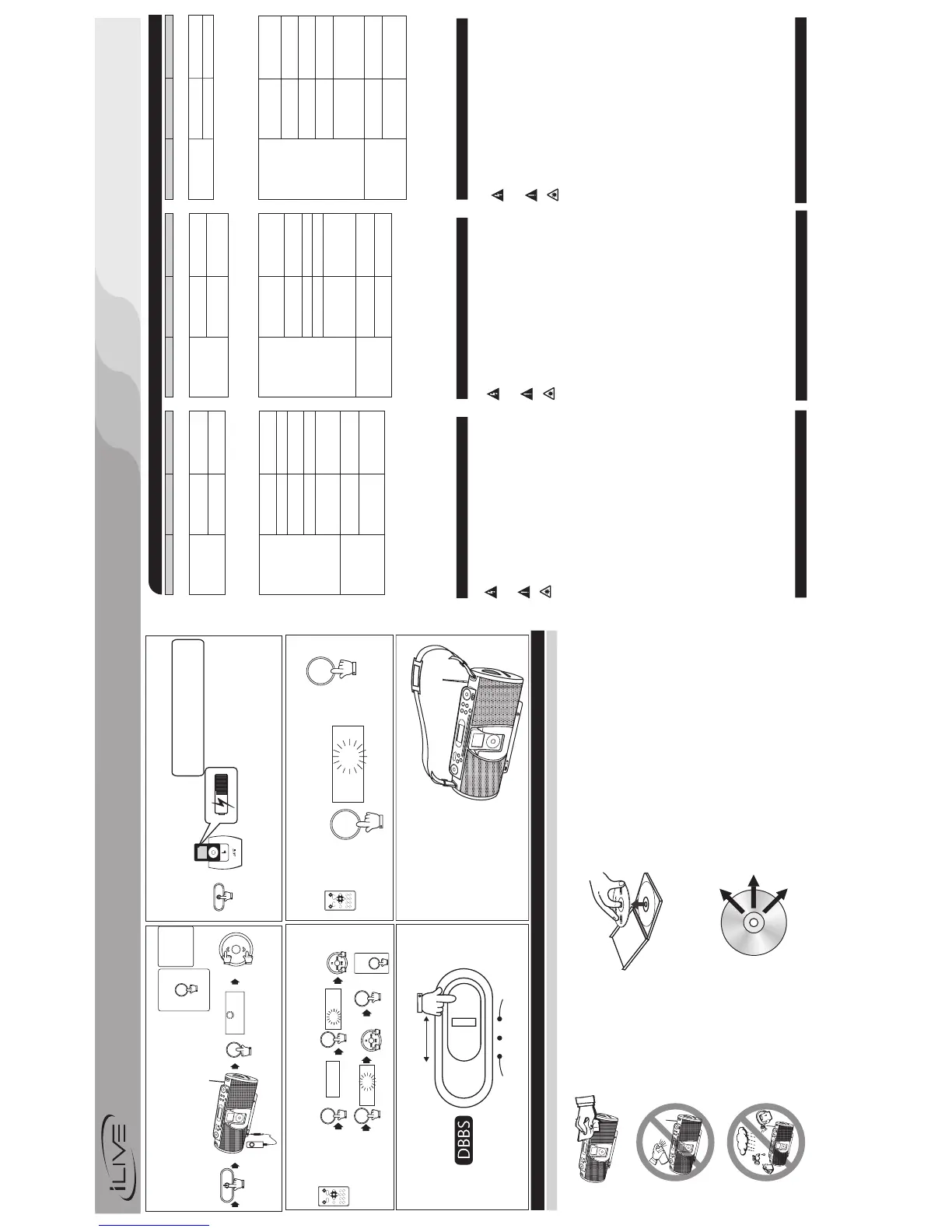
• Remove the CD from the case by holdingit at the edgeswhile pressing the centerhole lightly.
• Do not touch the shinysurface of the CD orbend the CD.
• Place the CD into thetray with the labelfacing up.
• A dirty CDmay notplay correctly.If a CDbecomes dirty, wipe itwith asoft clothin a straight linefrom
center to edge.
• A dirty lens willcause sound skipping and, ifthe lensis very dirty,the CD maynot work. Open theCD
door and clean using a camera lens brush/blower. Blow on the lens a couple of times and wipe the
lens with the brush toremove dust. Blow onthe lens once more.
• If the lens is stilldirty,use acotton swab. Startinthe middle of the lens and workto the outside edge.
• Avoidexposure to direct sun light, temperature extremes,and moisture.
CAUTION: Do not use any solvent (eg: record sprays, thinner, benzene, etc.) to clean a CD.
Tome el CDde loscostados ypresione ligeramenteen elagujero delcentro cuandoretire elCD desu
caja.
Prenez le CD par les côtés et parle trou du centrepour retirer celui-ci de saboîte.
No toque la superficie brillantedel CDo doble el mismo.
Ne touchez pas la partie reluisantedu CDet ne le pliezpas.
Coloque el CD en las bandeja con laetiqueta hacia arriba.
Mettez le CD dans le plateau avec l'étiquettever le haut.
Un CD sucio nofunctionary correctamente. Si el CD seensucia, límpielocon unpaño suaveen línea
derecha, desde el centro y hacia los costados.
Un CD sale ne sera pas lu correctement. Si le CD est sale, nettoyez-le avec un chiffon doux en
procédant du centre vers l'extérieur.
Los objetivos sucios pueden causar sonido irregular y, si los objetivos están muy sucios, el CD
puede no funcionar. Abra la tapa del compartimiento del disco y limpie los objetivos con un cepillo
para objetivos. Sople los objetivos varias veces ylímpielos con el cepillopara remover la suciedad.
Si lesoptiques sont sales, le son serairrégulier et si les optiquessont trop sales, le disquecompact
ne fonctionnera pas. Ouvrez le couvercle du disque compact et nettoyez les optiques avec une
brosse. Soufflez les optiques plusieurs fois et utilisezla brosse pour nettoyerla poussière.
Si no puede limpiarlos objetivoscon uncepillo, utilice un palillode cabezade algodón.Comience en
el medio de los objetivos y continue hacialos costados.
Si vous ne pouvez pas nettoyer les optiques avec une brosse, utilisez un coton-tige. Passez-le
doucement sur les optiques en procédant du centrevers l'extérieur.
Evite la exposición directa a la luz delsol, a las temperaturasextremas y a la humedad.
N'exposez pas le CD directement au soleil, auxtempératures extrêmes et àl'humidité.
ATENCIÓN: No utilice ningún solvente (ej.:aerosoles para discos, diluyentes, benzole, etc.) para limpiar
un CD.
ATTENTION:N'utilisez pasdes solvants (ex:aérosols, diluants, benzène, etc.)pour nettoyer un CD.
TO PREVENT FIRE OR SHOCK HAZARDS, DO NOT EXPOSE THIS UNIT TO RAIN OR
MOISTURE.
This symbol is intended to alert the user to the presence of important operating
and maintenance (servicing) instructions in the literature accompanying the
appliance.
Any use of the controls or an adjustment to the procedures other than those specified
herein mayresultin hazardousradiation.
Changes or modifications to this unit not expressly approved by the party
responsible forcompliancecould voidthe user'sauthority to operate the equipment.
This equipment has been tested and found to comply with the limits for a Class B
digital device, pursuantto Part 15of theFCC Rules.
These limits are designed to provide reasonable protection
against harmful interference in a residential installation. This equipment generates, uses,
and can radiate radio frequency energy and, if not installed and used in accordance with
the instructions, maycause harmfulinterference toradio communications.however,there
is no guarantee thatinterference will notoccur ina particular installation. If thisequipment
does causeharmful interference to radioor television reception, whichcan be determined
by turning the equipment off and on, the user is encouraged to try to correct the
interference byone ormore ofthe followingmeasures:
Reorientor relocatethe receivingantenna.
• Increase theseparationbetween theequipment andreceiver.
• Connect the equipment into an outlet on a circuit different from that to which the
receiver isconnected.
• Consult thedealeror anexperienced radio/TVtechnician for help.
This symbol, located on back or bottom ofthe unit,is intendedto alert the user to
the presence of uninsulated “dangerous voltage” within the product's enclosure
that may be of sufficient magnitude to constitute a risk of electric shock to
persons.
This product utilizes a Class 1 laser to read Compact Discs. This laser Compact
Disc Playeris equipped with safety switchesto avoid exposure when theCD door
is open and the safety interlocks are defeated. Invisible laser radiation is present
when the CD Player's lid is open and the system's interlock has failed or been
defeated. It is very important that you avoid direct exposuretothelaser beamat all
times. Pleasedo notattempt todefeat or bypass the safety switches.
TO PREVENT ELECTRIC SHOCK, MATCH WIDE BLADE OF PLUG TO WIDE
SLOT, FULLYINSERT.
Receiver complies with Part 15 of FCC
rules when manufactured.
•
CAUTION:
TO REDUCE THE RISK OF ELECTRIC SHOCK, DO NOT REMOVE COVER (OR BACK).
THERE ARE NO USER-SERVICEABLE PARTS INSIDE. PLEASE REFER ANY SERVICING
TO QUALIFIEDSERVICE PERSONNEL.
WARNING:
NOTE:
PARA REDUCIR EL RIESGO DE INCENDIOS O DE SACUDIDAS ELÉCTRICAS, NO
EXPONGA ESTEAPARATO A LA LLUVIAO ALA HUMEDAD.
Este símbolo indica la presencia de instrucciones de operación y de mantenimiento
(reparación) enel materialimpreso queacompaña el aparato.
Usted puede recibir una radiación peligrosa si utiliza los botoneso aplicalos procedimientos
de maneradiferente ala queha sido indicada eneste documento.
PARA REDUCIR EL RIESGO DE SACUDIDAS ELÉCTRICAS, NO RETIRE LA TAPA (O LA PARTE
POSTERIOR) DEL APARATO. DENTRO DEL APARATO NO HAY PARTES QUE PUEDAN SER
REPARADAS POR EL USUARIO. LOS TRABAJOS DE REPARACIÓN DEBEN SER EFECTUADOS
POR PERSONAL DESERVICIO CALIFICADO.
El usuario puede perder el derecho de utilizar este aparato si efectua
cambios o modificaciones que no han sido expresamente aprobados por la autoridad
responsable.
Este equipoha sido probado yha demostrado cumplir conlos límites establecidos
para losaparatos digitalesde Clase B,de acuerdo con elApartado 15 de lasNormas de la
FCC. Estos límites
han sido designados para proveer una protección razonable contra las interferencias
perjudiciales en una instalación residencial. Este equipo genera, utiliza y puede irradiar
energía radioeléctrica y, si no se instala y utiliza de acuerdo con las instrucciones, puede
causar interferencias perjudiciales en las radiocomunicaciones. Sin embargo, no existe
garantía de que no se produzcan interferencias en una instalación en particular. Si este
aparato causa interferencias en la recepción de radio o de televisión, lo que puede
determinarse desconectandoy conectando el aparato,se recomienda tratar decorregir la
interferencia dela siguientemanera:
• Aumente laseparaciónentre elequipo yel receptor.
• Conecte el equipoa unatoma de corriente cuyocircuito nosea el mismoque aquél
al quehaconectado elreceptor.
• Consulte alconcesionario o aun técnico deradio/televisión con experiencia.
Este símbolo, localizado detrás o en la parte de abajo de la unidad, indica la
presencia de "tensiones peligrosas" sin aislar en el interior de la caja del producto
que puedenser desuficiente magnitud comopara constituir un riesgode sacudida
eléctrica paralaspersonas.
Este producto utiliza un láser de Clase 1 para reproducir discos compactos. Este
reproductor de discos compactos láser posee interruptores de seguridad que
impiden la exposición a los rayos láser cuando la puerta del disco compacto está
abierta y cuando los dispositivos de seguridad han sido anulados. Hay radiación
láser invisible cuando la tapa del reproductorde discos compactos estáabierta y
cuando el sistemade seguridad falla o esanulado. Evitela exposición directa a los
rayos láser.Porfavor nointente anular oeludirlosinterruptores deseguridad.
• Vuelvaa orientarla antenao cambie su lugardeinstalación.
ADVERTENCIA:
NOTA:
AVISO: PARA EVITARUNA DESCARGA ELÉCTRICA,INTRODUZCA LAHOJA MÁSANCHA
DEL ENCHUFE EN LA RANURA CORRESPONDIENTE DE LA TOMA Y EMPUJE HASTA EL
FONDO.
El receptorse forma delaparte 15 enlas reqlas FCCcuando fabricado.
POUR PRÉVENIRTOUT RISQUE D'INCENDIE OU D'ÉLECTROCUTION,NE PAS EXPOSER
CET APPAREIL À LA PLUIE OUÀL'HUMIDITÉ.
Ce symbole est destiné à avertir l'usager de la présence d'instructions
importantes pour le fonctionnement et l'entretien (réparation) de l'appareil, dans la
brochure quiaccompagnecelui-ci.
Vous pourriez subir des radiations dangereuses si vous utilisez les commandes ou si
vous appliquez les procédures d'une manière différente de celle indiquée dans ce mode
d'emploi.
POUR PRÉVENIR TOUTRISQUE D'ÉLECTROCUTION, NE RETIREZ PAS LE COUVERCLE
(OU LA PARTIE POSTÉRIEURE) DE L'APPAREIL. VOUS NE DEVEZ PAS RÉPARER DES
PIÈCES SE TROUVANT À L' INTÉRIEUR DE L'APPAREIL. LES RÉPARATIONS DOIVENT
ÊTRE EFFECTUÉESPAR DU PERSONNEL QUALIFIÉ.
Tout changement ou modification apporté(e) à cet appareil sans
autorisation, peutentraînerl’interdiction d’utilisationde cedernier.
Cet appareil a été testé et il a été constaté qu'il respecte les limites fixées pour
les appareilsnumériques de la Catégorie B,par la Section15 desNormes FCC.
Ces limitesont été fixées afin
de fournir une protection raisonnable contre les interférences nocives dans un logement
résidentiel. Cetappareil produit, utiliseet peutémettre de l'énergieradioélectrique et, s'iln'est
pas installé et utilisé suivant le mode d'emploi, il peutproduire desinterférences nocives sur
les radiocommunications. Cependant, il peut y avoir des interférences nocives dans des
logements particuliers. Si l'appareil produit des interférences sur la réception radio ou
télévision (ce qu'on peut constater lorsqu'on débranche ou lorsqu'on raccorde celui-ci),
nous vousrecommandons decorriger ceproblème dela manière suivante:
• Séparez davantagel'appareildu récepteur.
• Branchez l'appareil à une prise de courant faisant partie d'un circuit différent de
celui auquelestbranché lerécepteur.
• Consultez levendeurou untechnicien deradio/télévision expérimenté.
Ce symbole, situé dérrière ou dessous de l' appareil, est destiné à avertir l'usager
de laprésence d'une"tension dangereuse" nonisolée dansle boîtier de l'appareil,
dont l'intensité pourrait être suffisante pour constituer un risque d' électrocution
pour lespersonnes.
Ce produit lit des disquescompacts à l'aide d' un laser deCatégorie 1. Ce lecteur
de disques compacts possède des interrupteurs de sécurité qui protègent les
individus contre les rayons laser lorsquela porte du disque compact est ouverte
et lorsque les dispositifs de sécurité sont annulés. Ce produit émet des rayons
laser lorsque le couvercle du compartiment à disques est ouvert et lorsque le
système de sécurité est en panne ou est annulé. Évitez l'exposition directe aux
rayons laser. S'il-vous-plaît, n'essayez pas d' annuler ou de contourner les
interrupteurs desécurité.
• Réorientez l'antenneouchangez l'appareilde place.
AVERTISSEMENT:
REMARQUE:
ATTENTION: POUR ÉVITER LES CHOCS ÉLECTRIQUES, INTRODUIRE LA LAME LA
PLUS LARGE DE LA FICHE DANS LA BORNE CORRESPONDANTE DE LA PRISE ET
POUSSER JUSQU'AUFOND.
Le récepteur
est conformeá la partie 15de réqles deFCC une fois construit.
INSTRUCTION MANUAL
MANUAL DE INSTRUCCIONES
/MODED'EMPLOI
READ THIS PAGE FIRST BEFORE OPERATING THE UNIT
WARNINGS AND PRECAUTIONS
ADVERTENCIAS Y PRECAUCIONES
AVERTISSEMENT ET PRÉCAUTIONS
Nota Especial
Cuando coloque la unidad sobre un mueble con acabado laqueado o natural,
proteja su mueble con un paño u otromaterial protector.
Note Spéciale
En plaçant votre unité sur une finition laquée ou normale, protégez vos meubles
avec un tissu ou autre protecteur matériel.
Special Note
When placing your unit on a lacquered or natural finish, protect your
furniture with a clothor otherprotective material.
9
8
TIMER
/ TEMPORIZADOR PARA DORMIR
/ MINUTERIE D' ARRÊT
7
CHARGING YOUR IPOD
/ CARGANDO SU iPod
/ REMPLISSAGE DE VOTRE iPod
POWER
NOTE: Please make sure you’re using the correct insert for
your iPod and make sure its porperly docked into the unit
When you dock your iPod it will go into standby
mode then turn off. While the iPod is docked
it recharges until its fully charged
0:00
0:00
6:00
TIMER ON
TIMER ON
TIMER ON
TO CANCEL
CANCELAR
ANNULER
TIMER
TIMER
TIMER
TIMER
TIMER
1
6
2
3
5
4
TUNING UP
SKIP/FWD
TUNING UP
SKIP/FWD
TUNING DN
SKIP/REV
TUNING DN
SKIP/REV
DOWN
UP
OR
DOWN
UP
OR
LOW
MID
HIGH
11
SLEEP
/ TEMPORIZADOR PARA DORMIR
/ MINUTERIE D' ARRÊT
10
DBBS/ BAJO / BASSE
90
SLEEP
SLEEP
Press repeatedly until you have
desired time from 90 to 10 min.
AUX
iPOD
SHUFFLE
A
U
X
iP
O
D
S
H
U
F
F
L
E
AUX
iPOD
SHUFFLE
SLEEP
From 10 min
press SLEEP
again to power
off.
NOTE: You must
have to use the
iPod shuffle controls
in this mode. The
remote will not work
for this device.
LISTENING AND CHARGING YOUR iPod shuffle
EQ
CLASSIC/JAZZ
ROCK/POP
PRESET EQ BUTTON
BOTÓN PRESET EQ
BOUTON PRESET EQ
VOLUME
6:30
AM
FUNCTION
DOWN
UP
OR
AUX
1 3
4
2
POWER ON
AUX
iPOD
SHUFFLE
/ESCUCHANDO Y CARGANDO SU iPod shuffle
/ECTOUTER AU REMPLISSAGE VITRE iPod shuffle
AUX
iPOD
SHUFFLE
TM
Printed in China / Imprimido en China /
Imprimé en Chine
Visit us at www.iLive.net
MODEL#
IBCD3816DTBLK



 To Previous Page
 Loading...