Customer Support: 1-888-999-4215 9
Docking an iPod or iPhone
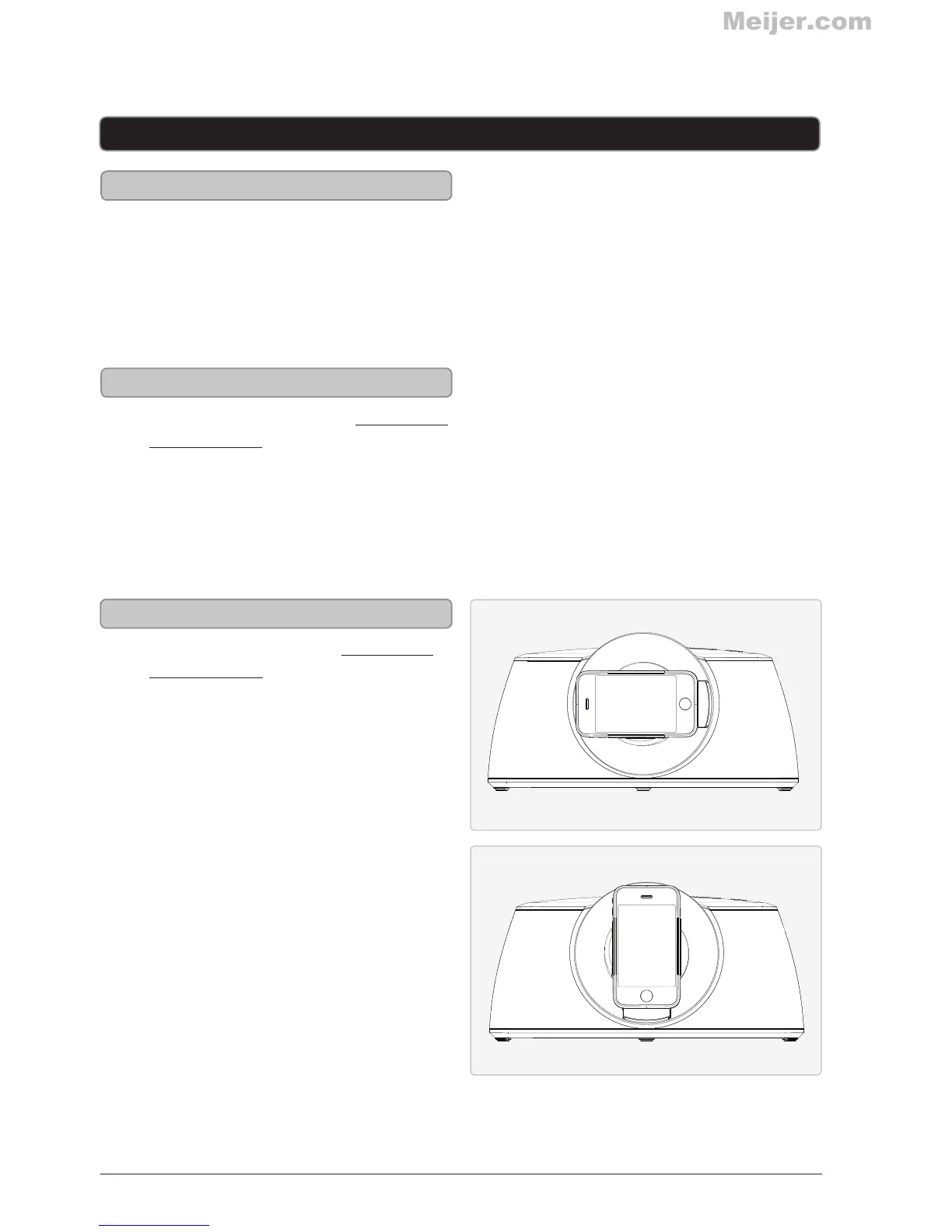
Rotating a Docked iPod or iPhone
1. Connect the iPod or iPhone to the
connector inside the Dock for iPod and
iPhone.
2. When the speaker is plugged in, using
AC power, the docked iPod or iPhone
will charge.
1. Follow the directions for Docking an
iPod or iPhone.
2. After your iPod or iPhone is docked,
the dock on the speaker can be rotated
90˚.
Playing a Docked iPod or iPhone
1. Follow the instructions for Docking an
iPod or iPhone.
2. Press the Power button to turn the
speaker on.
3. Use the native controls on the docked
iPod or iPhone to begin playing music
through the connected speaker.
iPod and iPhone



 To Next Page