4
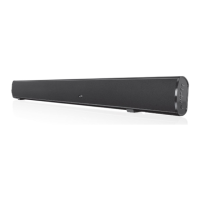
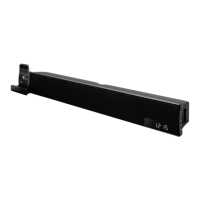
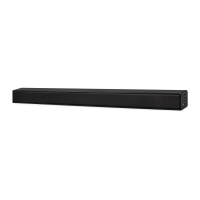
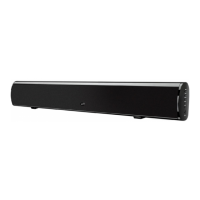
IT153B
• 2 channel stereo sound
• 32” length
• Built-in stereo speakers
• 3.5mm audio input
• Optical digital audio input
• RCA stereo audio inputs
• Preset EQ
• Digital volume control
• LED power indicator
• LED source indicators
• Cloth speaker grill
• Full-function remote
• Wall mountable
• DC power input: requires
an AC/DC power adapter
(included)
• RCA cable
• Mounting template
• Remote control: requires a
CR2025 battery (pre-installed)
• Wall-mount Hardware and
Instructions
Features
Includes
Setup
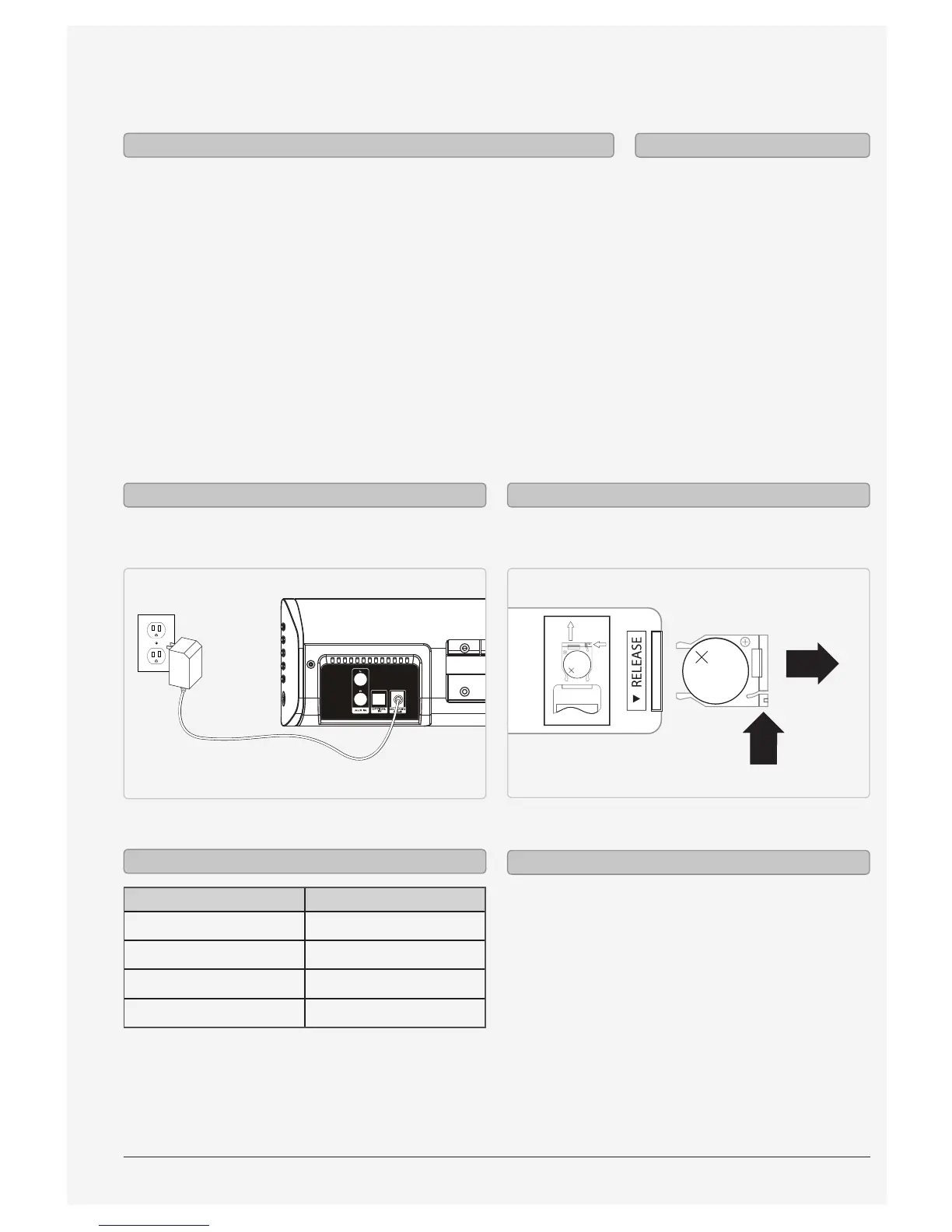
Plug the included AC/DC power adapter into the DC
POWER INPUT on the sound bar and a standard AC
power outlet.
Requires a CR2025 battery (pre-installed)
LITHIUM BATTERY
CR 2025
3V
PUSH
OPEN
LITHIUM BATTERY
CR 2025
3V
CR2025
PUSH
OPEN
Power Remote
Status Indicator
Power O Red Light
Aux In Mode White light
Line In Mode Blue light
Optical in Mode Amber Light
LED Indicators
We recommend having this bar speaker
professionally mounted.
The included spacers should be used at your
discretion to extend the face of the bar speaker
farther from the wall. These are typically used when
mounting the bar speaker under a television, and
the face of the bar speaker needs to be ush with the
face of the television.
Mounting


 To Next Page