6
7
OPTICAL IN AUX IN RL
DC IN
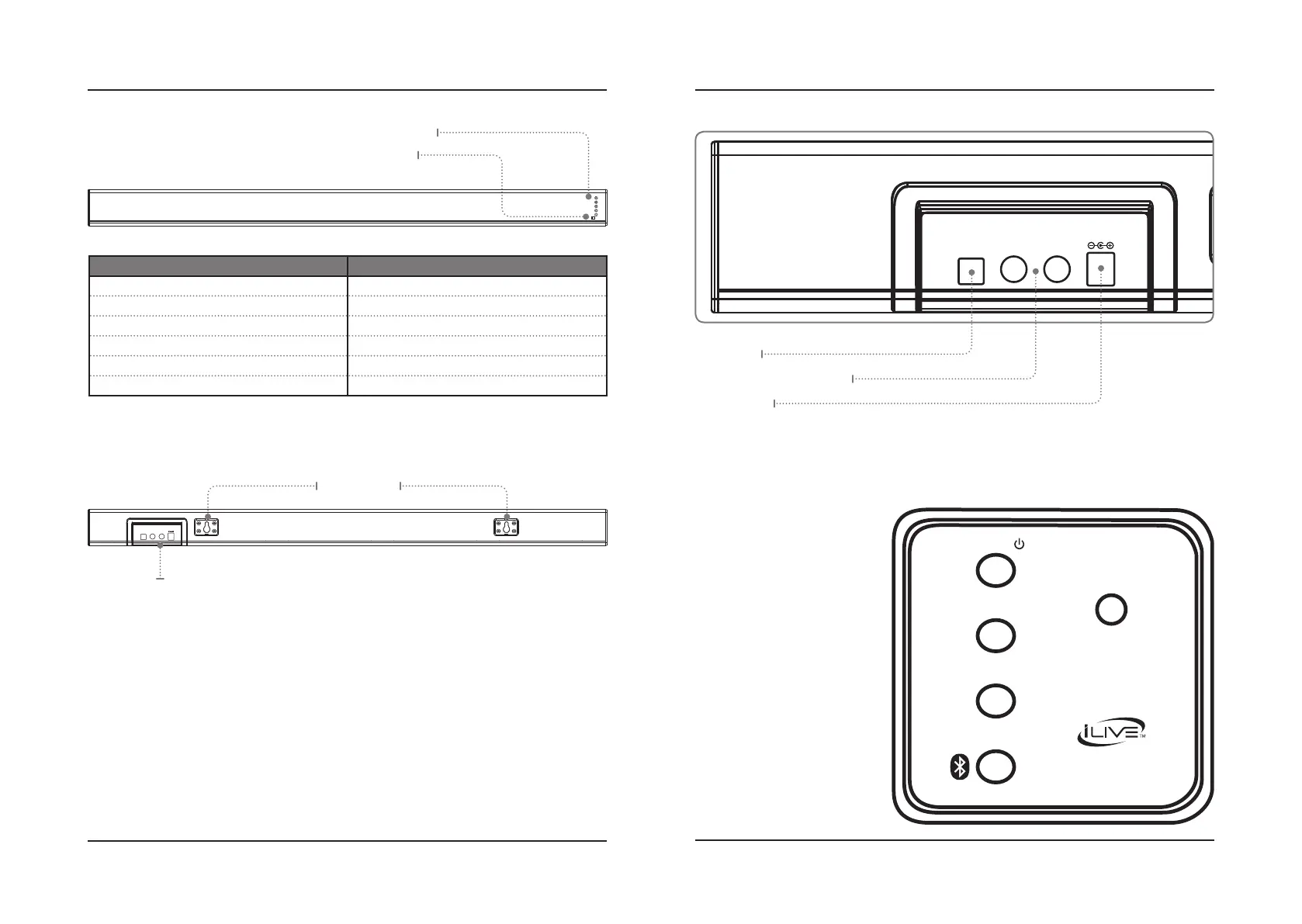
Speaker Controls (Right Side)
Speaker Inputs Detail
Rear View
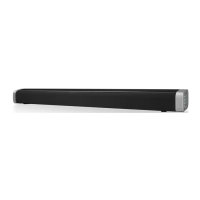
Front View
Orientation
Stereo RCA Audio Inputs (AUX IN)
Speaker Inputs
Wall Mount Pegs
Remote Receiver
Function/Source Indicators: Optical | RCA/Aux In | Line In | Bluetooth | Power
Optical Input
DC Power Input
PAIR
LINE IN
SOURCE/
VOL +
VOL –
OPTICAL IN AUX IN RL
DC IN
Source/Power
Press to power the unit ON.
Press and hold to power
the unit OFF.
Press to switch between
Optical, RCA/Aux In, Line In,
and Bluetooth modes.
Volume +/-
Press to adjust volume
up or down.
Pair
Press to begin pairing to a
Bluetooth device.
Line In
Connect the soundbar to an
audio device using a 3.5mm
audio cable.
STATUS INDICATOR
Power Off Red Light
Optical Mode Amber Light
RCA/Aux In Mode White Light
Line In Mode Green Light
Bluetooth Pairing Flashing Blue Light
Bluetooth Connected Blue Light



 To Next Page