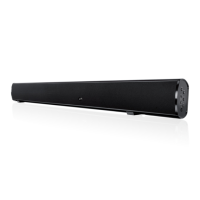
10
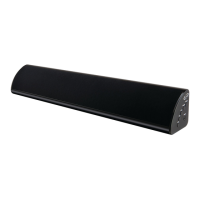
Side View
POWER
SOURCE
PAIR
LINE IN
VOL
VOL
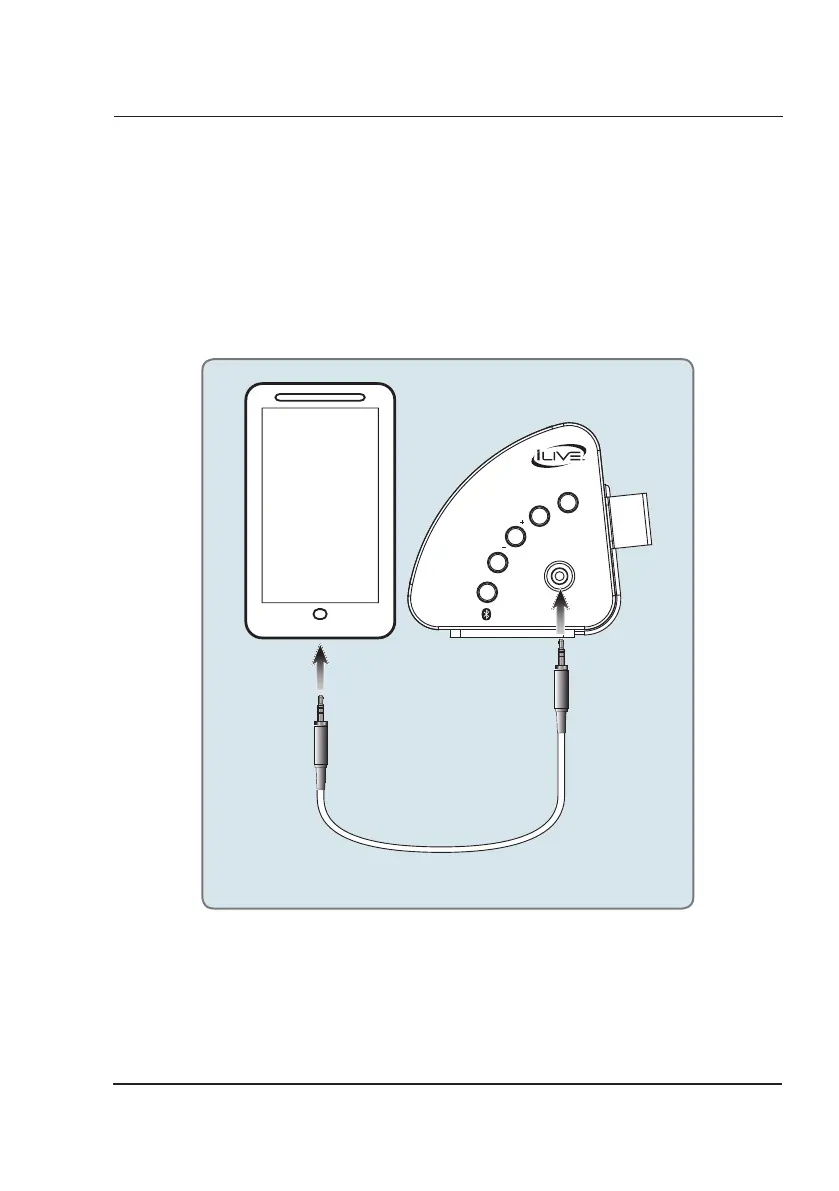
Using the Line In
3.5 mm audio input cable not included.
1. Plug one end of a 3.5 mm audio input cable into the Line In on the unit and plug the other end of the cable
into the audio output/headphone output on an MP3 Player or other audio source.
2. Press the Power button to power the unit on.
3. Press the Source button repeatedly to enter Line In Mode, indicated by a green light.
4. Audio played through the connected device will now be heard through the speakers.
Audio Inputs


 To Next Page