7
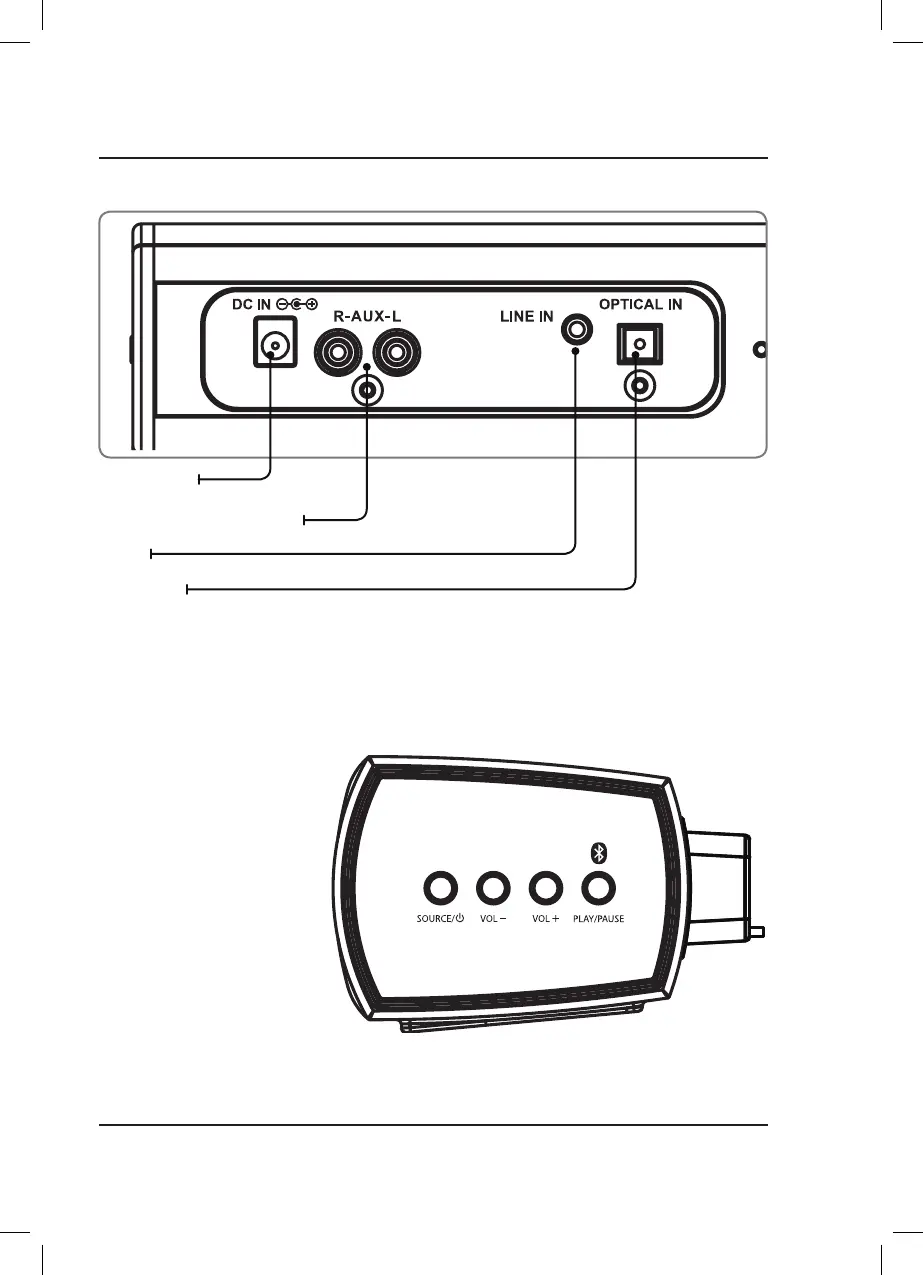
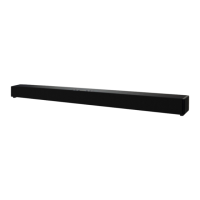
Speaker Controls (Right Side)
Speaker Inputs Detail
Stereo RCA Audio Inputs (AUX IN)
Optical Input
Line In
DC Power Input
Source/Power
Press and hold to power the
unit ON.
Press and hold to power
the unit OFF.
Press to switch between
Optical, RCA/Aux In, Line In,
and Bluetooth modes.
Volume +/-
Press to adjust volume
up or down.
Play/Pause/Pair
Press to play/pause
Press and hold to begin pairing
to a Bluetooth device.


 To Next Page