User’s Manual ESC 2051
Copyright © 2004 ILLKO, s.r.o.
45
START
D
EL
CAL
E
SC
1
0
2
3
4
6
8
R
U/R
∆
10A
R
P
I
SO
V
A
S
AVE
I
L
EAK
I
PE
I
P
E
PE
I
DIFF.
DEL
I
L
OAD
M
ENU
P
E
R
I
I
SO
L
EAK
/
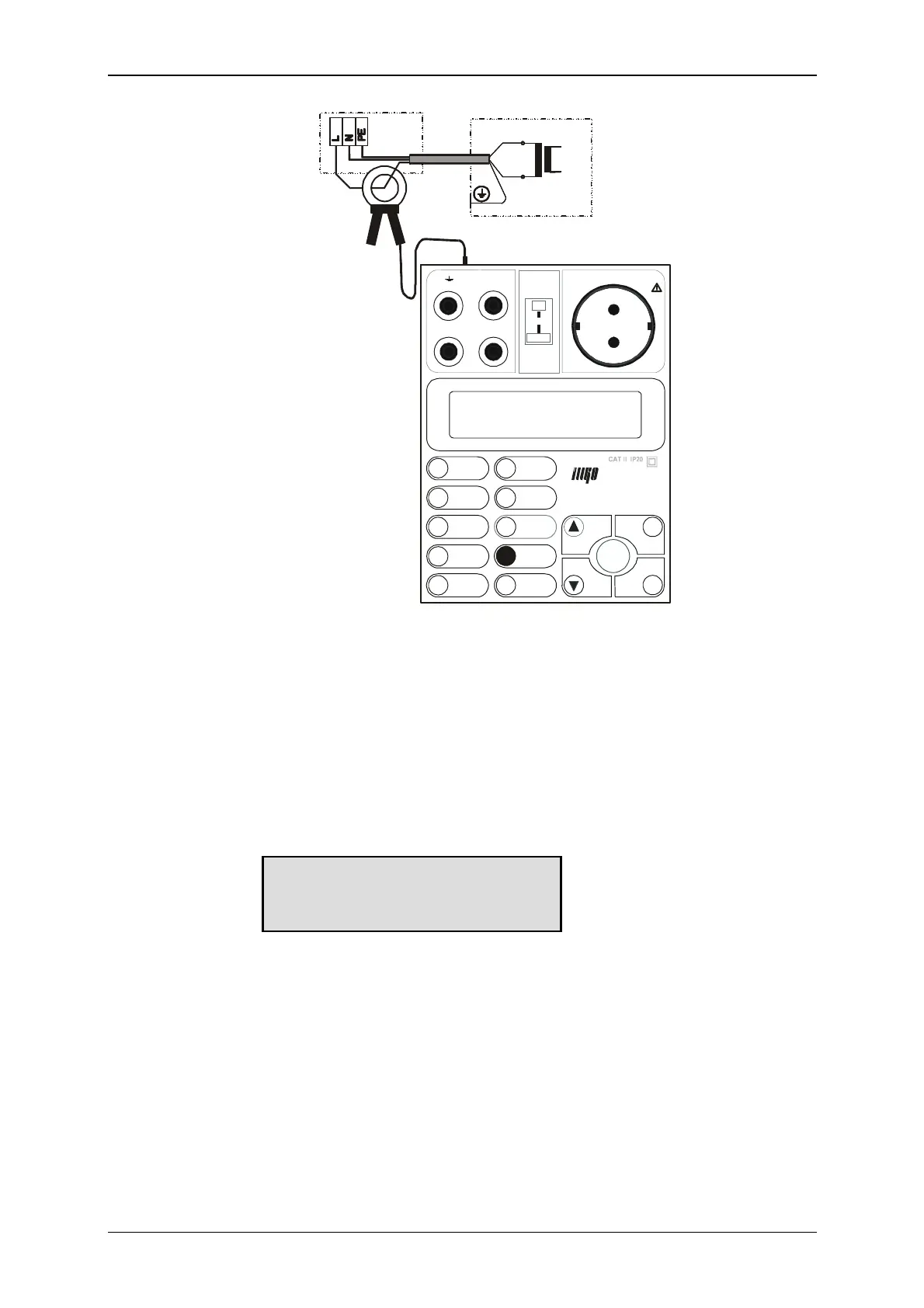
Fig. 16
Step 4
• Press the START key and keep it pressed. Symbol „“ indicates, that measurement is
running.
If you need to lock the START key, proceed as follows:
• Press ▲ key and keep it pressed. Press the START key.
• Release both keys. Symbols „A“ and „“ are displayed, indicating that locking of the
START key is activated and measurement is running.
Step 5
• If locking of the START key is activated: measured value is automatically written to
the buffer after you cancel locking of the START key by means of ▲ key. Writing to
the buffer is confirmed by H symbol displaying.
If locking of the START key is not activated: last measured value is displayed and
automatically written to the buffer after you release the START key.
• Switch off the main switch of equipment under test.
Device current
000.0 A A



 To Next Page