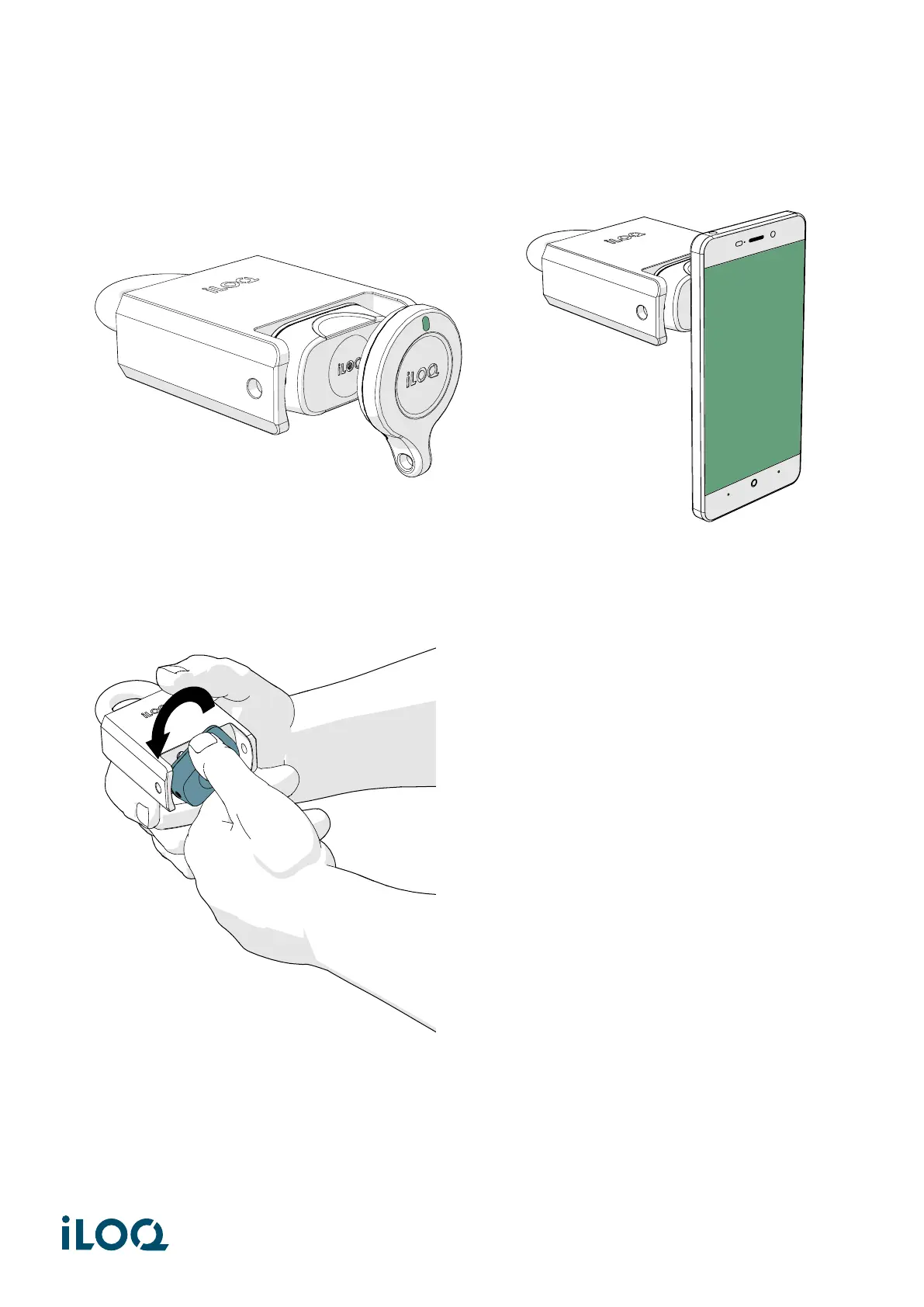
2. Present a valid key to the reader knob to activate the lock. Wait until the key shows a green light to
indicate that the lock is unlocked.
3. Turn the reader knob 180° counterclockwise. The lock stays in the open-status for 5 to 15 seconds and
automatically returns back to the locked-status if not opened (depending on the configured lock
opening time).
4. After closing the lock, ensure that the knob is in locked position and the padlock remains closed.
11
Document ID - 189730
iLOQ S5/S10/S50 (iLOQ H5S, iLOQ H10S, iLOQ H50S)



 To Next Page