OPERATIONAL INSTRUCTIONS
11 | iLuv
iLuv | 12
i1277 | V10M10_IM_EN_01223008
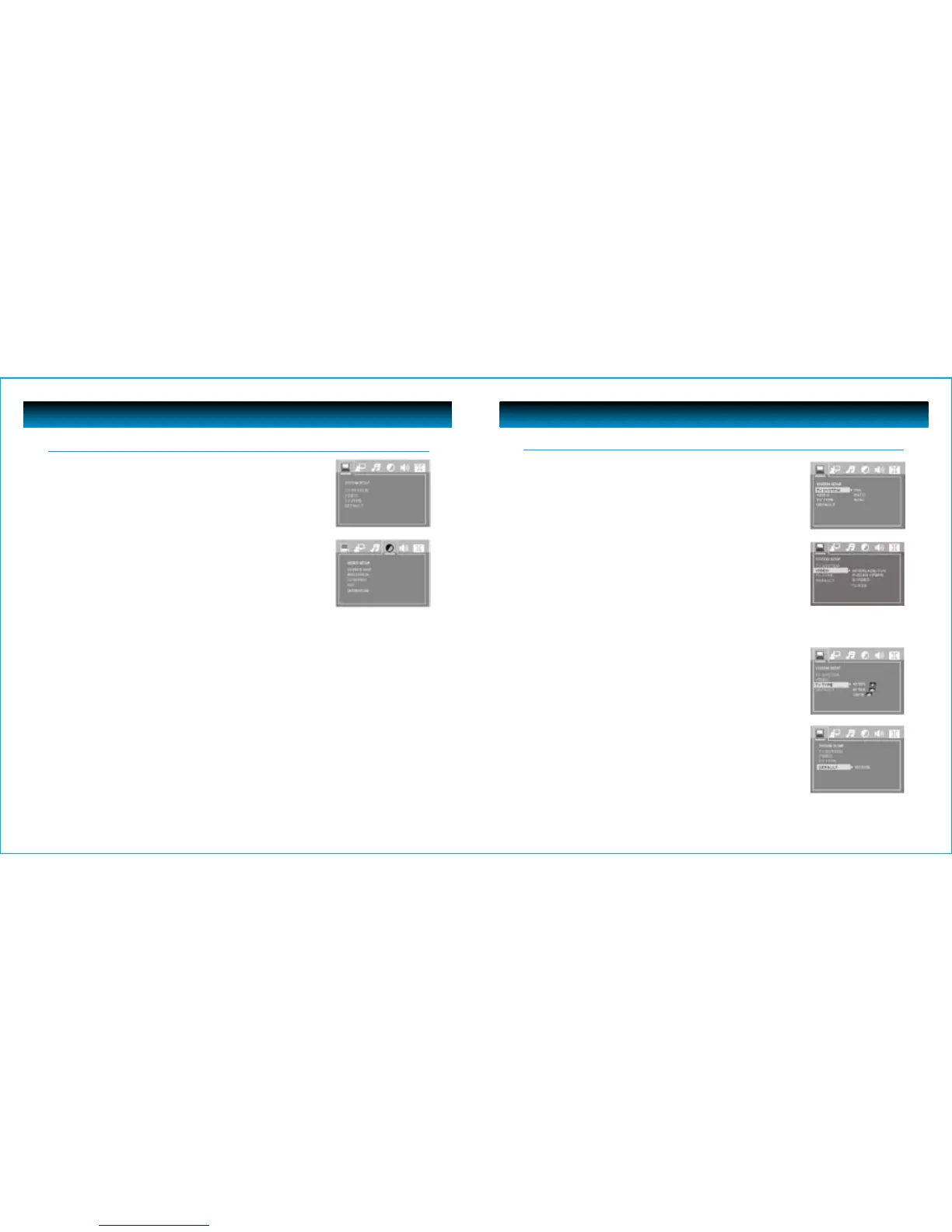
TV TYPE
• Choose the aspect ratio according to your TV type. (16:9, 4:3LB or 4:3PS)
DEFAULT
• Choose this option to return the unit to factory settings
Navigating the Setup Menu
TV SYSTEM
• Choose the TV System according to the color specifications of your TV.
VIDEO
• According to the output jack of TV set, you can choose S-VIDEO,
YUV, P-SCAN, YPbPr, or TV RGB
Notes:
Only choose PSCAN if your DVD player is connected to a Progressive Scan TV with
Y,Cb,Cr cables. Choose TV RGB if the SCART socket is used.
OPERATIONAL INSTRUCTIONS
System Setup (DVD)
Press the SETUP button to display the Main menu
• Press the NAVIGATION 3 / 4 buttons to highlight the icon
of the desired page.
• Press the NAVIGATION 5 / 6 buttons to activate that page.
• Press the NAVIGATION 6button to highlight the desired option.
• Press the ENTER button or the NAVIGATION 4 button to select
from the options that appear on the right of the screen.



 To Next Page