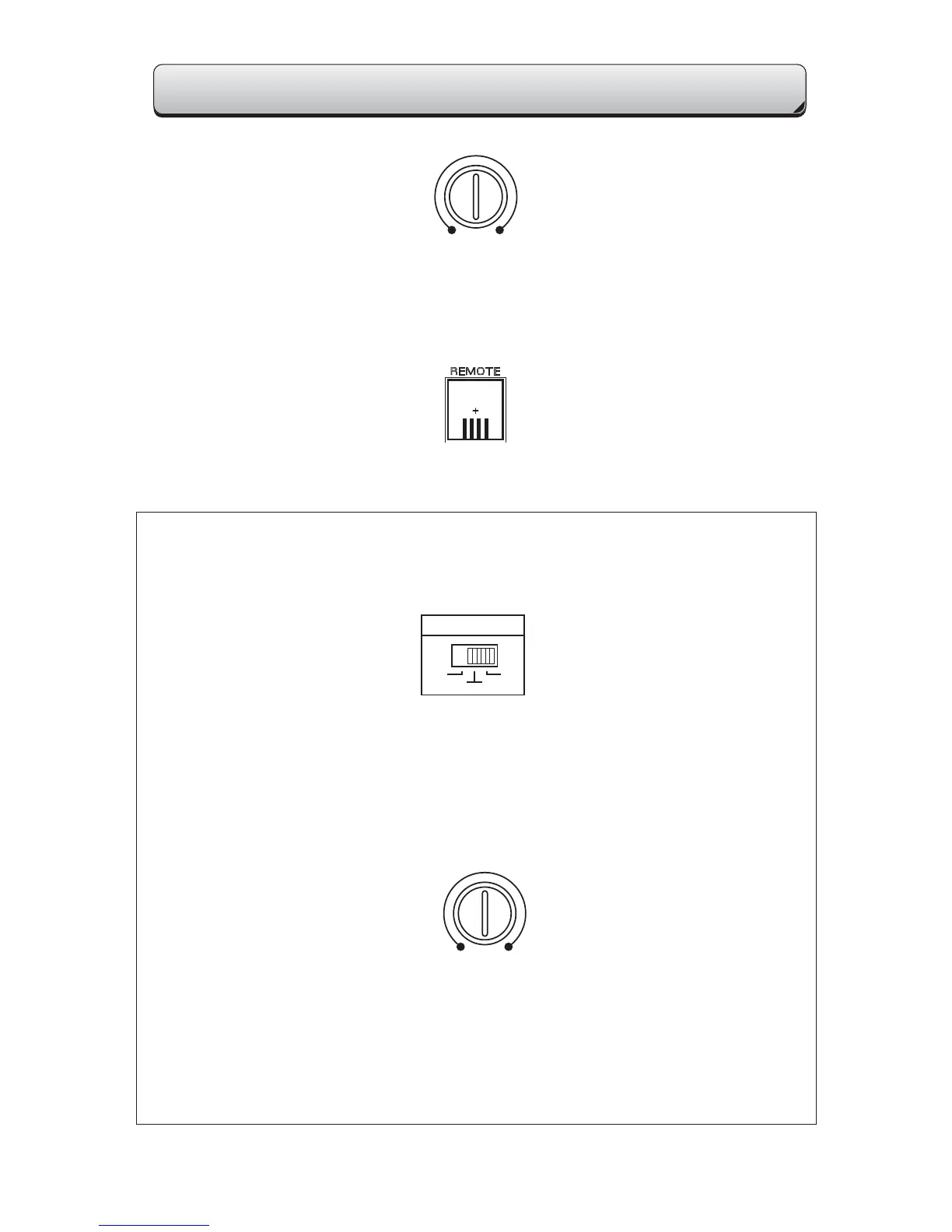
LPF (Low Pass Filter) Adjustment
Using this control will attenuate all frequencies above the selected frequency, this limits
the highest frequency your speaker(s) will play. The MODE switch should be set at “LPF”.
Remote Port
This is for the Remote Gain Control. Plugging in the remote Bass Control overrides the
BASS EQ Control on the amplifier end panel.
Low Pass Filter Control
40Hz 250Hz
Sub Sonic Adjustment
Input Mode Switch
15Hz 40Hz
INPUT MODE
52
4
Sub Sonic Adjustment
The sub sonic control will filter out frequencies below where the control it is set from going
to your subwoofer(s). This will prevent subs from playing frequencies that may harm the
speaker. This is normally used only with Ported and Infinite baffle subwoofer systems.
Input Mode
The INPUT MODE switch allows you to select the number of input channels from the
source (head unit) to the amplifier. The designations 2, 4, and 5 refer to the number of chan
nels or “pairs” of low level RCA style inputs (ex: 1pr, 2pr, and 3pr). This allows you to
drive all channels eliminating the need to use “Y” adaptors.
SPECIAL CONTROLS FOR THE i5800
The following instructions apply to the model i5800 only. You will not find these controls
on any of the other models in this series.
CONTROLS AND SETTINGS
LPF
SUB SONIC


 To Next Page
 Loading...