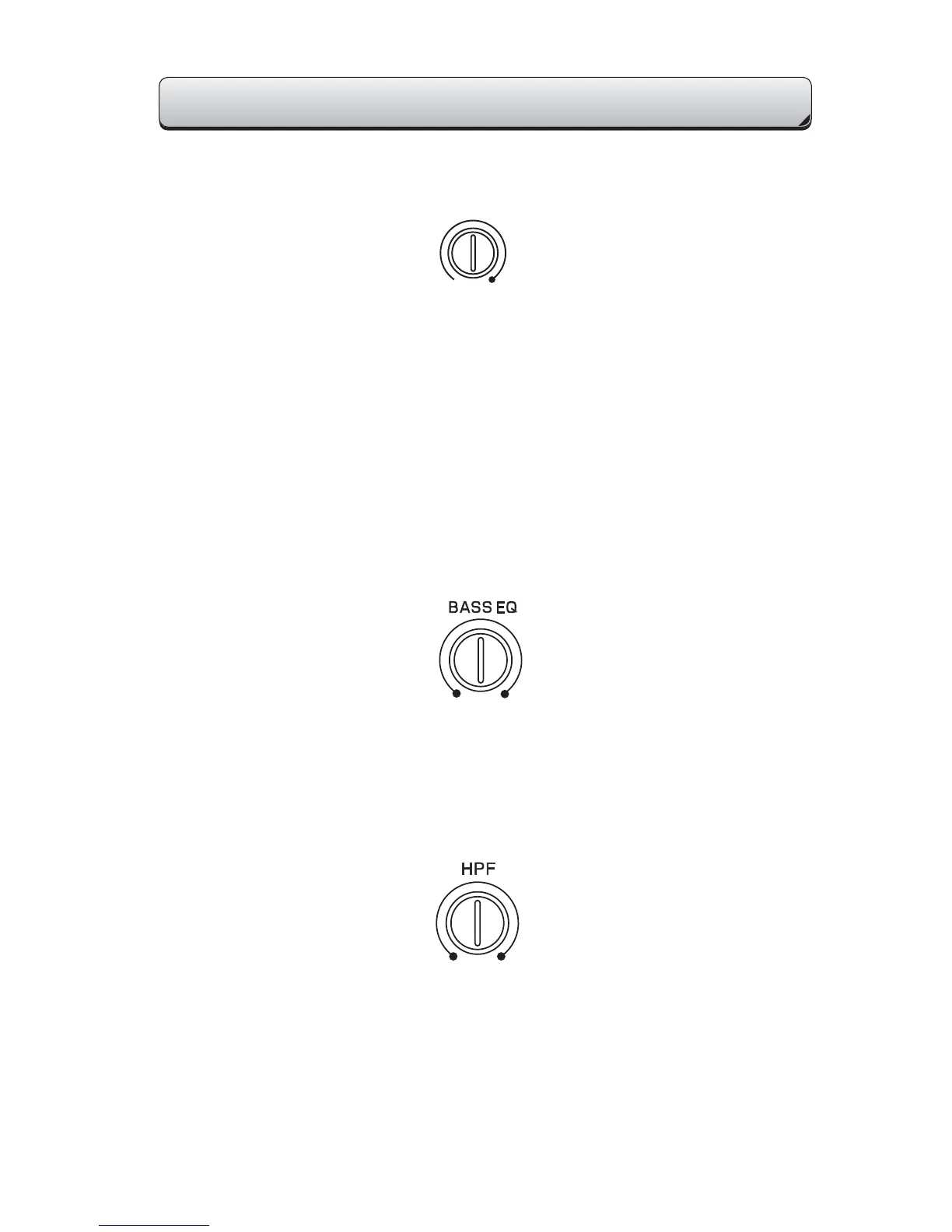
This control allows you to match the input level of the amplifier to the output of your head unit.
Matching the input can be accomplished in three simple steps:
Set the Input GAIN on the amplifier to Min (completely counter clock wise)
.1.
Turn on the head unit and adjust volume to just below maximum volume, and set the
2.
BASS and TREBLE to zero.
Adjust the GAIN control clockwise until the sound
3.
just begins to distort, then back off
slightly to cut distortion and operate at optimum gain.
evaelyamevobaspetseerhtehtgnirongI,.lortnocemulovatonsilortnocNIAGeht,rebmemeR
you with damaged speaker and/or a damaged amplifier.
SET UP ADJUSTMENTS
Input Gain Adjustment
GAIN
MIN MAX
Input Sensitivity Control
(HPF) High Pass Filter Adjustment
When using coaxial or component speaker system, this allows you to attenuate the lower
bass frequencies allowing the speaker to play loudly with greater larity and less distortion .
To get better sound quality from coaxial or component speaker system, we recommend the
frequency should be 80Hz (No lower than 65Hz). The MODE switch is set at “HPF”.
Bass Adjustment
This special feature is designed to provide you more powerful bass output, it allows
you to boost the Bass @ 40 Hz up to +12dB. Keep in mind that more is not always better.
Setting the control to the max (+12dB) will cause stress and could result in damage.
Bass EQ Control
High Pass Filter Control
40Hz 250Hz
0 d B + 12 d B
CONTROLS AND SETTINGS


 To Next Page
 Loading...