01/16 10783480 WEB E cod.MF9602..
6
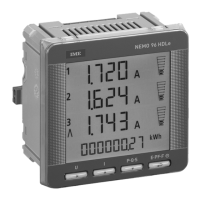
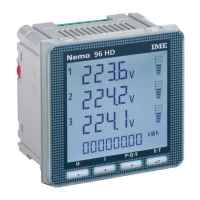
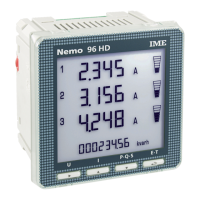
Nemo 96 HD+
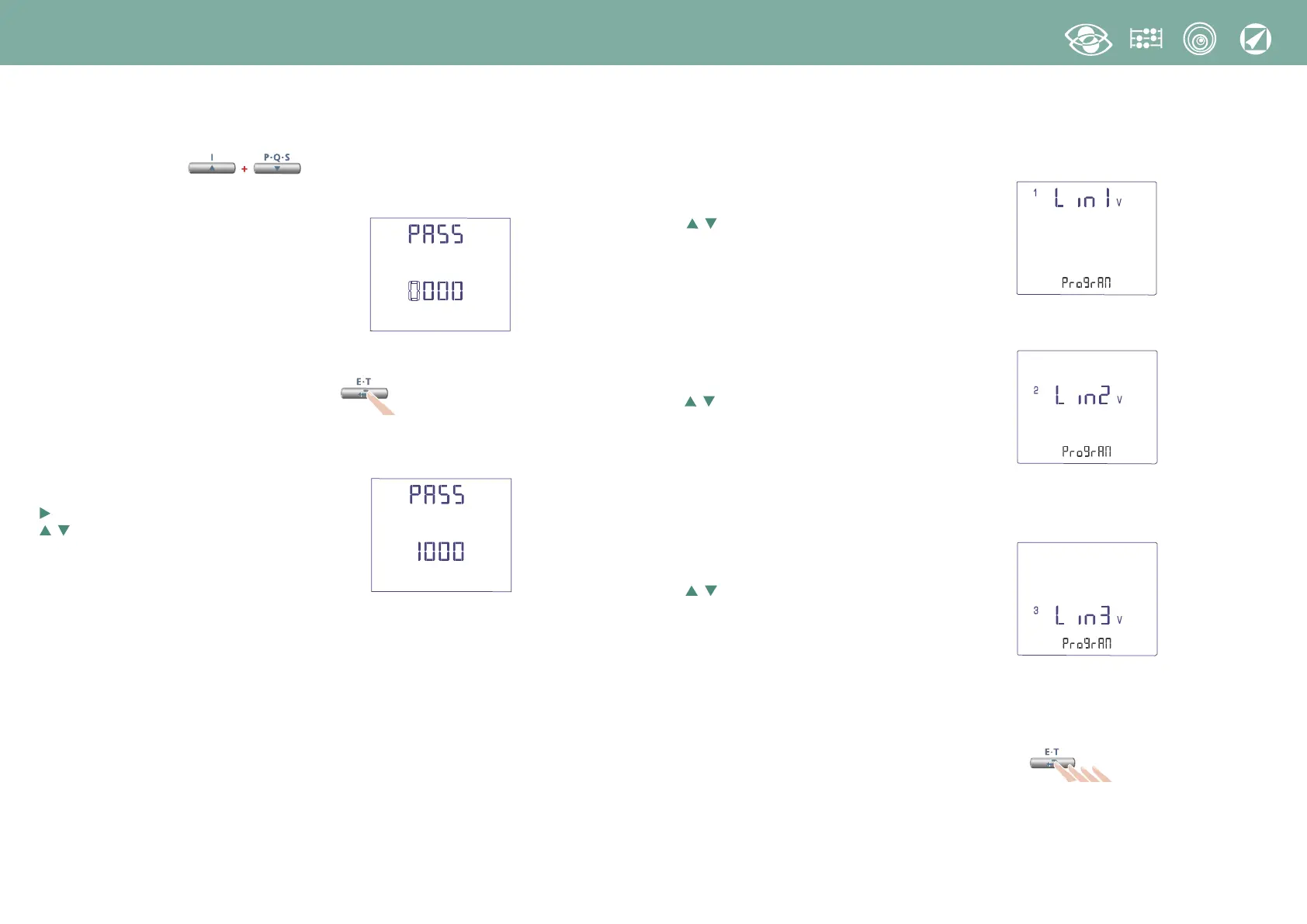
1.0 Password 1000
Keep pressed keys until you display page:
Load password 1000 and confirm
moves the cursor
increases/decreases the loaded value
↵
confirms
1.1 Customized diplay page
Possibility to choose which quantities the three display lines must show.
To customize the page, please select the quantity required for line 1
(among the ones shown in the Table 1)
selects the quantities
↵
confirms
Select the quantity required for line 2
(among the ones shown in the Table 2)
selects the quantities
↵
confirms
Select the quantity required for line 3
(among the ones shown in the Table 3)
selects the quantities
↵
confirms
The customized page will become the standard display when the meter is turned on
Note
If you don’t want to display the customized page, you can directly go to point 1.2
Connection by pressing several times key



 To Next Page