Power on the camera for the first time
The camera will automatically activate once the power cable is inserted into the
Micro-USB charging port. If the indicator light is flashing orange, that means the
device is activated successful.
If you do not see a flashing orangelight, please reset the device.
Open the Mi Home app and follow the prompts(Please install the product is
power-on and in areas with Wi-Fi reception, and try to place the device where the
Wi-Fi signal is strong.)
Connection Setup
Install Mi Home app
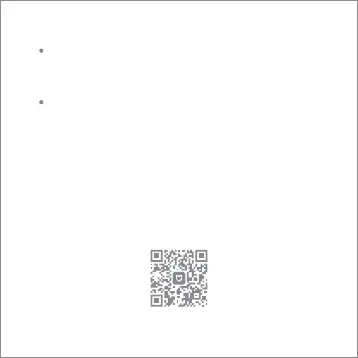
Scan the QR code or go to App store to download and install Mi Home app Control
your device and interact it with other smart home devices in Mi Home app.


 To Next Page