When mounting the security camera on a wall:
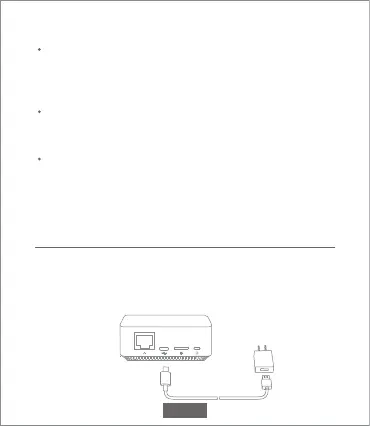
Turning the Gateway On
Gateway power on
Step one: Connect one end of the power cord into the USB port
at the back of gateway and the other end into the power.
To prevent accidental injury, the device must be securely
anchored to the wall following the instructions. The wall
must be able to support at least triple the product's total
weight.
Don't install device near any heat source such as air
conditioner external unit, air outlet of both range hood and
gas water heater, etc.
Don't place device in rainly environment to work for long
time.
Note: If the device is not installed following the instructions,
damage caused there of is not covered under the warranty.
EN-05



 To Next Page