11
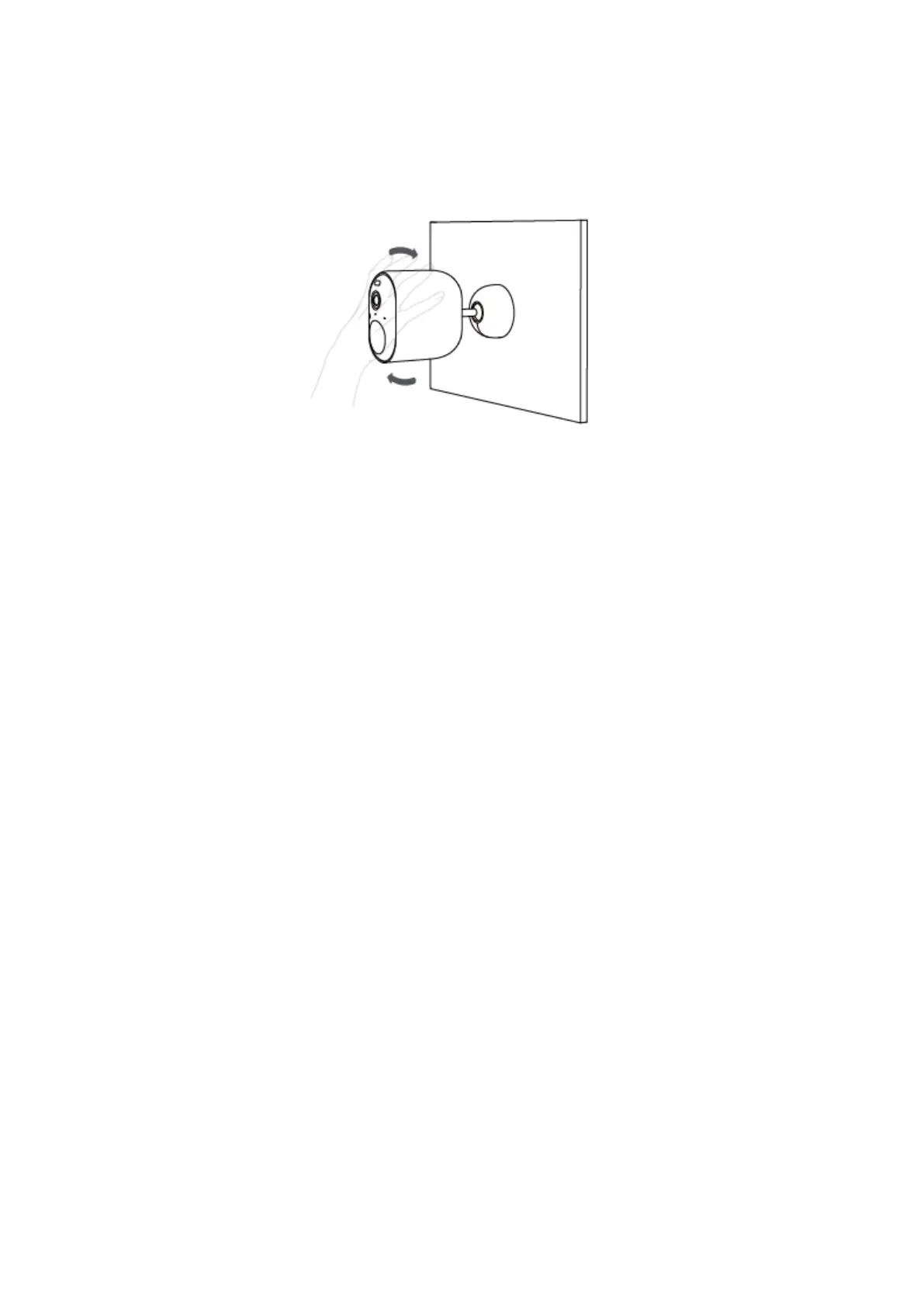
5. Tighten the camera to the mounting bracket and adjust the viewing angle by checking
the live stream feed in the app.
Warning:
To avoid any damages or injuries, the device must be securely fastened to the
Ceiling/wall as specified in the installation instructions.
When mounting the security camera on a wall: Please note that the wall must be able to
support at least triple the product's total weight.


 To Next Page