9
Mounting the Camera
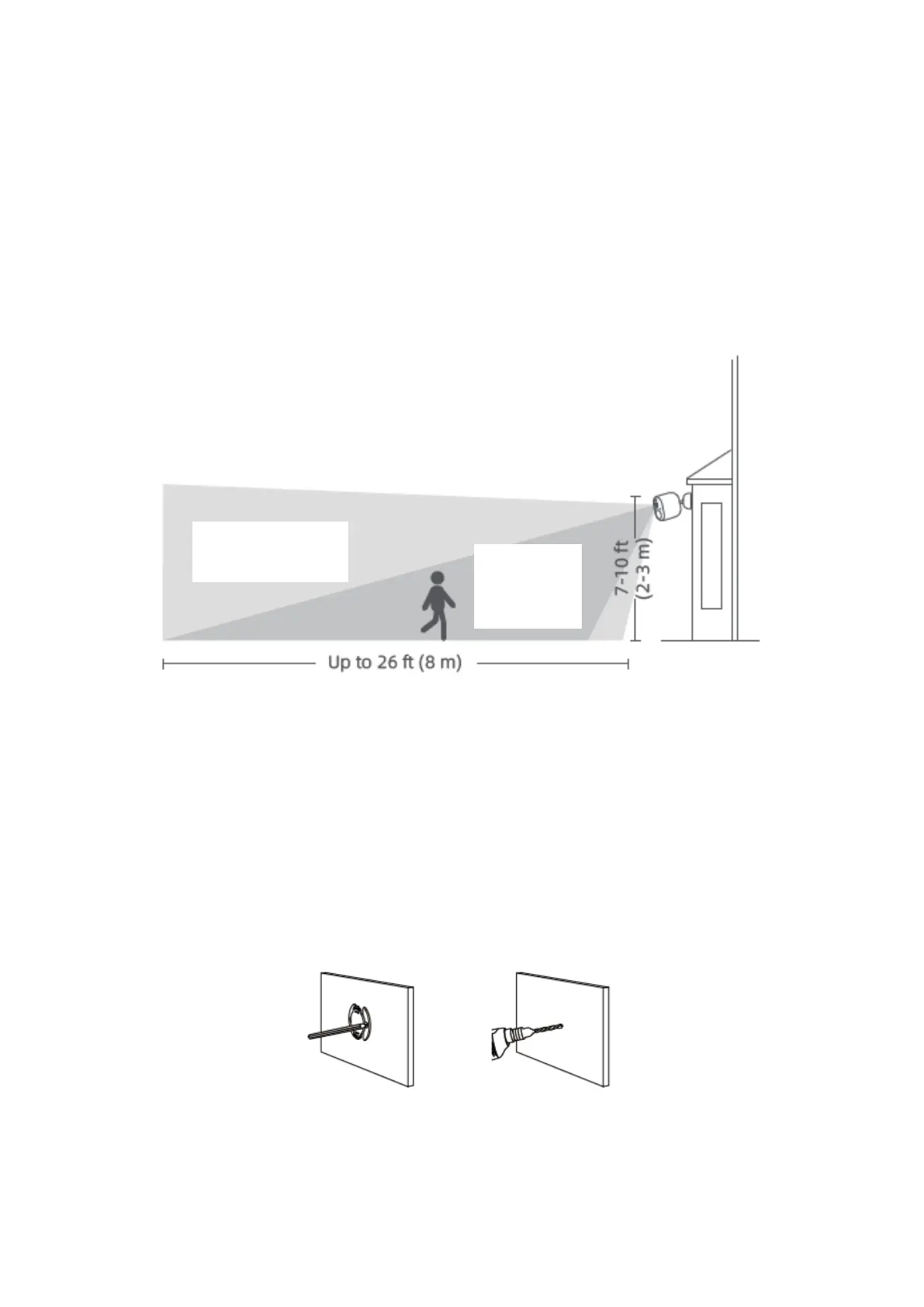
Select height and location
1. Hang the camera 7-10 ft (2-3m) above the ground. This height maximizes the
detection range of the motion sensor of the camera.
Mount the camera
The camera can be mounted both indoors and outdoors.
1. Drill two holes on the wall by using the base of the IMILAB EC4 as a template. It is
recommended that you mark the locations of the hole with a pencil before drilling. The
diameter of each hole is approximately 6 mm, and the depth is approximately 30mm.
2. Insert the anchors into the holes.


 To Next Page