-24-
5. Create your password and confirm, then press the Create button to finish the set-up.
Software
For software enquiries, please follow the link https://www.imomobile.co.uk/support/ to report software issues. You
feedback would be valuable to help improve the user experience of the device.
Appendix
Appendix 1:Troubleshooting
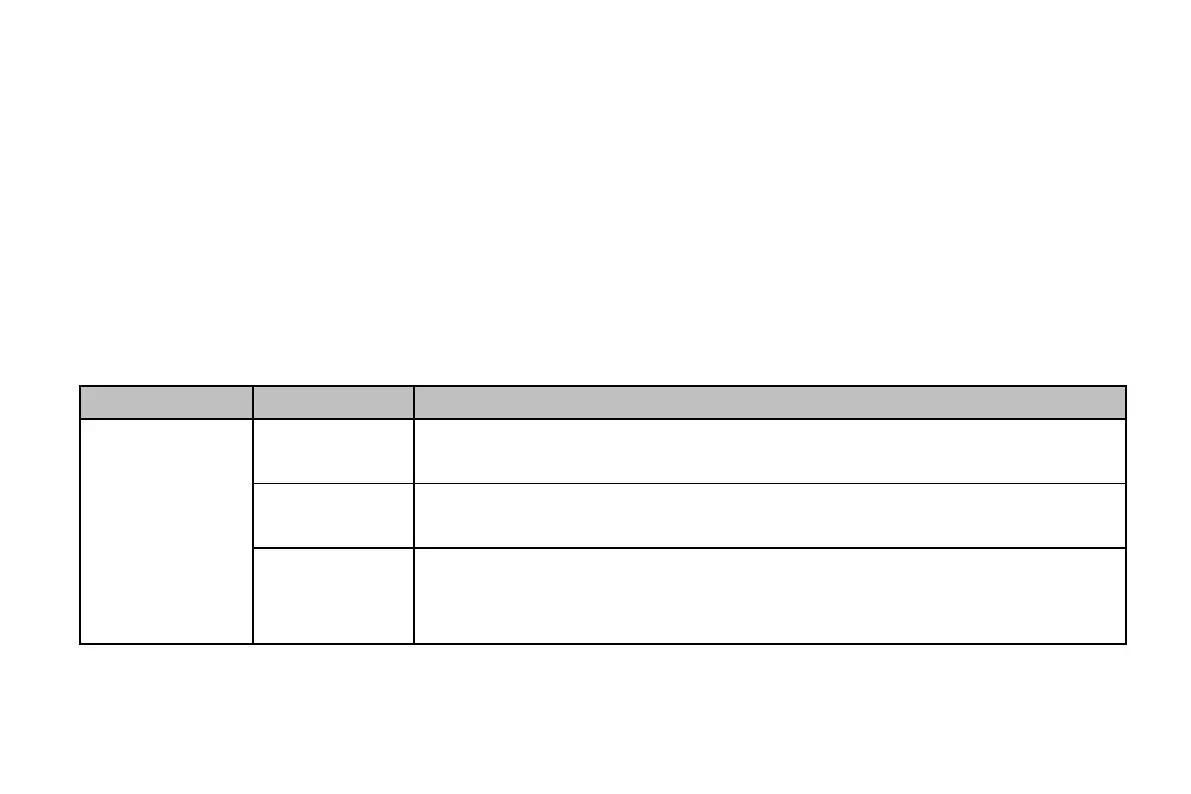
If you find exceptions when operating the mobile phone, restore the factory settings and then refer to the following
table to solve the problem.



 To Next Page