2 Disclaimer
Disclaimer
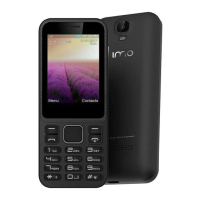
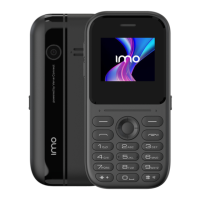
The colors and specifications shown/mentioned in the user manual may differ from the actual product. Images shown
are for representation purpose only. Other product logos and company names mentioned herein may be trademarks
or trade names of their respective owners. The content of this manual may vary from the actual content displayed in
the mobile phone. In such a case, the later shall govern. We keep the right to make modifications to any of the
content in this user guide without public announcement or prior notification. For devices with external power
supplies, plug socket should be placed in short distance and easily accessible. Using the wrong type battery
replacement there is a danger of explosion, be sure to follow the instructions disposal of used batteries.
Copyrights ©
All rights reserved. Reproduction, transfer, distribution or storage of part or all of the contents in this document in any
form without the prior written permission of is strictly prohibited.



 To Previous Page