EasyManua.ls Logo

Impecca TL-3202H - User Manual

Impecca TL-3202H
55 pages
Print Icon
To Next Page IconTo Next Page
Loading...
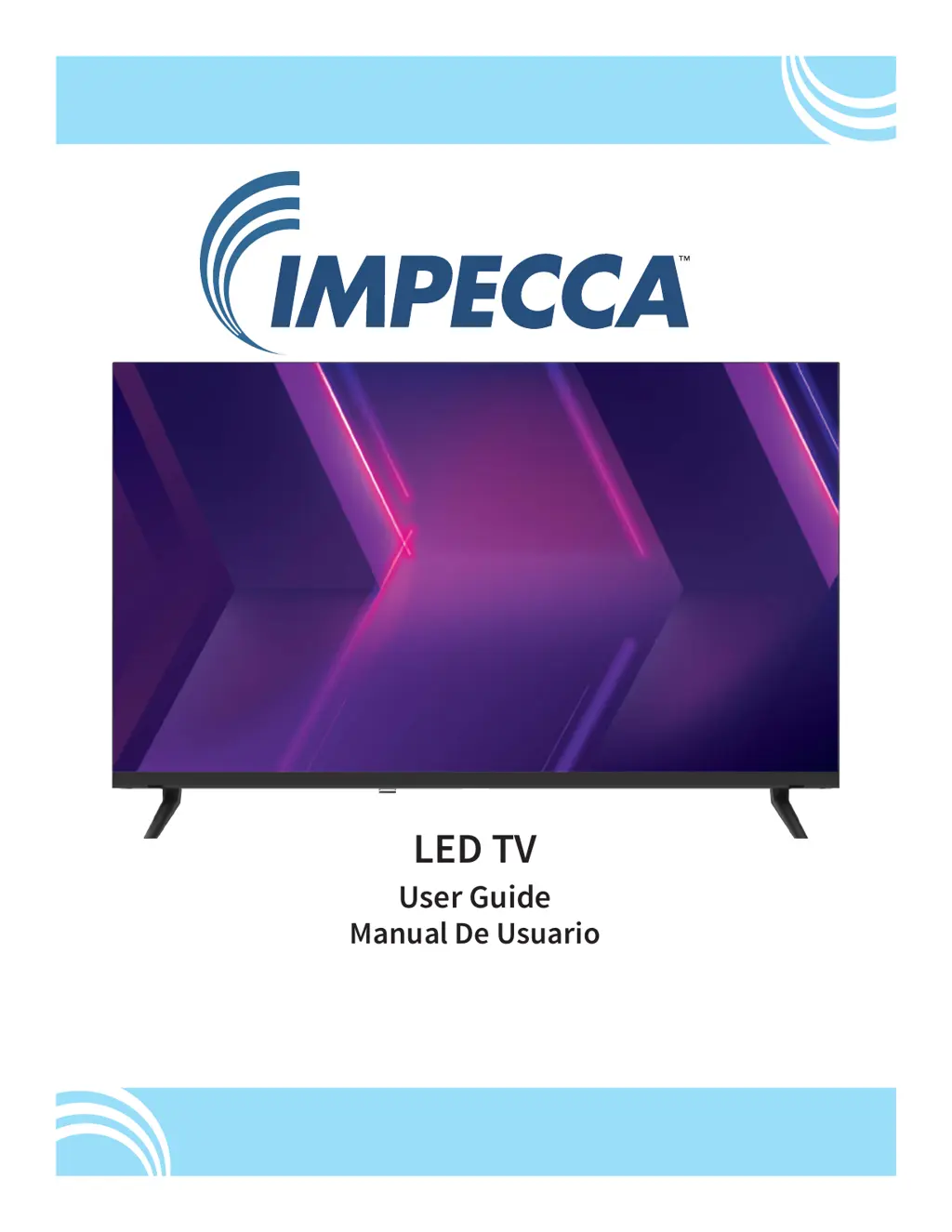
LED TV
User Guide
Manual De Usuario
Guide de l’utilisateur
Model: TL-3202H
www.impecca.com
v .1.1

Table of Contents

Questions and Answers

  • M
    michael36Aug 16, 2025
    What to do if Impecca TL-3202H has no power?
    • S
      Shawn MyersAug 16, 2025
      If your Impecca LED TV isn't turning on, ensure the AC cord is properly plugged into the outlet. If it still doesn't power on, unplug the AC cord, wait 60 seconds, and then plug it back in. Also, verify that the outlet works with other electronic devices.
  • S
    Shannon KimAug 18, 2025
    Why Impecca TL-3202H LED TV has no picture?
    • M
      Michael CollierAug 18, 2025
      If your Impecca LED TV screen is blank, ensure the correct input source is selected and that all cables are securely connected. Also, check that your video source (antenna, DVD player, cable box) is powered on and functioning correctly.
  • W
    Wendy JohnstonAug 21, 2025
    How to fix poor sound on Impecca TL-3202H?
    • S
      Sandra HudsonAug 21, 2025
      If you're experiencing poor or no sound on your Impecca LED TV, first, increase the volume and make sure the TV isn't muted. If the issue persists, try switching to other channels or input sources to see if the problem is specific to one source.
  • C
    Colin AndersonAug 25, 2025
    What to do if Impecca TL-3202H LED TV remote is not responding?
    • T
      Tina WarrenAug 25, 2025
      If your Impecca LED TV isn't responding to the remote, aim the remote directly at the sensor on the TV. Also, ensure the remote has fresh batteries.
  • M
    Matthew BlakeAug 27, 2025
    How to fix poor color on Impecca LED TV?
    • B
      Bradley LopezAug 27, 2025
      If the color on your Impecca LED TV looks poor or is absent, try adjusting the contrast and brightness settings. Also, try changing channels to rule out a channel-specific issue. Finally, check that the antenna or cables are properly connected.
  • P
    Philip GonzalezAug 30, 2025
    How to improve Impecca TL-3202H LED TV reception?
    • J
      Joanna NicholsonAug 30, 2025
      To improve poor reception on your Impecca LED TV, check that the antenna or video connection is fully and properly connected.
  • S
    stephanie97Sep 2, 2025
    How to adjust brightness on Impecca TL-3202H LED TV?
    • K
      Kimberly RaySep 3, 2025
      If the screen on your Impecca LED TV is too dark or too light, adjust the contrast ratio or brightness via the TV's picture menu.
  • M
    Marissa DavisSep 6, 2025
    What causes horizontal lines on Impecca LED TV?
    • S
      Stephanie SloanSep 6, 2025
      If you see horizontal or diagonal lines on your Impecca LED TV screen, and you're using an antenna, ensure it's properly connected to the back of the TV. Also, check that the video connection is secure and that no nearby appliances (like vacuums or hair dryers) are in use.
  • K
    Kevin SullivanSep 8, 2025
    What to do if Impecca LED TV antenna signal is not clear?
    • K
      Karen JohnsonSep 8, 2025
      If the signal from the antenna connected to your Impecca LED TV is not clear, consult the antenna's instruction manual to adjust its direction. Using a taller antenna may also improve image quality.
  • D
    Derek BennettSep 12, 2025
    How to fix no video in PC mode on Impecca TL-3202H LED TV?
    • M
      Mark WallaceSep 12, 2025
      If you're experiencing no video in PC mode on your Impecca LED TV, check all connections. Also, verify the computer's video mode setting for compatible display resolutions. Refer to the PC Settings described in this manual.

Summary

Important Safety Instructions

General Electrical and Fire Safety Warnings

Covers critical warnings about electric shock, fire hazards, and proper handling of the appliance.

FCC Compliance Statement

Details the device's adherence to FCC rules, including interference and usage guidelines.

Child Safety Guidelines

Proper Disposal of Electronics

Safety: Electrical Grounding

Three-Pronged Grounding Plug

Explains the requirement for a properly installed and grounded outlet for the TV.

Safety: Further Cautions & Warnings

General Usage Precautions

Lists precautions for operating the TV safely, including avoiding water, heat, and blocking vents.

Specific Usage Scenarios

Details warnings for antenna installation, cord management, servicing, and handling liquid spills.

Whats in the Box

Installing Your Television

Installation Procedure

Step-by-step guide for unpacking, placing, and connecting the TV.

TV Feet Installation

Instructions for attaching the TV stand feet securely.

Wall Mounting

Remote Control Buttons and Features

Button Functions Overview

Detailed explanation of each button on the remote control and its function.

Battery Recommendations

Note on battery types and mixing old/new batteries.

Using the Buttons on the TV Panel

Video and Audio Connections on the TV

External Device Connections

Selecting an Input Source

The Main Menu System

Menu Navigation

Explains how to navigate and select options within the TV's main menu system.

USB; Media Player Mode

Details accessing and playing media files from a USB drive.

The Picture Menu

Picture Settings Explained

Describes Picture Mode, Brightness, Contrast, Color, Tint, Sharpness, and Color Temperature adjustments.

Advanced Picture Settings

Details Aspect Ratio, Noise Reduction, Dynamic Contrast, and HDMI Mode.

Sound Menu

Time Menu

Setup Menu

On-Screen Display Options

Covers language, OSD timeout, closed captions, and input label settings.

Setup Wizard

Guides on using the initial setup wizard for clock and channel scanning.

Setup (Continued)

PC Settings and Other Options

Details PC settings, Voice Guidance, TTS, HDMI CEC, and HDMI ARC configurations.

Lock Menu

Parental Control Setup

Explains how to set up parental locks for content ratings.

Channel Menu

Channel Management

Covers antenna/cable settings, auto scan, favorite channels, and show/hide options.

Additional Care Instructions

Screen Cleaning and Protection

Guidelines for cleaning the screen and preventing image burn-in.

Condensation Prevention

Advice on preventing performance issues caused by sudden temperature changes.

Troubleshooting Tips

Common Problem Resolution

Provides solutions for common issues like no power, poor picture, or sound problems.

Customer Support

One Year Limited Warranty (US)

Warranty Coverage and Exclusions

Details the terms, conditions, and limitations of the product's one-year limited warranty.

Obtaining Warranty Service

Instructions on how to register the product and contact Impecca for service.

Impecca TL-3202H Specifications

General IconGeneral
BrandImpecca
ModelTL-3202H
CategoryLED TV
LanguageEnglish