INALTO.COM. AUPAGE 09
B E F O R E T H E FI R S T USE
► Remove all packaging and clean the interior
of the oven.
► Take out and wash the oven fi ttings with warm
soapy water.
► Switch on any ventilation within the room
(such as a rangehood), or open any windows.
► Heat the oven to a temperature of 250° C for
approximately 30–45 minutes.
Note: There may be strong odour during the fi rst
use, which is the burning off of any chemical
residues from its construction. This is normal
for all ovens.
IMPORTANT!
The inside of the oven should only be washed with warm
water and a small amount of washing up liquid.
O VEN FUNC T I ONS & O PER AT I O N
IMPORTANT!
In order for the oven to operate, you must:
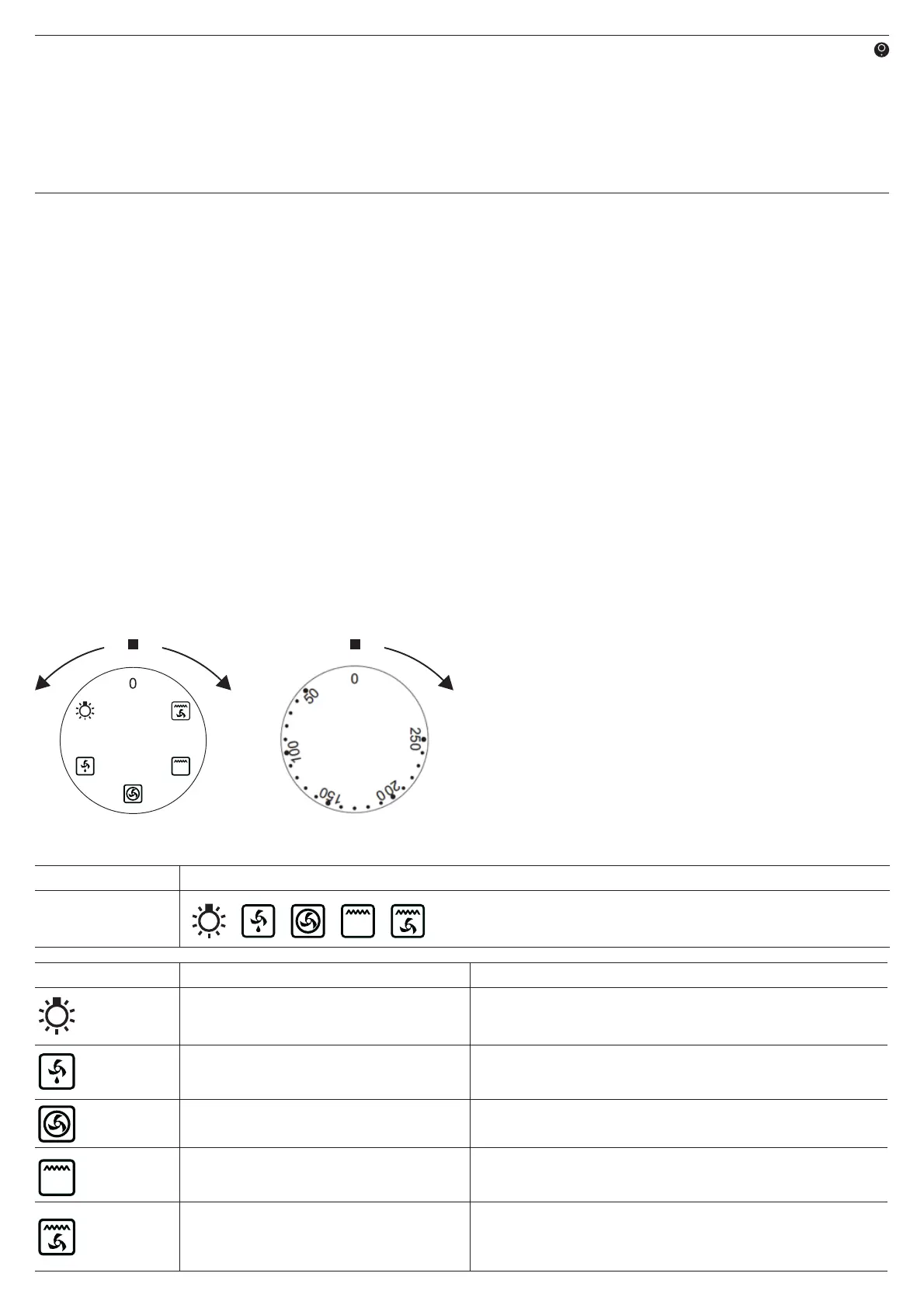
► Select the required conditions of the oven.
I.e. the temperature and a mode of heating.
► Set the knob to the required position, turning
it to the right (clockwise).
Operating Your Oven
O V E N F U N CTION S
Model: Functions:
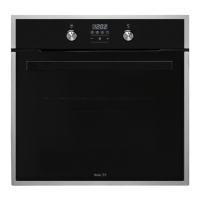
IO60XL5M
Function Symbol: Function Type: Function Description:
Oven Light
By selecting this option, the lighting inside the oven is switched on.
Note: The oven will not heat on this setting.
Defrost
This function allows all frozen foods to be rapidly and delicately thawed
thanks to the internal fan.
Central element and fan
This function enables homogenous distribution of the heat inside the
oven, making it possible to cook several items of food at the same time.
Grill element
This function operates the top grill element. Important! You should only
ever use the grill with the oven door shut.
Grill and fan assist
This function operates the grill element with fan to distribute the heat
evenly. Excellent combination for cooking chicken and a variety of
roasts, sealing the juices in.


 To Next Page