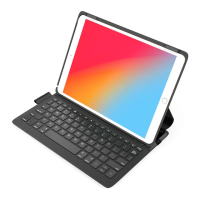
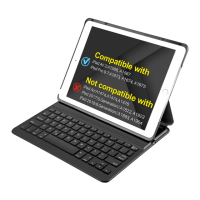
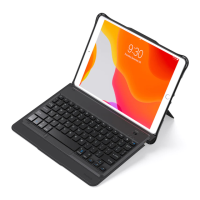
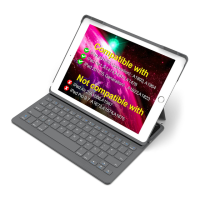
WirelessKeyboardCase
(English)
ProductOverview
PackageContents
•WirelessKeyboardCase*1
•USBchargingcable*1
•Usermanual*1
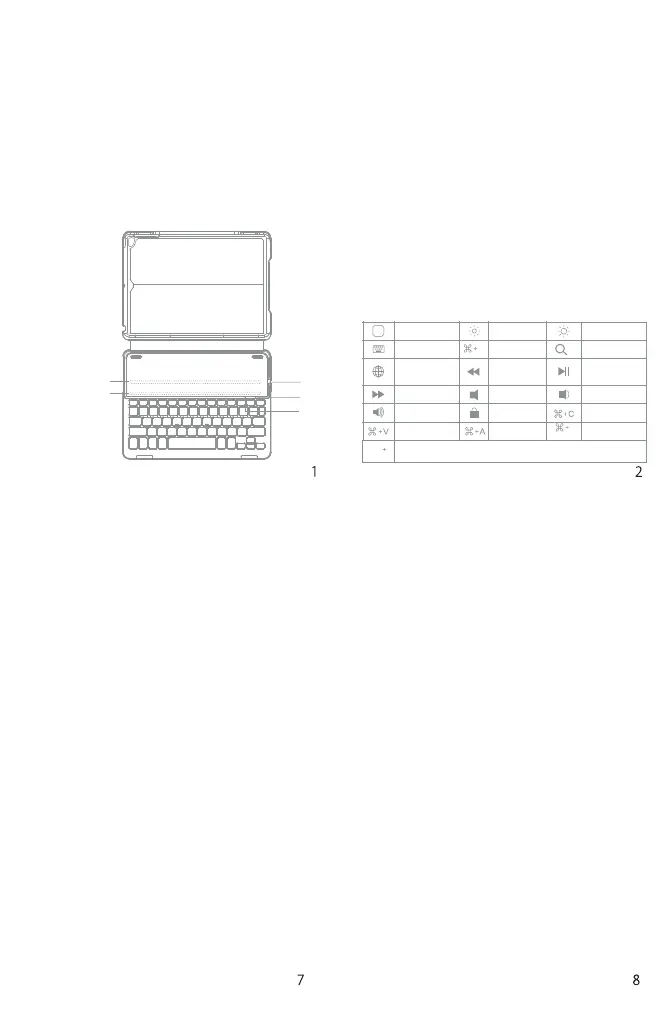
MagneticStrip1
①
③
②
MagneticStrip2
FunctionsKeys
Touse the shortcut keys, hold the “Fn”key while pressing the
desiredshortcutkey.
Note:WhentheiPadsystemistheios10,ifyouwanttouseCaps
LockKeyinnormaltoswitchthecaseofalphaCharacters,please
followthestepstochangetheiPadsettings:
Find General-Keyboard-Hardware Keyboard: TURN OFF Caps
LockandSwitchto/fromLatin
①PowerSwitch:SnappingtheiPadontotheembeddedmagneticstrip
1or strip2automatically wakesthekeyboard. Thegreenlight and
bluelightwillflash.
Battery Indicator: Red light will turn on when the keyboard is
chargingandturnsgreenoncefullycharged.
②CAPSLockIndicator:Greenlightison.
BluetoothStatusIndicator:BluelightwillflashafterpressingtheFn
andDeletekeystogether.
BaterrylowIndicator:Redlightwillflashwhenitistimerorecharge.
③Micro-USBChargingPort:Usedforchargingthekeyboard.
Ctrl
Switchlanguage
Space
Space
Home
Virtualkeyboard
Switch
language
Nexttrack
Volumeup
Paste
Decrease
Cut
Previoustrack
Mute
Lock
Selectall
Increase
Search
Play/Pause
Volumedown
Copy
Search
•Whendisconnectthemagneticswitch,thekeyboard
willpoweroff.
•Thekeyboardwillautomaticallyconnecttothe
tabletin2secondsifithasbeenpairedwithbefore.
•Originalchargecordmustbeusedwhencharging
while working, otherwise the keyboard may
becomegarbledormalfunctioned.
ProductSpecifications
Bluetoothversion
Chargingport
Effectiverange
Modulation
WorkingVoltage
Workingcurrent
Sleepingcurrent
Chargingcurrent
Standbytime
Chargingtime
Broadcom3.0
Micro-USB
10meters
GFSK
3.0-4.2V
<3mA
<0.1mA
≥200mA
>90days
<4hrs
Batterycapacity
Continuouslyworkingtime
Batterylife
Batterydimension
Keypressforce
Keylife
Workingtemperature
Bluetooth Operating
Frequency
280mAh
100hrs
3years
3.8*20*35mm
60±10 g
3milliontimesclicks
-10-+55degree
Troubleshooting
1.iPadcannotconnectwiththekeyboard:
•Ensurethemagneticstripshasconnectedwith
thekeyboard
•Makesurethelithiumbatteryisnormal
•ConfirmthattheiPadBluetoothfunctionhas
beenturnedon
noissimsnarthtooteulB
Power
2402-2480MHz
-3.41dBm
X


 To Next Page
 Loading...