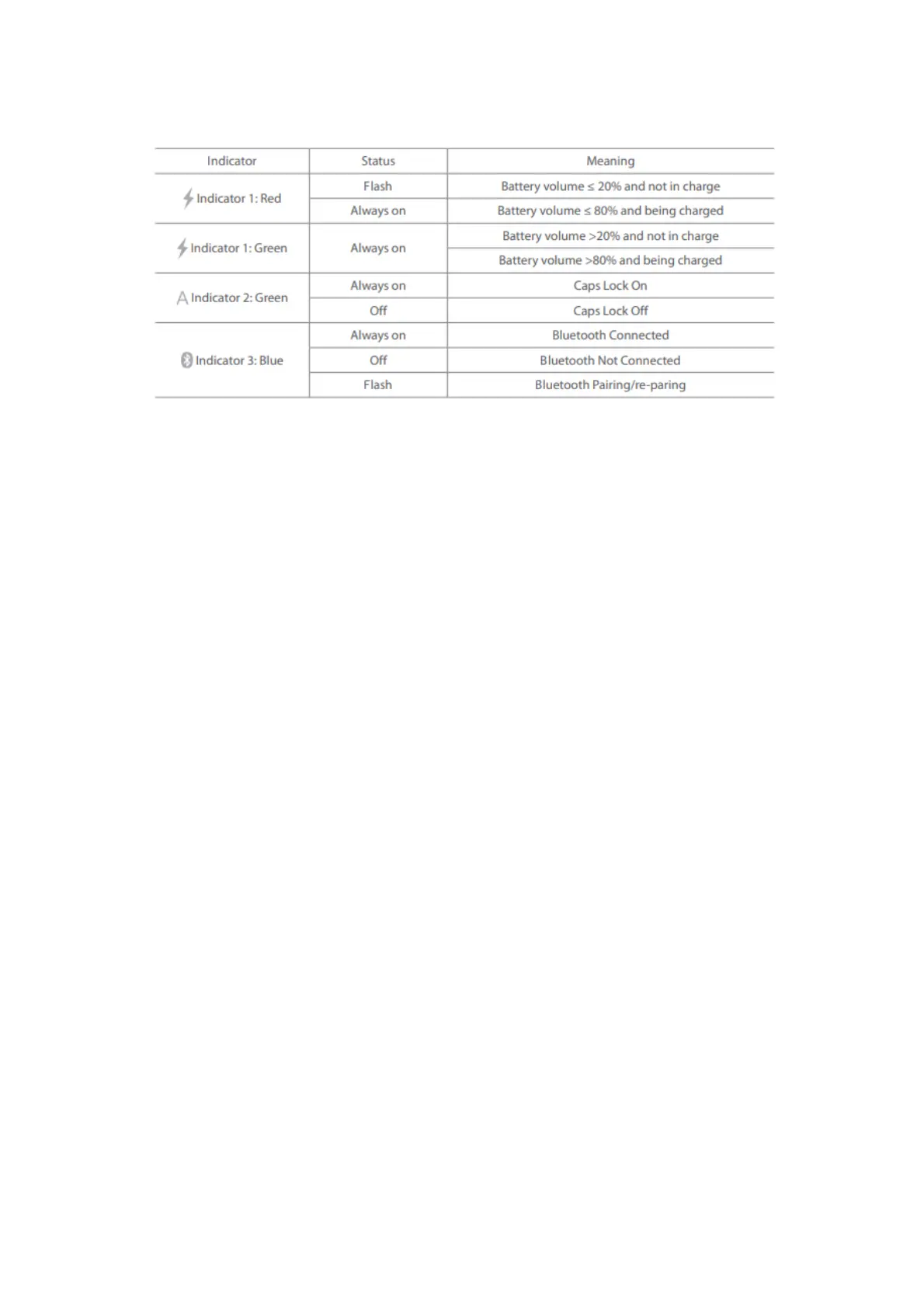
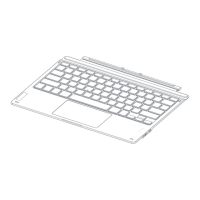
5. Indicator
Note: “Flash” means the light alternates between on and off status quickly, 3 times a second.
6. How to Adjust the Keyboard Backlight
1) Press xx + xx simultaneously to adjust the color of the backlight. There are 7 colors available
in total.
2) Press xx + xx simultaneously to adjust the brightness of the backlight. 3 levels of brightness
are at choice.
Note:
1) When the battery level is lower than 15%, the backlight turns off automatically.
2) The backlight will go off automatically if the keyboard is left idle for two minutes. You can
wake it up by pressing a single key.
7. How to Use the Function Keys
7-1. How to Use F1-F12
You may press the xx + xx keys to lock the Fn key. A repeated operation can unlock the Fn
key. (The keyboard disables the Fn key lock by default. )
Fn Lock enabled:
Press xx+xx to enable/disable the Fn lock,
When the Fn lock is enabled:
Press xx can trigger the functionality owned by F1 key;
Press the combination of xx+xx will dim the brightness of the screen;
This method applies to all F Keys (F1-F12) .
When the Fn lock is disabled(Default Status):
Press the xx+xx combination can disable the Fn lock.
When the Fn key is unlocked, press the xx key to dim the brightness of the screen. Press the
xx+xx simultaneously to use the functionality owned by F1 key.
7-2. The combination of Fn and other keys:



 To Next Page