EasyManua.ls Logo

Inax RS Series - User Manual

Inax RS Series
44 pages
Print Icon
To Next Page IconTo Next Page
Loading...
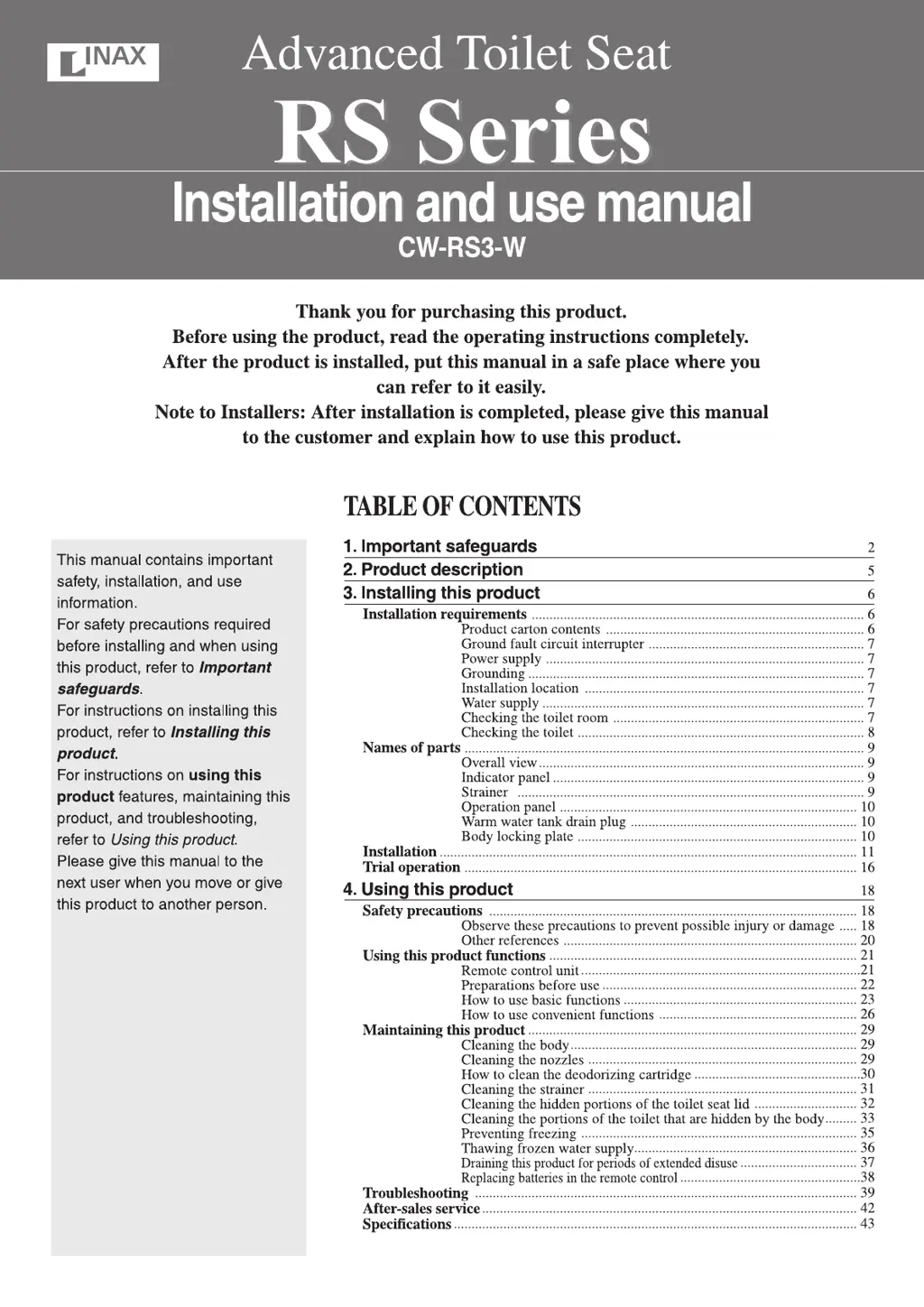
GCW-1220-W-08110-4.indd1GCW-1220-W-08110表紙-4.indd1 2011/07/1210:50:552011/07/1210:50:55

Questions and Answers

  • P
    Patricia DavisAug 1, 2025
    What to do if Inax RS Toilets system will not operate at all?
    • R
      Robert RobinsonAug 1, 2025
      If your Inax Toilets system isn't operating, there could be several reasons. First, check for a power failure or tripped breaker. Ensure the power switch is on by pressing the stop button for 2 seconds until the indicator lamps light up. Make sure the power plug is securely inserted into the wall outlet. If current is leaking, remove the plug, wait, and reinsert it; if it still fails, request repairs. Also, check if the remote control’s transmitter or the body’s receiver is dirty and clean them. Finally, replace the remote's batteries if they are weak.
  • C
    Christopher RichardsonAug 5, 2025
    Why is water not spraying out of my Inax Toilets?
    • R
      Richard AllenAug 5, 2025
      If water isn't spraying from your Inax Toilets, check these potential causes: * Ensure the water shutoff valve is open by turning it counterclockwise. * Clean the strainer if it's clogged. * Remove any dirt or water drops from the occupied seat sensor. * Increase the spray strength if the tap water pressure is low. * Sit back fully on the toilet seat to activate the occupied seat sensor, or try a different sitting position. * If you're wearing certain clothing, place your hand near the occupied seat sensor. * Carry out a trial operation to fill the warm water tank.
  • C
    Christina HumphreyAug 9, 2025
    Why is spray water not warm in my Inax RS?
    • J
      Jeremy AlvaradoAug 9, 2025
      If the spray water in your Inax Toilets isn't warm, make sure the water temperature is set correctly by pressing the water temperature button. Also, if you've been using the wash or bidet function for a long time, it takes about 3 minutes for the water to warm back up. Finally, check if power save is activated and cancel it.
  • R
    Ronald RoseAug 13, 2025
    How to fix Inax RS Toilets drying function that does not operate?
    • S
      Samuel NicholsonAug 13, 2025
      If the drying function on your Inax Toilets isn't working, it's likely due to the occupied seat sensor not being activated. Try sitting back fully on the toilet seat or adjusting your sitting position. Certain clothing can also interfere with the sensor, so try placing your hand close to it.
  • T
    Travis OlsonAug 18, 2025
    Why is dryer air not warm in Inax RS?
    • J
      Jeffrey OdonnellAug 18, 2025
      If the dryer air in your Inax Toilets isn't warm, adjust the air temperature to the desired level by pressing the dry button.
  • V
    Vincent GreenAug 22, 2025
    What to do if warm air stops suddenly before finishing in Inax RS?
    • E
      Emily ParkAug 22, 2025
      If the warm air stops suddenly before finishing when using the drying function on your Inax Toilets, it might be because the function has been running for 4 minutes or longer. Try pressing the dry button again to restart it.
  • D
    David SmithAug 27, 2025
    Why the deodorizing fan does not switch off in Inax Toilets?
    • G
      grahamchristopherAug 27, 2025
      If the deodorizing fan in your Inax Toilets doesn't switch off, check if any paper is covering the seat sensor and remove it.

Summary

Important Safeguards

DANGER and WARNING Safety Precautions

Key safety warnings for reducing risks of electric shock, burns, fire, and injury.

CAUTION: Property Damage and Minor Injury Prevention

Precautions to avoid minor damage to the product or property and slight injuries.

Product Description

Installing this Product

Installation Requirements and Contents

Details on what is needed and included for product installation.

Ground Fault, Power, and Water Supply Setup

Guidelines for ground fault interrupter, power, and water supply connections.

Toilet and Room Compatibility Checks

Ensuring proper fit by checking toilet dimensions and room layout.

Names of Parts and Operation Panel

Identification of all components, including the overall view and operation controls.

Using this Product

General Safety Precautions for Use

Essential safety guidelines to prevent product damage or user injury during operation.

Other Operational References

Additional information on product features, sensor operation, and common observations.

Product Functions Overview and Settings

Introduction to functions, remote control, and basic settings like water and seat temperature.

How to Use Basic Functions

Step-by-step guide for using shower, bidet, and massage washing features.

Drying and Deodorizing Functions

Instructions for using the warm air dryer and the automatic deodorizing system.

Convenient Functions and Adjustments

Details on power saving, seat heater auto-off, and spray strength modifications.

Maintaining this Product

Routine Cleaning Procedures

Guidance on cleaning the product body, nozzles, and deodorizing cartridge.

Strainer and Hidden Part Cleaning

Steps for cleaning the strainer and hidden areas of the toilet seat lid and body.

Freeze Prevention and Draining

Methods to prevent freezing and drain water for extended disuse or cold weather.

Troubleshooting

System Operation and Power Issues

Solutions for problems like the system not operating or power lamp blinking.

Cleaning and Spraying Problems

Troubleshooting for issues with water spray, temperature, and clogged strainers.

Drying, Deodorizing, and Seat Heating Issues

Fixing problems with drying, deodorizing, and the heated toilet seat functionality.

After-Sales Service

Before Requesting Repairs

Steps to take before contacting support, including troubleshooting and warranty checks.

Requesting Repairs and Warranty Details

Information on warranty period and required details for submitting repair requests.

Specifications

Inax RS Series Specifications

General IconGeneral
BrandInax
ModelRS Series
CategoryToilets
LanguageEnglish

Related product manuals