Need help?
Do you have a question about the Incipio ClamCase + and is the answer not in the manual?
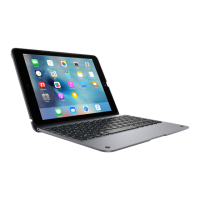
Insert iPad bottom edge into the ClamCase.
Press iPad top edge to snap securely into the case.
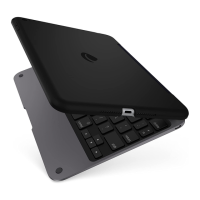
Pull back the top clip to release the iPad.
Turn on the ClamCase keyboard before use.
ClamCase+ enters pairing mode automatically on first power-on.
Press Fn + Cmd keys for 5 seconds to initiate manual pairing.
Open iPad Settings, turn on Bluetooth, and tap to connect to the keyboard.
 General
| Connectivity | Bluetooth |
|---|---|
| Material | Polycarbonate |
| Compatibility | iPad |
| Type | Keyboard Case |
| Color Options | Black |


 To Next Page