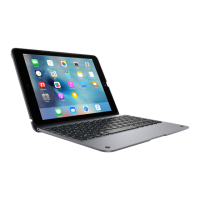
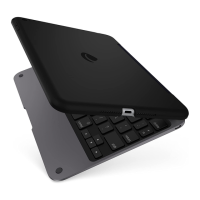
Setup Configuration
• Place your iPad inside the bottom edge of the ClamCase.
Placez votre iPad dans le bord inférieur de la coque
ClamCase.
• Press your iPad into the top edge of the ClamCase and it
will snap in securely.
Appuyez votre iPad dans le bord supérieur de la coque
ClamCase. Il s’encliquète à l’intérieur en toute sécurité.
• To remove, snap back the top clip of the CalmCase and
release your iPad.
Pour l’enlever, tirez vers l’arrière le clip situé en haut de la
coque ClamCase et retirez votre iPad.
PKG5107_iPad_Air2_Clamcaseplus_Manual_R1.indd 6 3/10/16 6:13 PM



 To Next Page