
 Need help?
Do you have a question about the Indesit IWC 6143 and is the answer not in the manual?
Instructions for removing the machine from packaging and ensuring stability and levelness.
Details on connecting the water inlet hose and electrical power for operation.
Guidance on properly connecting the drain hose to a suitable outlet.
Steps and checks for safe and compliant electrical connection of the appliance.
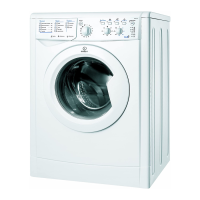
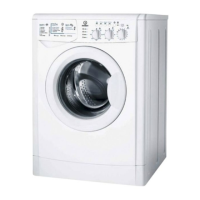
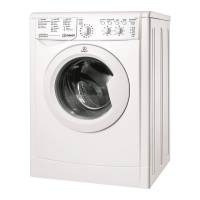
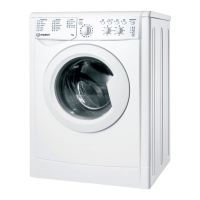
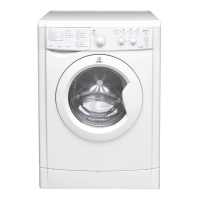
Specifications and technical details of the washing machine model.
Explanation of the buttons, knobs, and indicator lights on the washing machine control panel.
Details on what the various indicator lights signify during operation and cycle phases.
Step-by-step instructions for initiating a wash cycle on the machine.
A comprehensive table detailing available wash cycles, parameters, and durations.
How to adjust wash temperature and spin speed settings for desired results.
Explanation of additional functions like Eco Time, Stain Removal, Extra Rinse, and Delay Timer.
Instructions on correctly using the detergent dispenser for various types of detergents and additives.
Guidance on sorting, loading, and weighing laundry for optimal washing.
Advice on washing delicate fabrics like wool and silk, and care for curtains and jeans.
Explanation of the machine's load balancing feature and how to ensure proper distribution.
Essential safety precautions to follow during operation and handling of the washing machine.
Information on the correct and environmentally friendly disposal of the appliance and packaging.
Advice on turning off supplies after use and unplugging for maintenance.
Detailed instructions for cleaning the machine exterior, dispenser, door, drum, and pump.
Guidance on regularly inspecting the water inlet hose for damage and replacement needs.
A guide to identifying and resolving typical issues with the washing machine's operation.
Steps to take before contacting technical support, including self-troubleshooting.
Details required by the technical assistance centre to diagnose and resolve issues.
 General
| Type | Freestanding |
|---|---|
| Capacity | 6 kg |
| Spin Speed | 1400 rpm |
| Number of Programs | 16 |
| Colour | White |
| Width | 60 cm |
| Height | 85 cm |
| Noise Level (Washing) | 59 dB |
| Loading type | Front |
| Programs | Delicates, Wool, Quick wash, Synthetics |

 To Next Page