4
GB
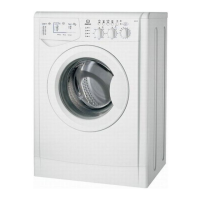
Washing machine description
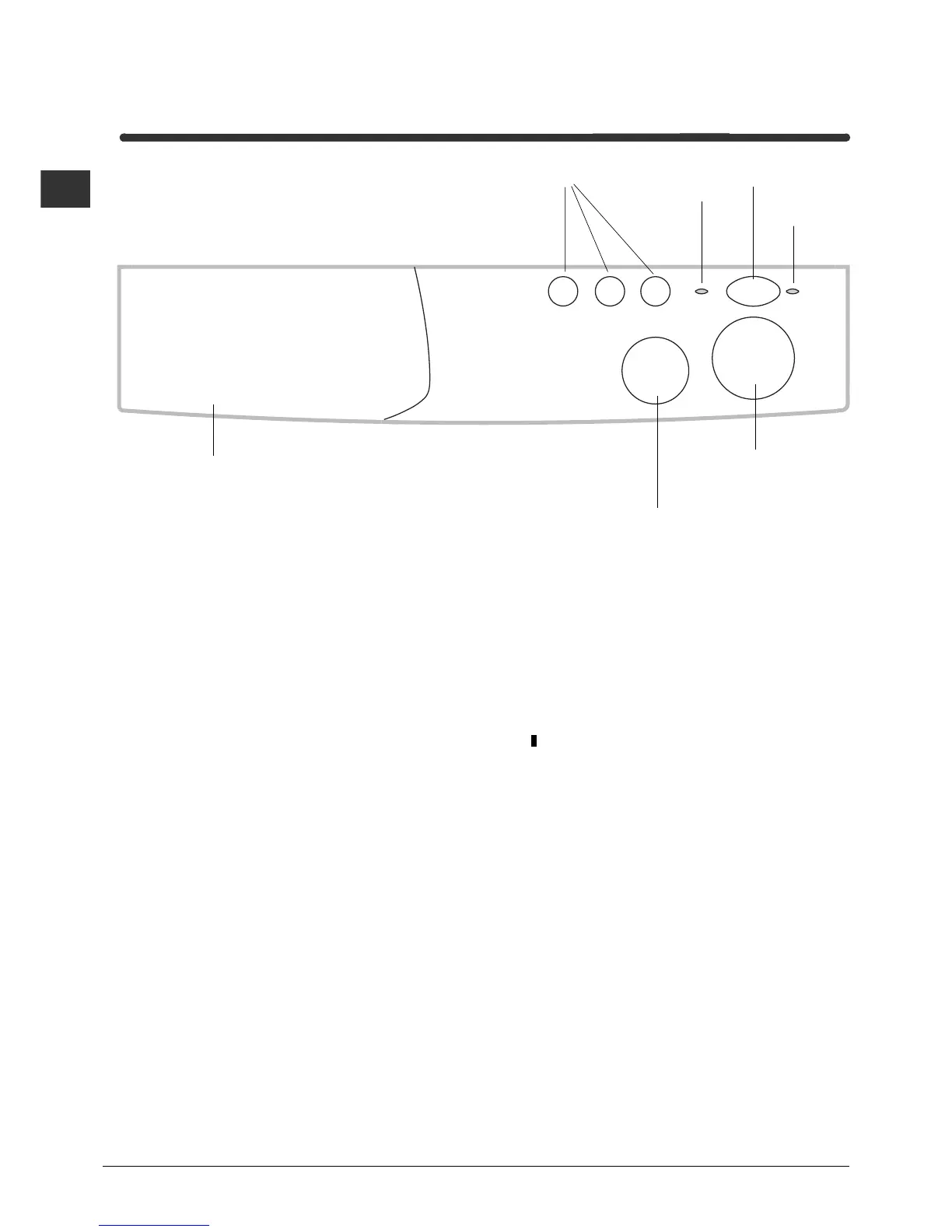
Control panel
Detergent dispenser
ON-OFF
Button
TEMPERATURE
Knob
PROGRAMME
Knob
FUNCTION
Buttons
DOOR
LOCK
Led
Detergent dispenser: to add detergent and fabric
softener (see page 8).
FUNCTION buttons: to select the functions
available.
TEMPERATURE knob: to set the temperature or
the cold wash cycle (see page 7).
DOOR LOCK led, to find out if the appliance door
can be opened (see page 5).
ON/OFF button, to turn the washing machine on
and off.
Turning the machine off does not cancel the
selected programme.
ON/OFF led, to find out whether the washing
machine is on and if the programme set has been
accepted (see page 5).
PROGRAMME knob: to select the wash
programmes.
Note: After the wash cycle has been set and
accepted by the washing machine, any changes to
the position of the knob will be of no use (except in
the
Stop/Reset position).
Turn this knob clockwise only.
ON-OFF
Led



 To Next Page