4
GB
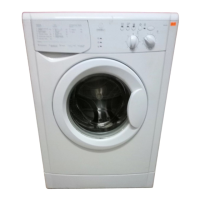
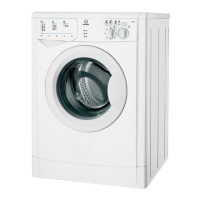
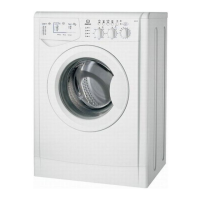
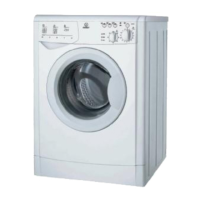
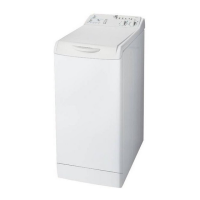
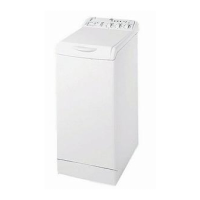
Washing machine description
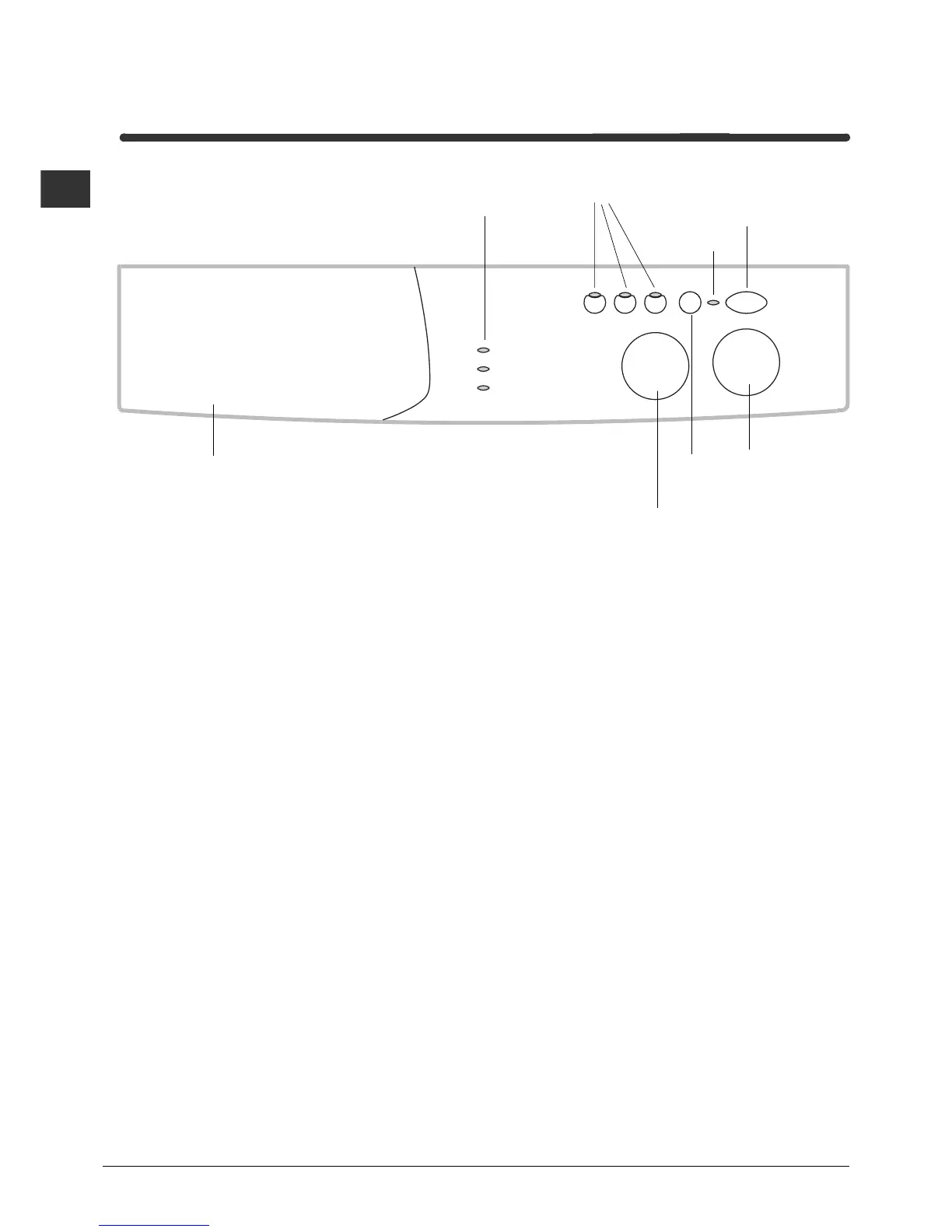
Control panel
Detergent dispenser
ON-OFF
Button
START/RESET
Button
TEMPERATURE
Knob
PROGRAMME
Knob
Leds
FUNCTION
Buttons
ON-OFF/
DOOR
LOCK
Led
Detergent dispenser: to add detergent and fabric
softener (see page 8).
LEDS: to find out which wash cycle phase is under
way.
FUNCTION buttons: to select the functions
available. The button corresponding to the function
selected will remain on.
TEMPERATURE knob: to set the temperature or
the cold wash cycle (see page 7).
START/RESET button: to start the programmes or
cancel any incorrect settings.
ON-OFF/DOOR LOCK Led: to find out whether the
washing machine is on and if the appliance door can
be opened (see page 5).
ON/OFF button: to turn the washing machine on
and off.
PROGRAMME knob: to select the wash
programmes. The knob stays still during the cycle.
Standby mode
This washing machine, in compliance with new
energy saving regulations, is fitted with an automatic
standby system which is enabled after about 30
minutes if no activity is detected. Press the ON-OFF
button briefly and wait for the machine to start up
again.


 To Next Page