4
GB
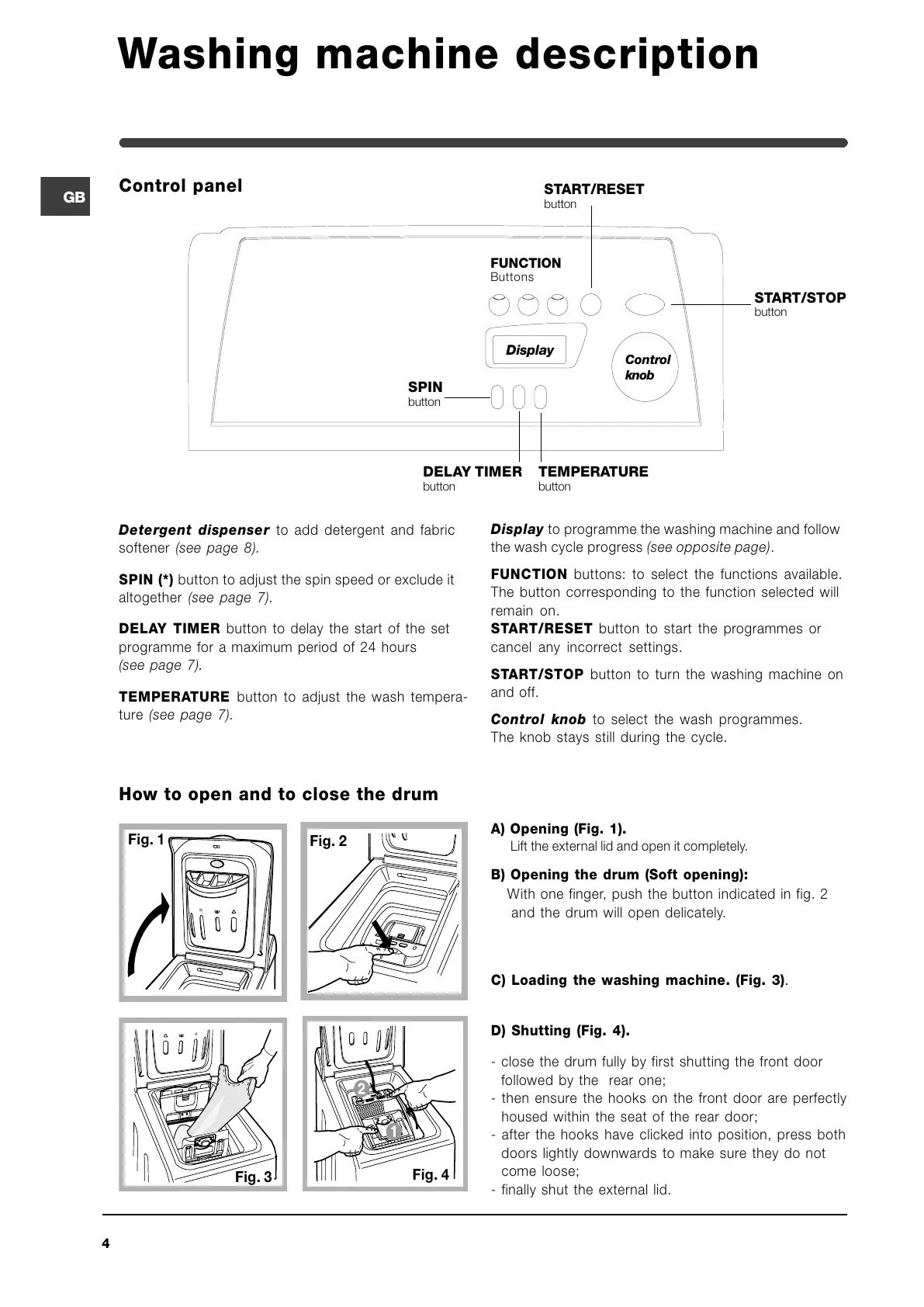
Control panel
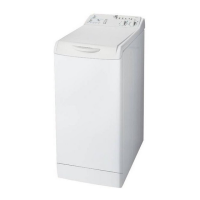
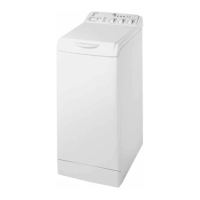
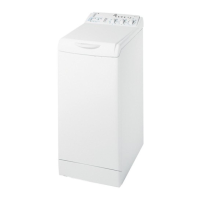
Washing machine description
Detergent dispenser to add detergent and fabric
softener (see page 8).
SPIN (*) button to adjust the spin speed or exclude it
altogether (see page 7).
DELAY TIMER button to delay the start of the set
programme for a maximum period of 24 hours
(see page 7).
TEMPERATURE button to adjust the wash tempera-
ture (see page 7).
Display to programme the washing machine and follow
the wash cycle progress (see opposite page).
FUNCTION buttons: to select the functions available.
The button corresponding to the function selected will
remain on.
START/RESET button to start the programmes or
cancel any incorrect settings.
START/STOP button to turn the washing machine on
and off.
Control knob to select the wash programmes.
The knob stays still during the cycle.
Fig. 1
A) Opening (Fig. 1).
Lift the external lid and open it completely.
B) Opening the drum (Soft opening):
With one finger, push the button indicated in fig. 2
and the drum will open delicately.
C) Loading the washing machine. (Fig. 3).
D) Shutting (Fig. 4).
- close the drum fully by first shutting the front door
followed by the rear one;
- then ensure the hooks on the front door are perfectly
housed within the seat of the rear door;
- after the hooks have clicked into position, press both
doors lightly downwards to make sure they do not
come loose;
- finally shut the external lid.
How to open and to close the drum
Fig. 3
Fig. 2
Fig. 4
Control
knob
Display
SPIN
button
TEMPERATURE
button
START/STOP
button
START/RESET
button
DELAY TIMER
button
FUNCTION
Buttons


 To Next Page