Version 2.0
Page 3
INDEX EVEREST SERVICE MANUAL
Index Braille Printer Company
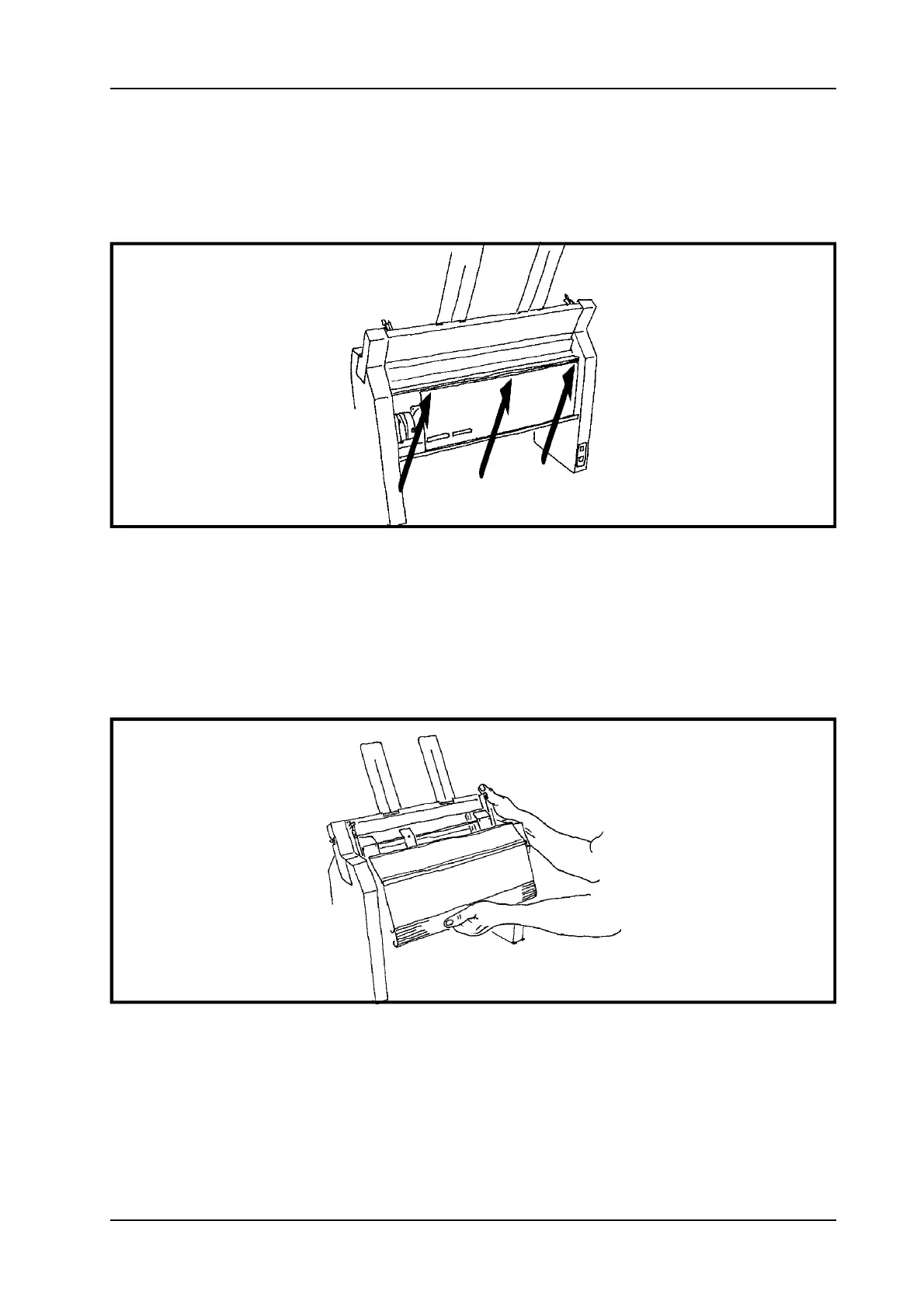
1. Unscrew the marked screws in the upper raw of the main board.
2. Turn down the main board.
1.1.3 Open the front panel cover
Figure 1.1.3 Opening the front panel cover.
1. To open the cover, grab the handle and the plastic casing.
2. Open the front panel cover.
1.1.4 Right casing


 To Next Page