inniton.es34
English
How to use
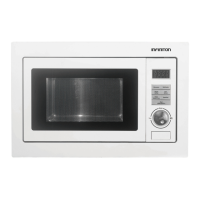
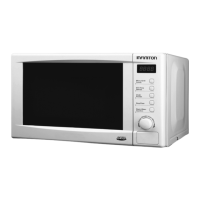
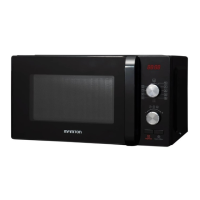
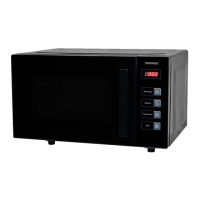
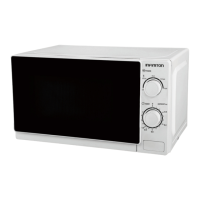
Control panel
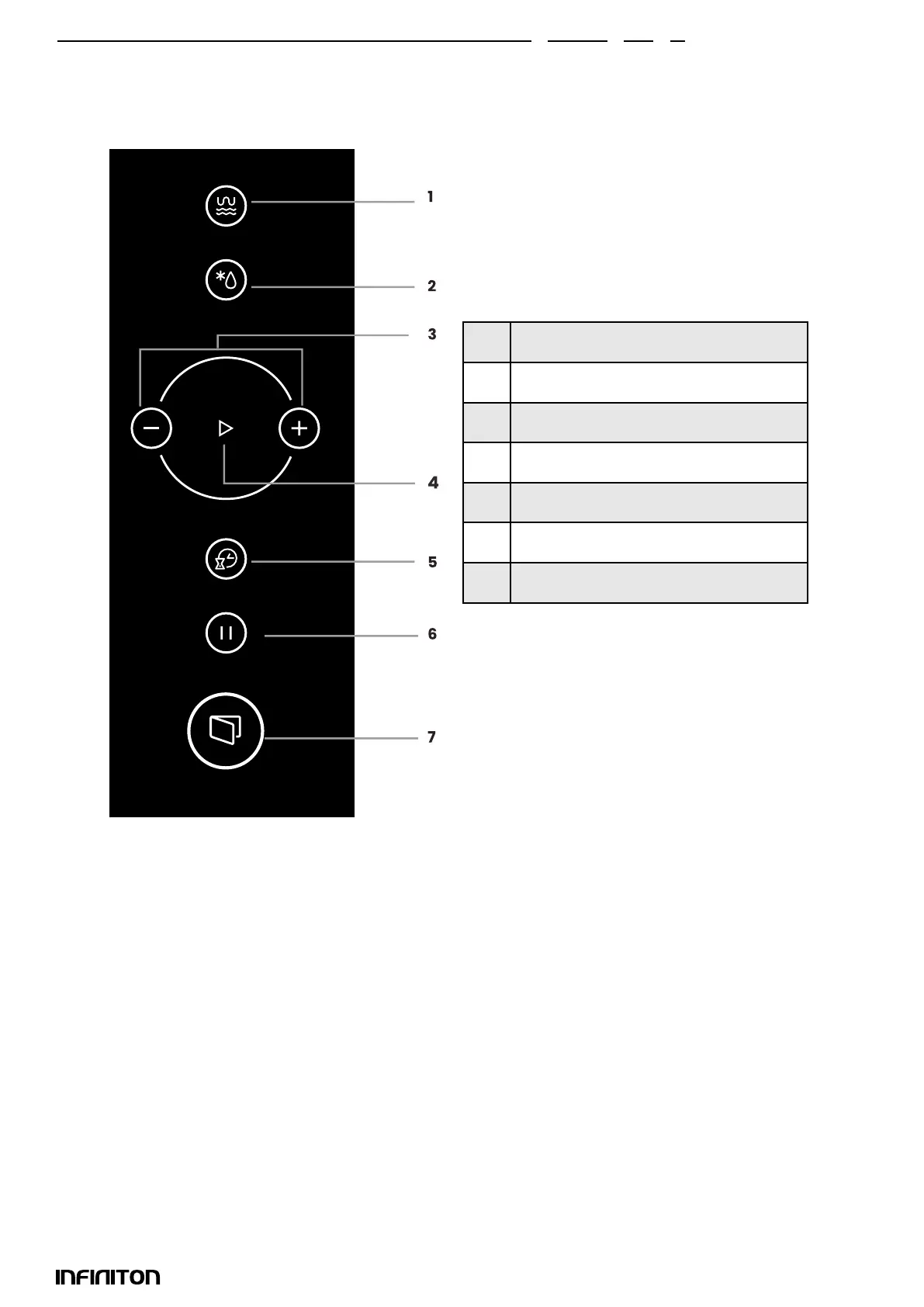
The control panel shown below is for guidance only.
Please note what the control panel looks like on your device.
1 Micro/Grill/Combi
2 Defrost
3 Increase/Decrease
4 Start
5 Timer/Clock
6 Pause/Stop
7 Door open button
1. Setting the clock
When the appliance is connected to the mains, the digital display will show 0:00 and a beep will sound.
Press “timer / clock” once to select the clock function. The time icons will ash.
2. Press + / - to set the time. The entered time must be between 0 and 23.
3. Press “timer / clock” twice and the minute digits will ash.
4. Press +/- to adjust the minute digits. The minutes to be entered must be between 0 and 59.
5. Press “timer / clock” to nish programming the clock. “:” will ash and the clock will start running.
Note:
If the clock has not been programmed, it will not run when activated.
In the process of setting the clock, if you press Stop, the microwave will return to its previous state auto-
matically.



 To Next Page