inniton.es38
English
How to use
9. Fast cooking +30seconds
Press “START” to start cooking for 30 seconds at 100% power. Each press will increase the cooking time by
30 seconds up to a maximum of 95 minutes.
2. In microwave, grill, combi or time defrost modes, each press of the “START” button will increase the
cooking time by 30 seconds.
3. In standby mode, turn the thumbwheel to adjust the cooking time to microwave power.
In standby mode, turn the thumbwheel to set the cooking time to 100% microwave power, then press
“START” to start cooking.
10. Child’s Lock
Lock: While in standby mode, press “Stop/Clear” for 3 seconds; a long beep will sound to indicate that the
child lock has been initiated and the current time will be displayed if the time has been set. Otherwise,
the display will show “[==]” and the lock icon will illuminate.
Unlock: While in standby mode, press “Stop/Clear” for 3 seconds, a long beep will sound to indicate that
the child lock is completed.
11. Display of the current power / cooking time
1. In microwave, grill and combi modes, press the “Microwave/Grill/Combi” button and the current mi-
crowave power will be displayed for 3 seconds. After 3 seconds, the microwave will return to its previous
state.
2. During the cooking process, press “Timer/Clock” to display the cooking time and it will ash on the dis-
play for 3 seconds.
12. Important notes
(1) “START” must be pressed to continue cooking if the door is opened during cooking;
(2) Once the cooking program is set, if “START” is not pressed for 5 minutes, the current time will be dis-
played, the setting will be canceled.
(3) When pressed efciently, an acoustic signal sounds once, when not pressed efciently, it does not
respond.
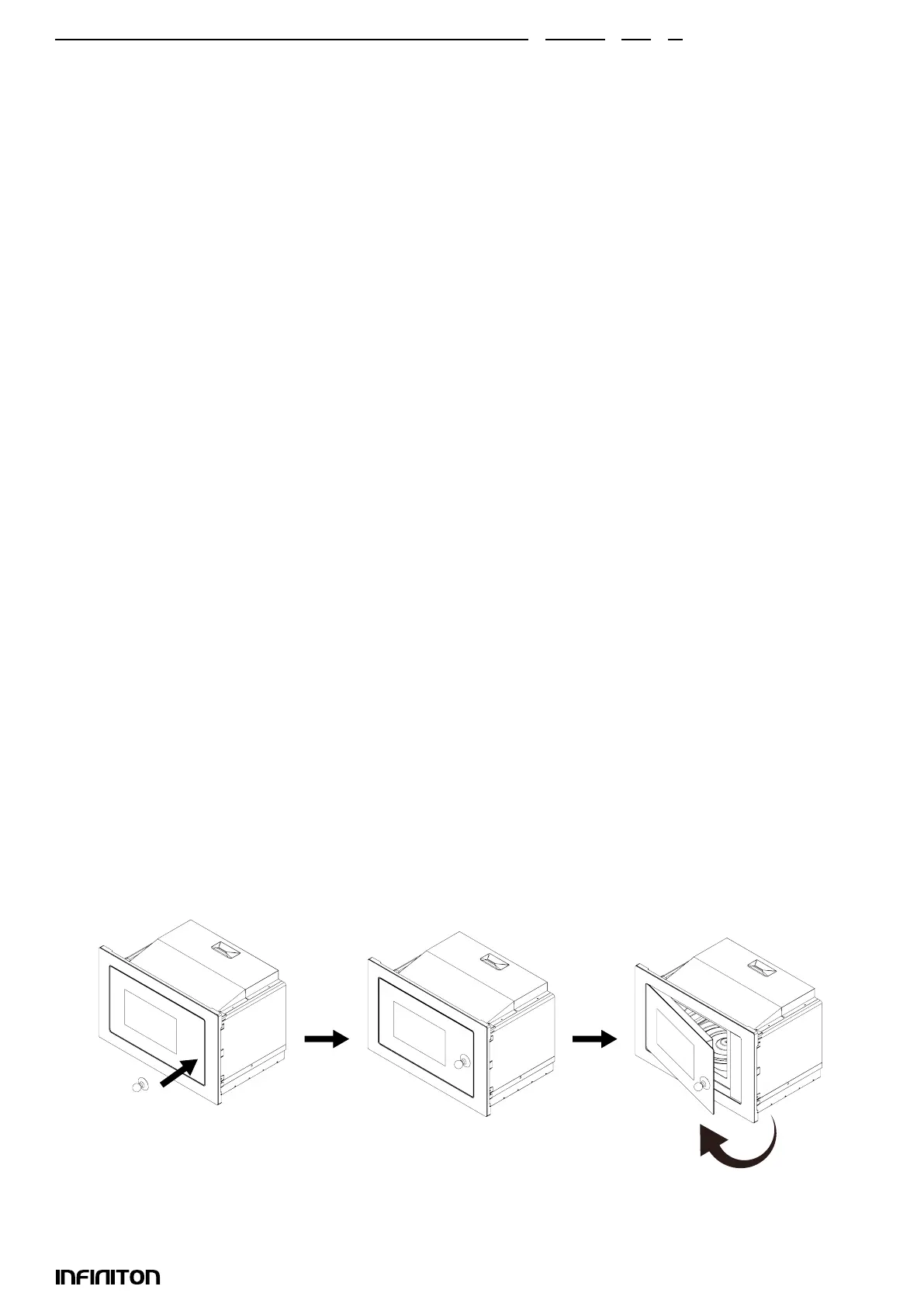
13. Open the microwave’s door
Press the “DOOR OPEN” button to open the microwave door.
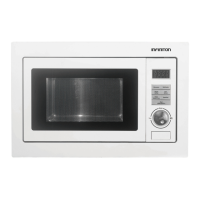
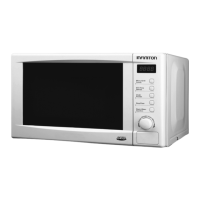
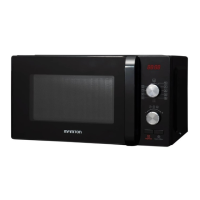
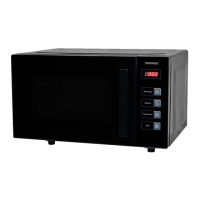
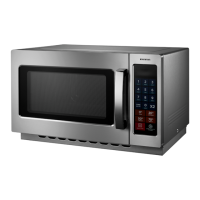
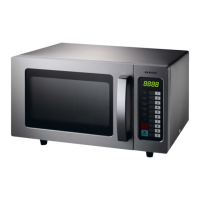
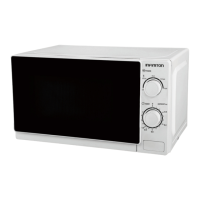
If the button does not work, open the door with the help of a suction cup. Refer to the following pictures:



 To Next Page