inniton.es40
How to use
English
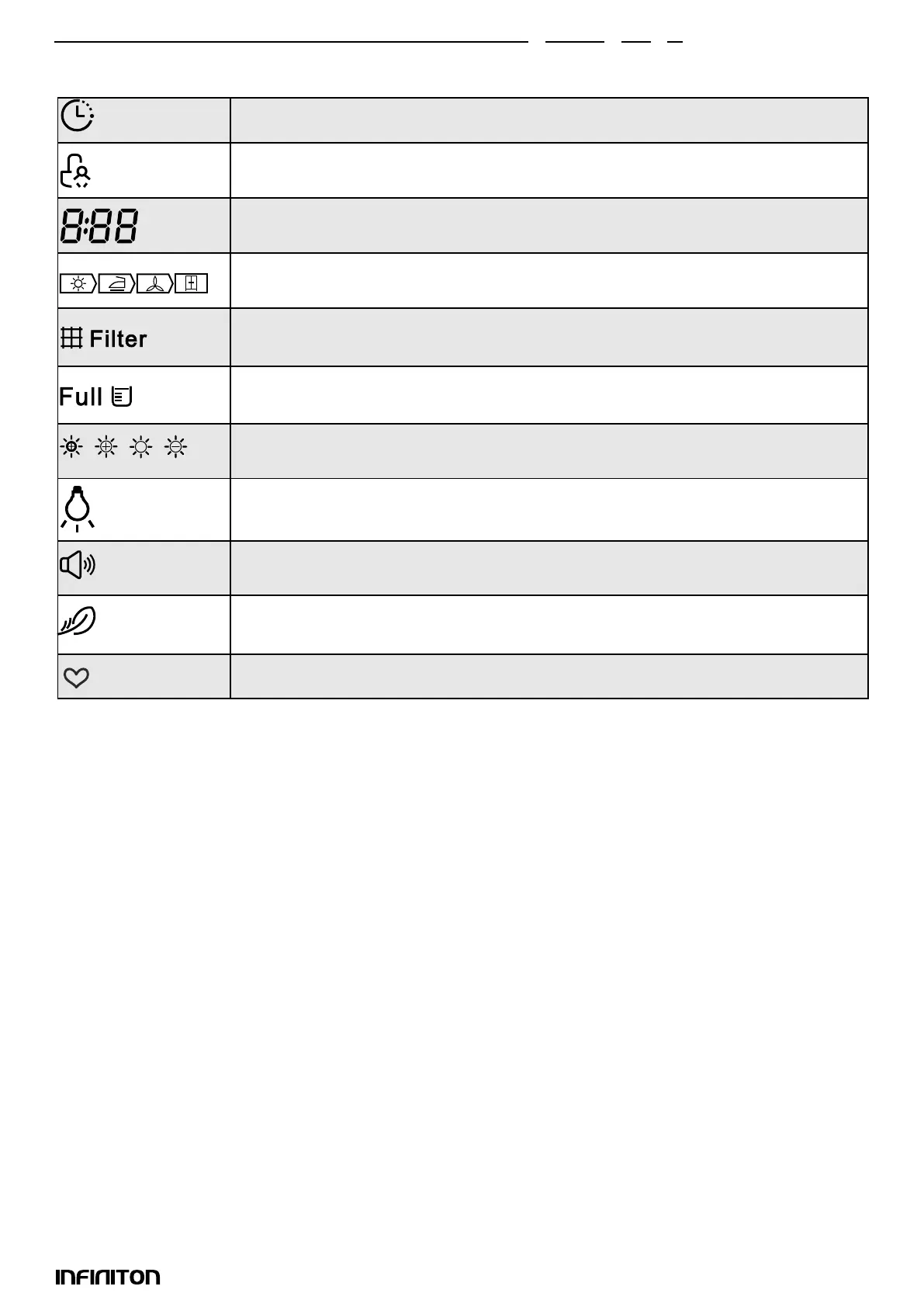
Display
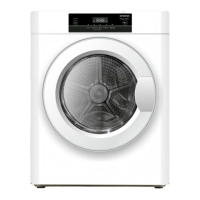
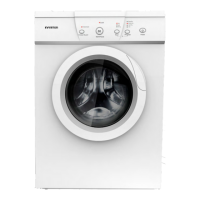
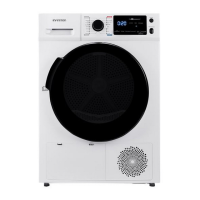
Programmes
Programme selector
1. When the LED display lights up, turn the programme selector to select the desired programme.
2. Select (Programmed Start), (Time), (Intensity), (Wrinkle Control) or (Lamp) functions for additional
options.
3. Press the (Start/Pause) button.
4. Press the (On/Off) button when the programme is nished.
Starting the selected programme
Once the programme has started, the drum will rotate. The cycle phase LED on the display will light up
and the remaining programme time will be shown.
End of selected programme
1. Once the programme has nished, the drum will stop rotating. The display will show “0:00”, the cy-
cle phase LED will show “End” and the corresponding LED will also light up. The dryer will start the (An-
ti-wrinkle) function if the user does not remove the load (See page 17).
Press the (On/Off) button after unloading the tumble dryer to turn off the power and unplug the tumble
dryer.
2. Troubleshoot the problem according to the “Troubleshooting” section, if an unexpected stop occurs
during the drying process or if the dryer displays an error code (See page 27).
Programmed start
Child Lock
Remaining time indicator / error message
Cycle phase status
Clean lters (warning)
Empty water container (warning)
Intensity (four grades)
Light
Acoustic signal
Anti-wrinkle
My Cycle


 To Next Page