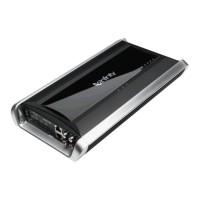
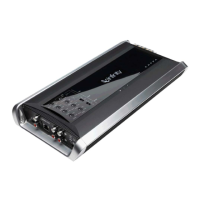
KAPPA ONE DISASSEMBLY INSTRUCTIONS
For examination:
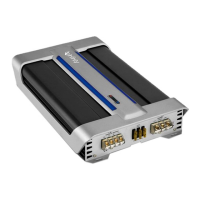
1) Remove the two screws at opposite ends on the bottom of the heatsink.
2) Remove the end panel on the Input side only, three Phillips screws.
3) Slide both pieces of silver trim off the heatsink.
4) Remove the top cover; it will be attached with a cable so unplug at Molex connector CN1
For any component repair, the entire PCB must be removed from the heatsink
5) Remove the Output end panel, four Phillips screws.
6) Remove the single remaining Phillips screw on the bottom of the heatsink
7) Remove all Phillips screws holding the Aluminum transistor clamps on
8) Slide the complete PCB out of the heatsink channel.
KAPPA ONE




 To Next Page