Black plate (118,1)
Model "INFINITI_NAVI" EDITED: 2006/ 3/ 20
INV2955
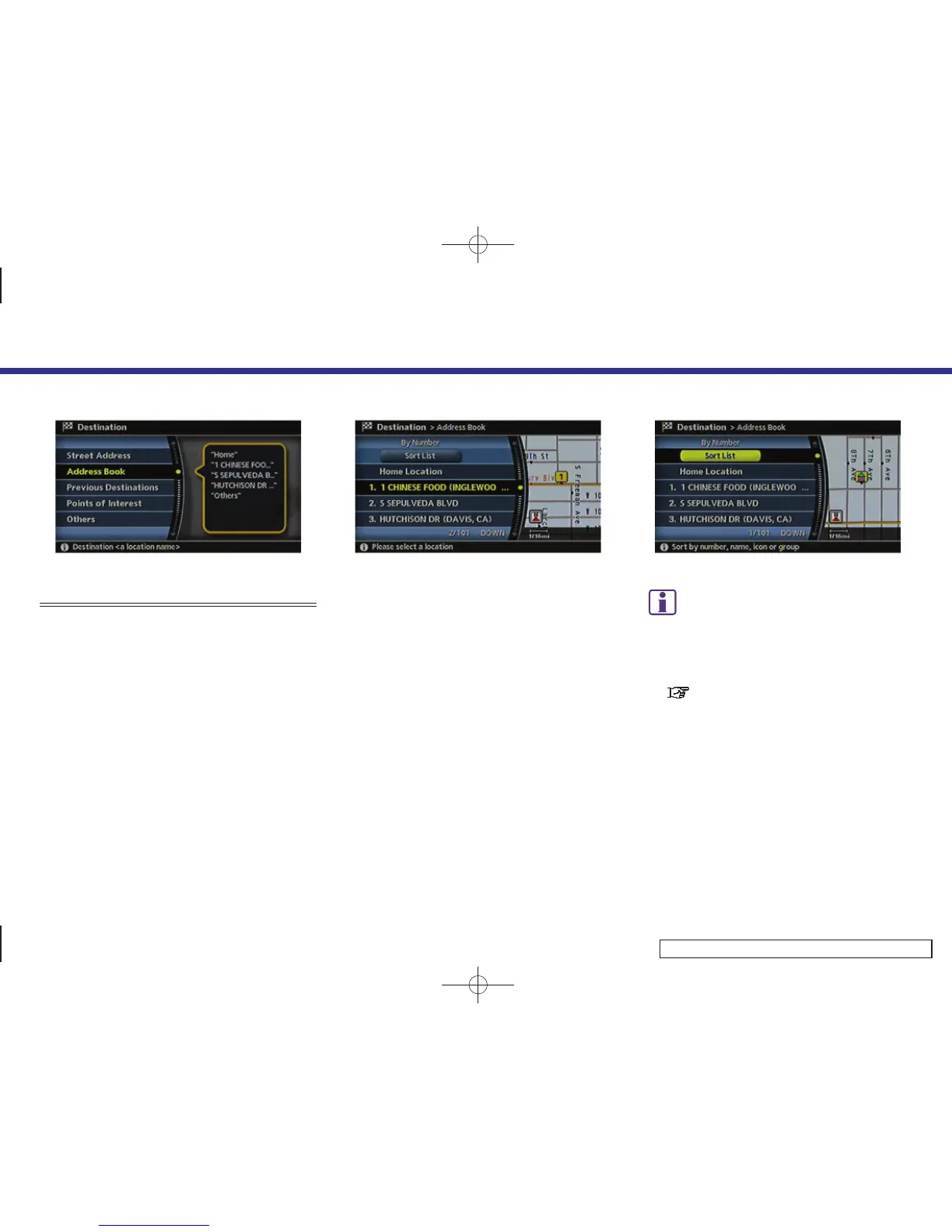
SETTING FROM ADDRESS BOOK
1. Highlight [Address Book] and push
<ENTER>.
A list screen is displayed.
INV2912
2. Highlight the preferred location from
the list and push <ENTER>.
INV2913
INFO:
Selecting [Sort List] displa ys a list of various
sort functions.
To use the sort functions, stored locations
must be set in advance.
“EDITING THE STORED HOME AND
LOCATION” (page 6-16)
4. Setting a destination
4-24



 To Next Page