Black plate (131,1)
Model "INFINITI_NAVI" EDITED: 2006/ 3/ 20
INV3028
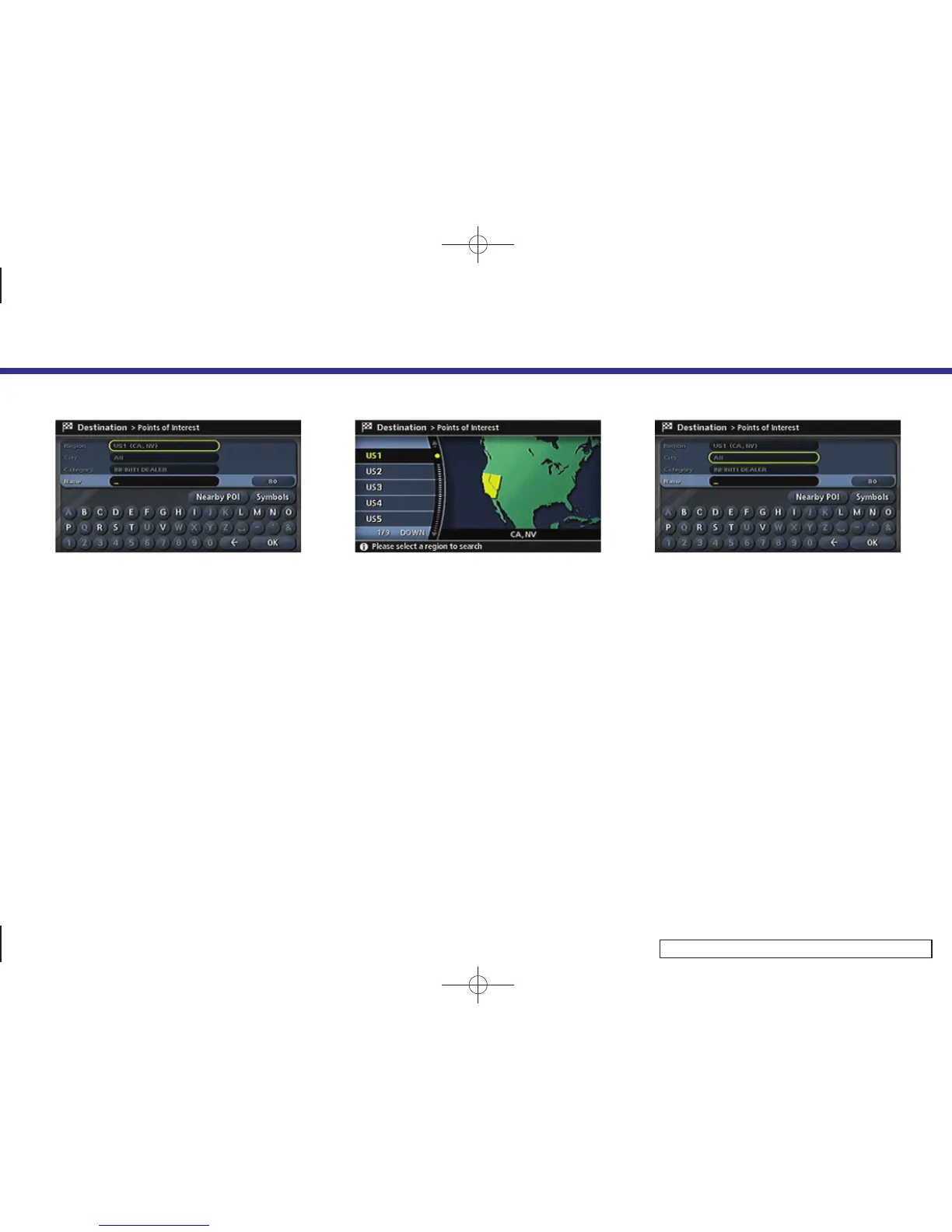
Changing the region
1. Highlight [Region] and push <ENTER> to
change the region.
INV3029
2. Highlight the preferred region and push
<ENTER>.
A character input screen is displayed.
INV3030
Specifying a city
1. Highlight [City] and push <ENTER> to
narrow down the route calculation
conditions by entering the name of
the city.
4. Setting a destination
4-37



 To Next Page