Black plate (132,1)
Model "INFINITI_NAVI" EDITED: 2006/ 3/ 20
INV3031
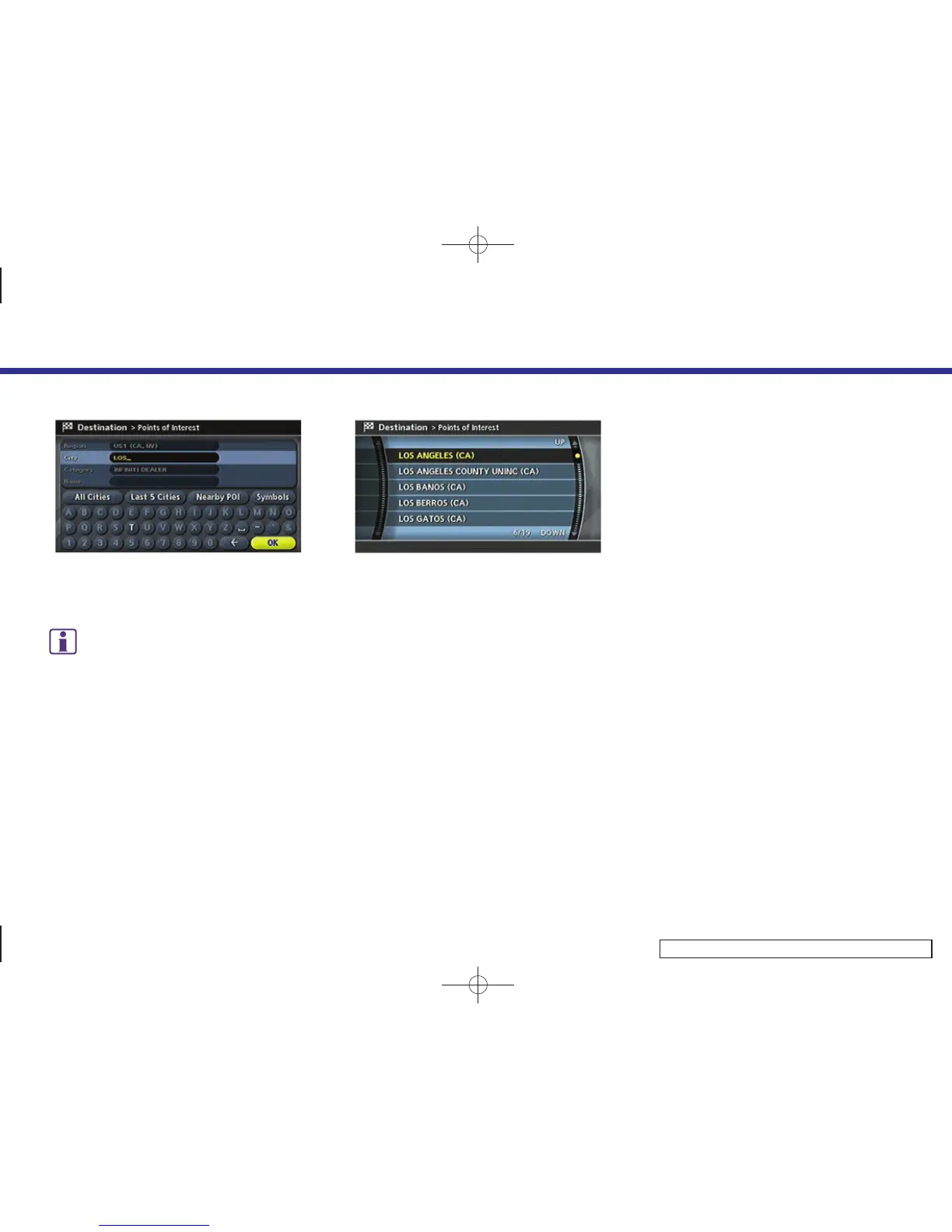
2. Enter the name of the city, highlight
[OK] and push <ENTER>.
INFO:
.
Highlight [All Cities] and push
<ENTER> to include all cities in the
region as the route calculation con-
dition.
.
Highlight [Last 5 Cities] and push
<ENTER> to display 5 cities recently
set as destinations.
INV2519
3. Highlight the city of the destination
facility from the list, and push <ENTER>.
A character input screen is displayed.
4. Setting a destination
4-38



 To Next Page