Black plate (141,1)
Model "INFINITI_NAVI" EDITED: 2006/ 3/ 20
INV2494
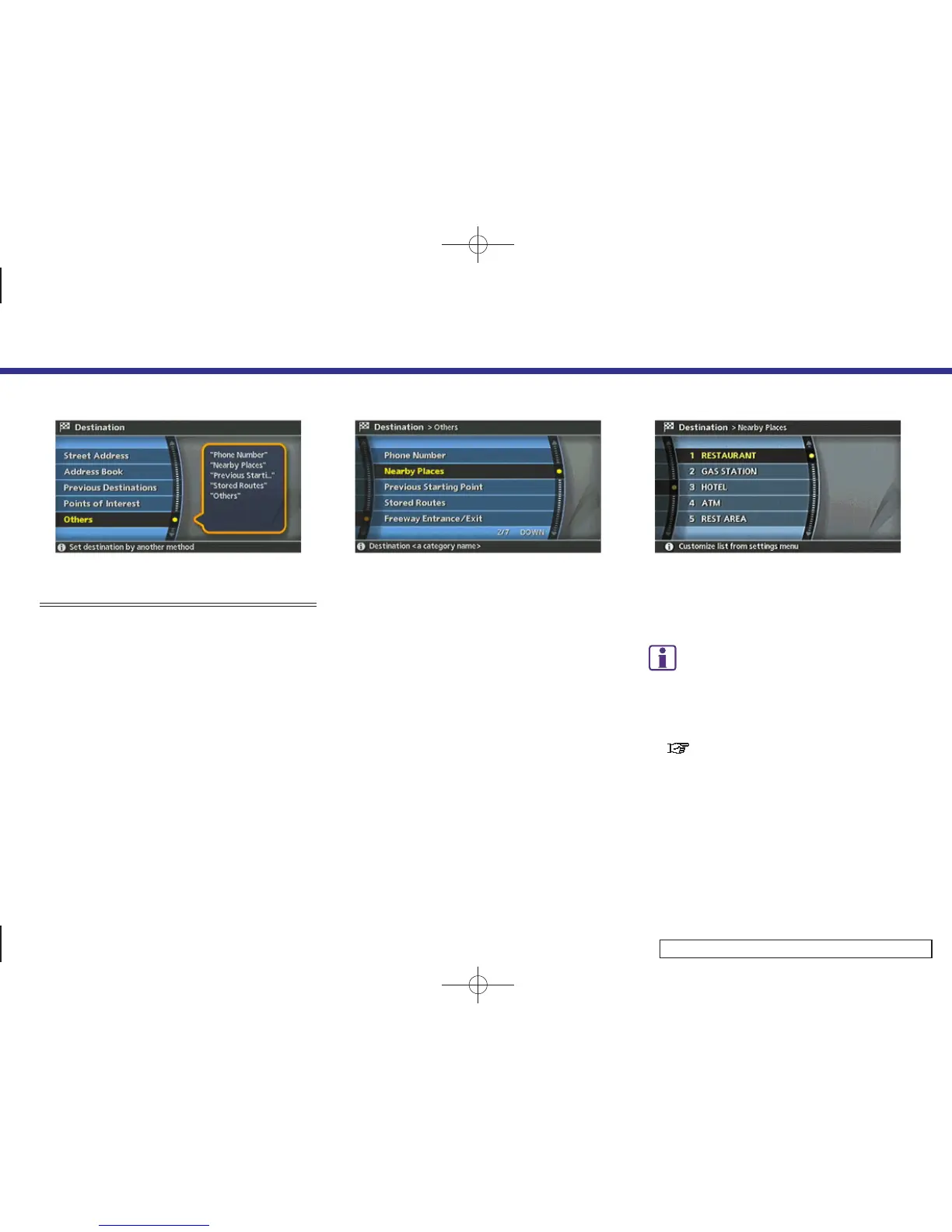
SETTING A NEARBY PLACE
1. Highlight [Others] and push <ENTER>.
INV2811
2. Highlight [Nearby Places] and push
<ENTER>.
INV2535
3. Highlight the preferred destination
Points of Interest and push <ENTER>.
A list screen is displayed.
INFO:
If there is any particular Points of Interest
type that you intend to use frequently, you
can store it in the list of nearby Points of
Interest.
“CUSTOMIZING NEARBY PLACES”
(page 6-36)
4. Setting a destination
4-47



 To Next Page