Black plate (142,1)
Model "INFINITI_NAVI" EDITED: 2006/ 3/ 20
INV2925
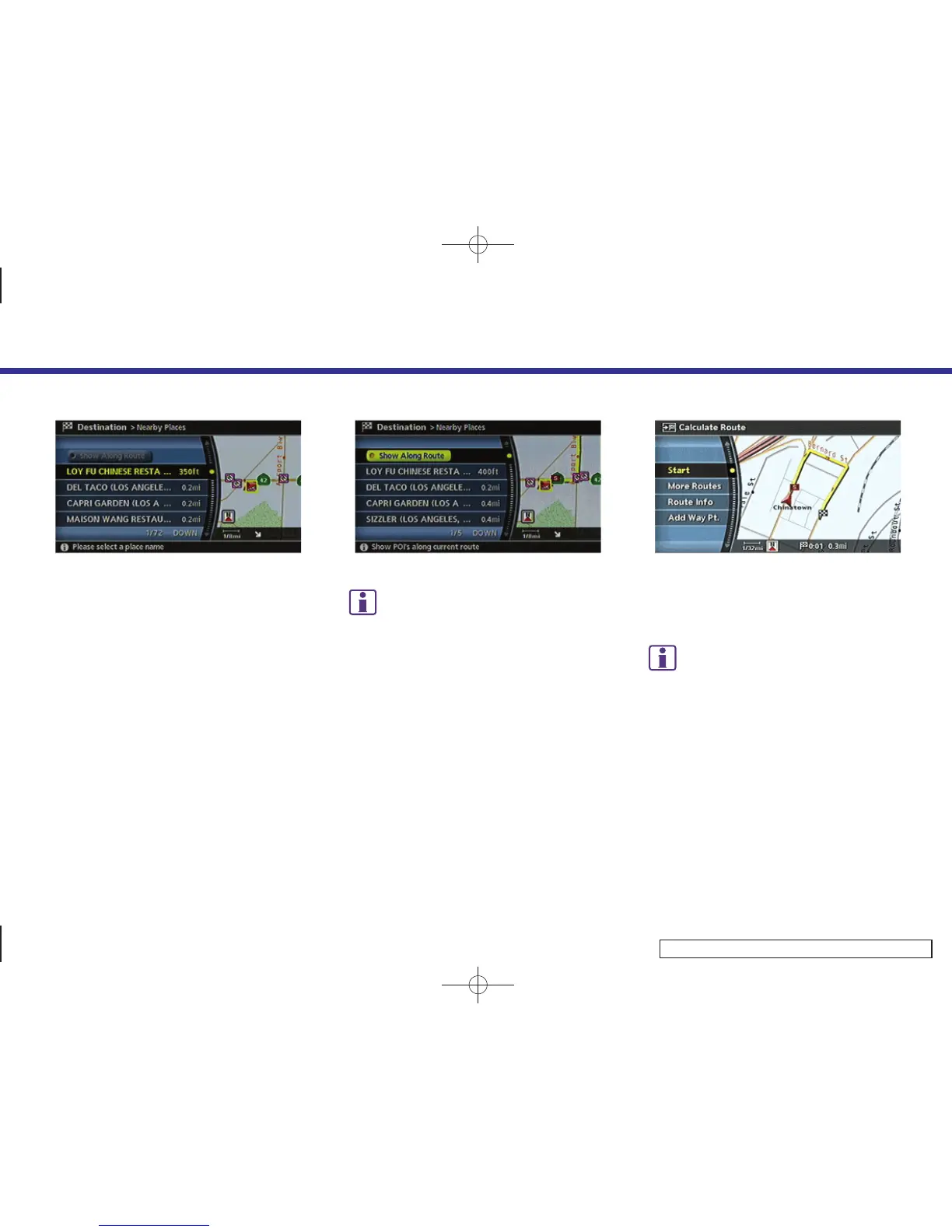
4. Highlight the preferred destination
from the list, and push <ENTER>.
The position of the selected location is
displayed in the preview on the right
side of the screen.
INV2926
INFO:
If the suggested route is already set, by
highlighting [Show Along Route] and push-
ing <ENTER>, the system displays only the
facilities located along the route.
INV2538
5. The system sets the destination to the
selected location and starts calculating
a route.
INFO:
If the route is already set, the selected location
becomes a waypoint.
4. Setting a destination
4-48



 To Next Page