Black plate (143,1)
Model "INFINITI_NAVI" EDITED: 2006/ 3/ 20
INV2539
INFO:
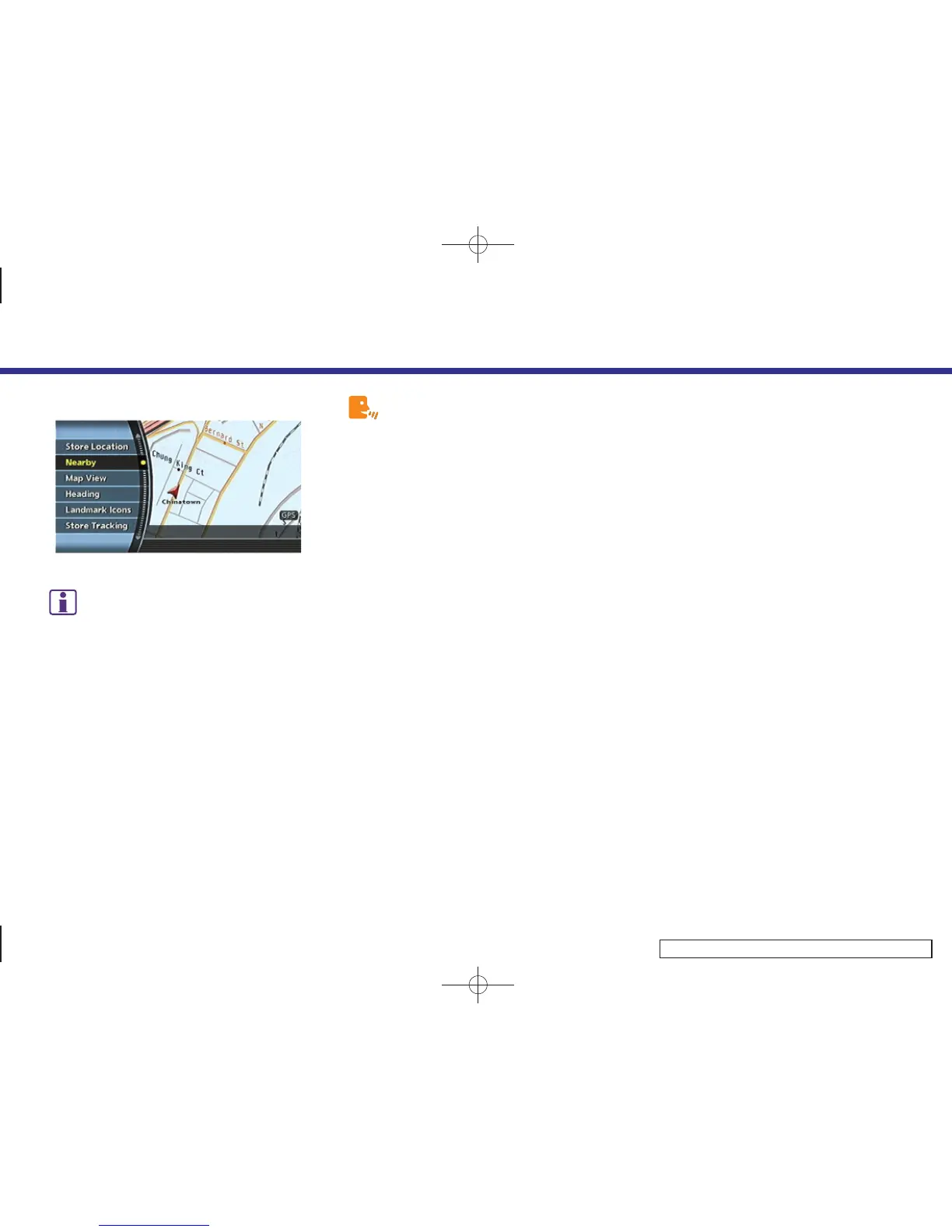
You can also set the destination by pushing
<ENTER> in the current location map screen and
selecting [Nearby].
Setting by voice command
(M45/M35 only)
1. Push and release <TALK> located on the
steering switch.
2. After the tone sounds, speak a com-
mand.
. To display the 5 nearest Points of
Interest and select the destination from
them:
“Show nearby <Category Name>”
. To display the nearby category list and
select the destination from it:
“Destination nearby places”
4. Setting a destination
4-49



 To Next Page